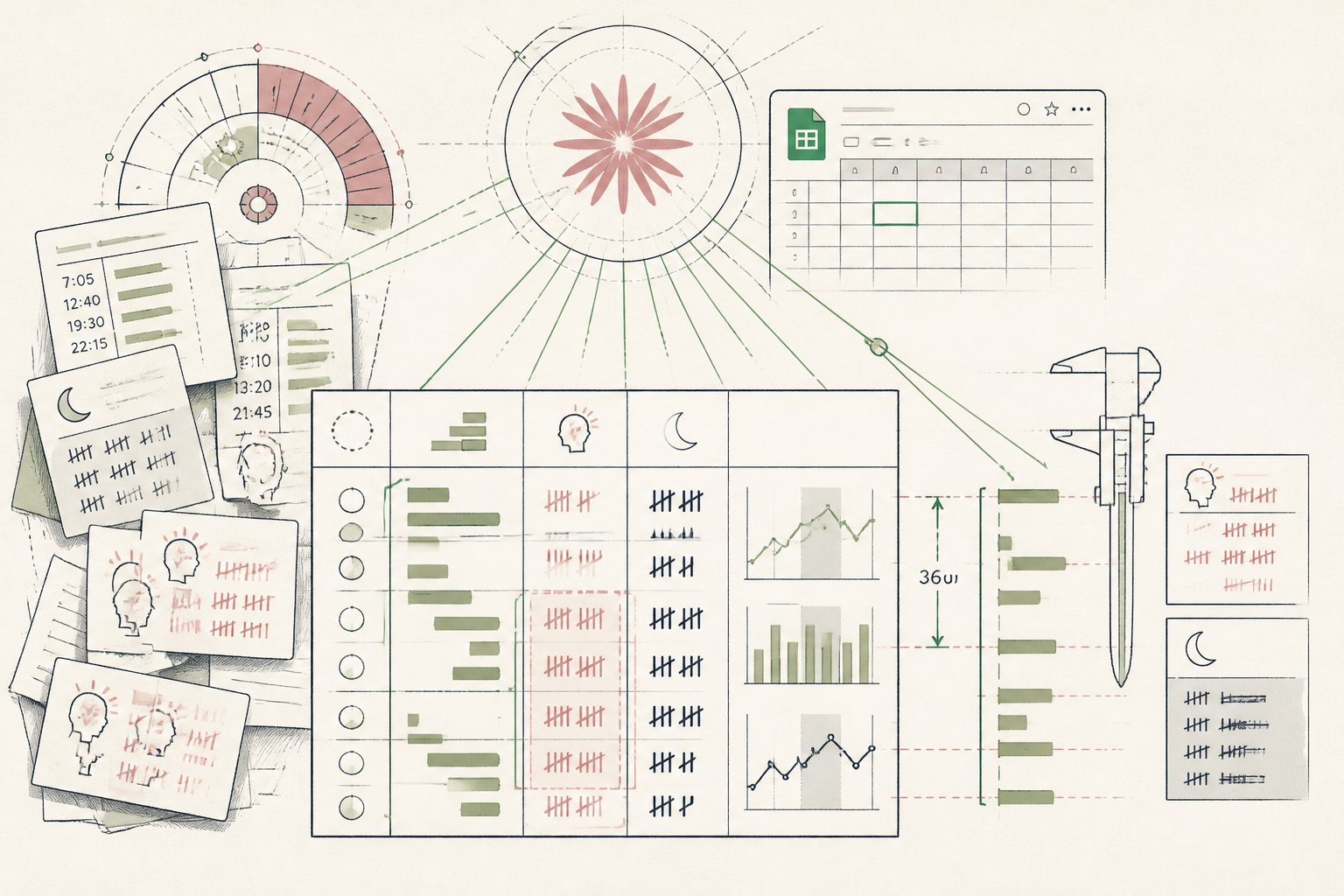
What the AI found
“Luteal phase headaches clustered exclusively around 36-hour delays in protein distribution, not total sleep duration as previously suspected.”
Before
loose intake notes, fragmented cycles, no timeline
After
one structured intake summary per consultation
The same system, three states — real screens, not a screenshot
- Client A: migraine day 21, slept 7h, skipped lunch
- Client B: luteal fatigue, food logs on paper photos
- Follow-up prep taking 35+ mins per chart
Prompt
Review these 8 weeks of cycle dates, symptom timestamps, and meal notes. Align them by menstrual phase (follicular vs luteal). Surface any repeating non-obvious correlations between symptom timing and dietary logs. Keep observations objective and numerical.
Here are 8 weeks of symptom logs, cycle dates, and meal journals for this client. Align symptoms by cycle phase and flag recurring dietary patterns.
AI
Symptoms mapped across 2 full cycles. Luteal phase headaches clustered exclusively around 36-hour delays in protein distribution, not total sleep duration as previously suspected.4 mins
Weekly review time
Day 19 to 24
Cycle correlation flagged
100% charted
Follow-up accuracy
Structuring Complex Hormone Intake Logs in Four Minutes
How a nutritional therapist automated intake chronology to surface cycle patterns in minutes.
A nutritional therapist specialising in female endocrine health, Northern Europe
Tools used
The real tools used here — swap any for your own equivalent. Each links to how we’d set it up.
Starting state
Before anything was set up
Three separate clients had shared symptom diaries: one via paper photos, another in exportable spreadsheets, and a third as conversational email updates. The practitioner was spending forty minutes before each Friday appointment cross-referencing luteal cycle days against meal timing, toggling between calendar entries and scribbled note margins without a unified view.
- Client A: migraine day 21, slept 7h, skipped lunch
- Client B: luteal fatigue, food logs on paper photos
- Follow-up prep taking 35+ mins per chart
Working state
Setup, doing its job
During a single setup session, she established a clean workflow between Google Sheets and Claude. She pasted unformatted cycle logs alongside timestamped dietary entries directly into the model. Within seconds, the tool normalised the dates into menstrual cycle phases and calculated symptom distribution against meal intervals.
Prompt
Review these 8 weeks of cycle dates, symptom timestamps, and meal notes. Align them by menstrual phase (follicular vs luteal). Surface any repeating non-obvious correlations between symptom timing and dietary logs. Keep observations objective and numerical.
Here are 8 weeks of symptom logs, cycle dates, and meal journals for this client. Align symptoms by cycle phase and flag recurring dietary patterns.
AI
Symptoms mapped across 2 full cycles. Luteal phase headaches clustered exclusively around 36-hour delays in protein distribution, not total sleep duration as previously suspected.Use case implemented
The finished system, running on its own
Between clients on Thursday afternoons, she now drops raw intake exports into a local template. Claude parses symptom logs against menstrual phases, highlighting phase-specific clusters before appointments. The practitioner spends four minutes reviewing clear structural correlations instead of untangling handwritten diaries, entering each clinical session with an objective baseline for patient discussion.
4 mins
Weekly review time
Day 19 to 24
Cycle correlation flagged
100% charted
Follow-up accuracy
What an outside observer would notice
4 mins vs 35 mins
Session intake prep
8 cycle logs unified
Symptom cross-referencing
The stack — build it yourself
Processes long, unstructured symptom diaries without truncating context across menstrual cycles.
Free, familiar interface for standardising intake metrics before appointments.
These are the tools used in this story. Any can be swapped for an equivalent you already trust.
Go deeper
Do this yourself
Build your practice intake system
This story runs on Setup. The tools and prompts above are the real build — swap any tool for your own equivalent and follow the same steps.