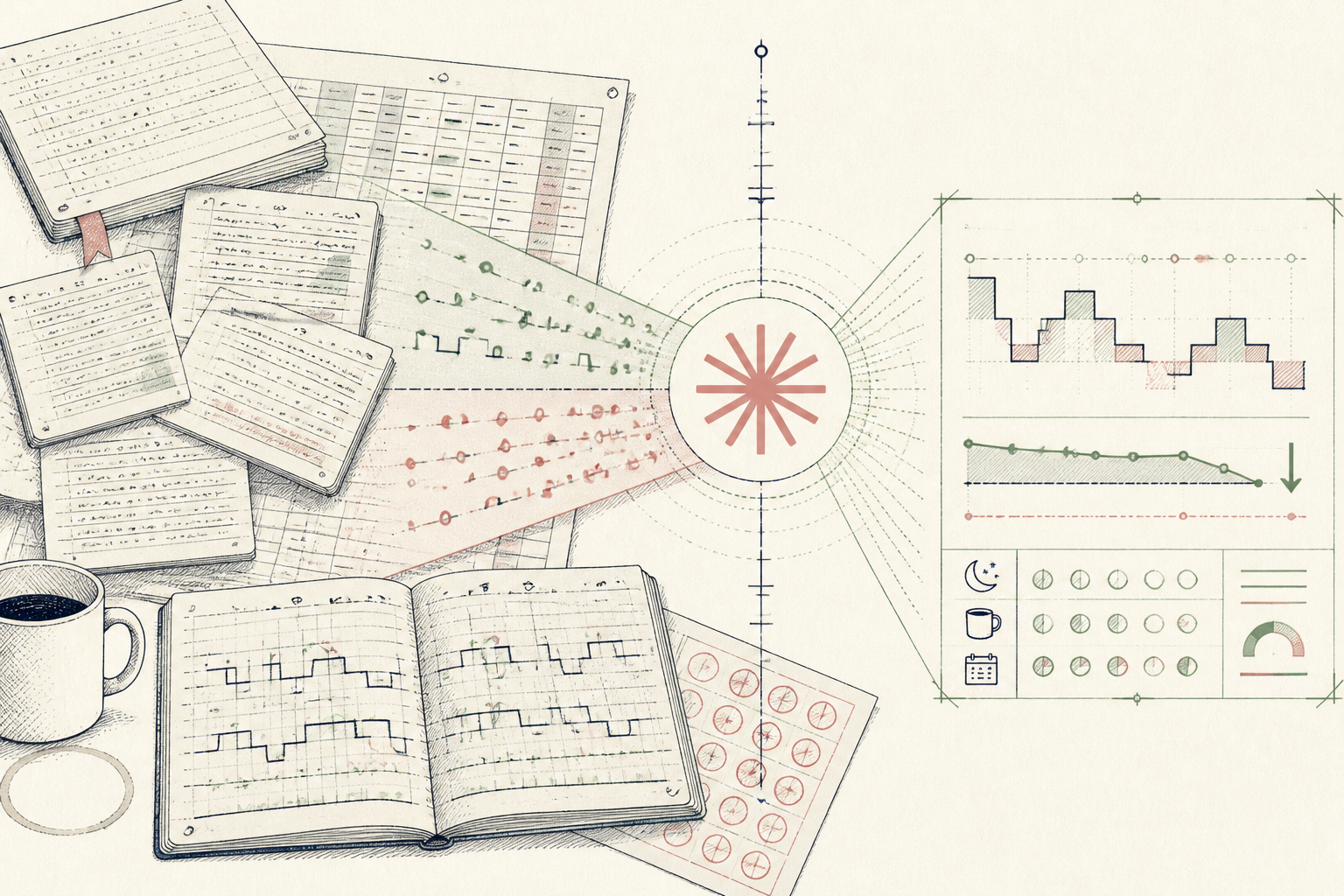
What the AI found
“Sleep efficiency drops 18% on nights following evening consults, but shows zero correlation with self-reported caffeine intake.”
Before
12 client intake forms, zero sleep pattern visibility
After
A 4-minute intake flag that spots sleep disruption early
The same system, three states — real screens, not a screenshot
- Client: Sarah M. (Intake notes)
- Sleep log: 14 days of mixed PDFs and written notes
- Reports 'poor sleep after busy days'
- Mentions 2 cups coffee daily, occasional 4pm espresso
Prompt
Analyze the attached 14-day client sleep log against their daily activities. Identify the strongest non-obvious correlator with sleep efficiency below 75%. Highlight any discrepancies with self-reported concerns.
Analyze the attached 14-day client sleep log against their daily activities. Identify the strongest non-obvious correlator with sleep efficiency below 75%.
AI
Sleep efficiency drops 18% on nights following evening consults (averaging 68%), but shows zero correlation with self-reported caffeine intake. The primary disruptor is post-7pm administrative work, not the 4pm coffee.68% sleep efficiency
Late consult nights
86% sleep efficiency
Standard consult nights
4 mins
Review time per client
How a Solo Practitioner Mapped Client Sleep Patterns in Minutes
How an integrative practitioner turned messy client sleep logs into a four-minute intake summary using Claude and a spreadsheet.
An integrative health practitioner in private practice, Western Europe
Tools used
The real tools used here — swap any for your own equivalent. Each links to how we’d set it up.
Starting state
Before anything was set up
Every Monday morning began with a backlog of client intake questionnaires and fragmented sleep journals. Some arrived as exported PDFs from wearable trackers, others as scribbled timelines in text files. Sifting through fourteen days of fragmented notes for a single client took nearly twenty minutes. The practitioner could spot glaring outliers like a midnight bedtime, but subtle multi-variable interactions—such as how evening work hours affected nighttime wakefulness—remained completely buried beneath the administrative clutter.
- Client: Sarah M. (Intake notes)
- Sleep log: 14 days of mixed PDFs and written notes
- Reports 'poor sleep after busy days'
- Mentions 2 cups coffee daily, occasional 4pm espresso
- No clear link between bedtime and night waking
Working state
10-Day Challenge, doing its job
On day four of the challenge, the practitioner uploaded an anonymized two-week export containing sleep times, wake intervals, and daily activity logs into Claude. Instead of asking generic questions, they used the challenge's structured prompt template to isolate non-obvious correlations. In seconds, the model reconciled the dates, cross-referenced sleep efficiency percentages against daily schedules, and isolated an actionable finding that had evaded visual inspection for weeks.
Prompt
Analyze the attached 14-day client sleep log against their daily activities. Identify the strongest non-obvious correlator with sleep efficiency below 75%. Highlight any discrepancies with self-reported concerns.
Analyze the attached 14-day client sleep log against their daily activities. Identify the strongest non-obvious correlator with sleep efficiency below 75%.
AI
Sleep efficiency drops 18% on nights following evening consults (averaging 68%), but shows zero correlation with self-reported caffeine intake. The primary disruptor is post-7pm administrative work, not the 4pm coffee.Use case implemented
The finished system, running on its own
By day ten, the practitioner has a working intake protocol that runs entirely inside Google Sheets and Claude. When new clients submit their initial two-week sleep log, the automated prompt extracts bedtimes, evening workload, and sleep continuity metrics within seconds. Instead of guessing whether an evening routine issue stems from caffeine or mental residue, the practitioner sees the quantified correlation before the first consultation even begins, allowing them to shape the appointment around verifiable habits.
68% sleep efficiency
Late consult nights
86% sleep efficiency
Standard consult nights
4 mins
Review time per client
What an outside observer would notice
18 mins to 4 mins
Intake review time
First visit (was 4+ visits)
Pattern detection window
The stack — build it yourself
Large context window handles unstructured text logs alongside tabular CSV exports seamlessly.
Familiar, zero-friction client data storage that requires no complex integration.
These are the tools used in this story. Any can be swapped for an equivalent you already trust.
Go deeper
Do this yourself
Start the 10-Day Challenge
This story runs on 10-Day Challenge. The tools and prompts above are the real build — swap any tool for your own equivalent and follow the same steps.