Automation · Setup in 10 min· Setup Pass
Set up Zapier to Auto-Log Wearable Data in Notion in 10 minutes
This configuration creates an AI agent that automatically parses your daily wearable data email and logs structured sleep and HRV scores.
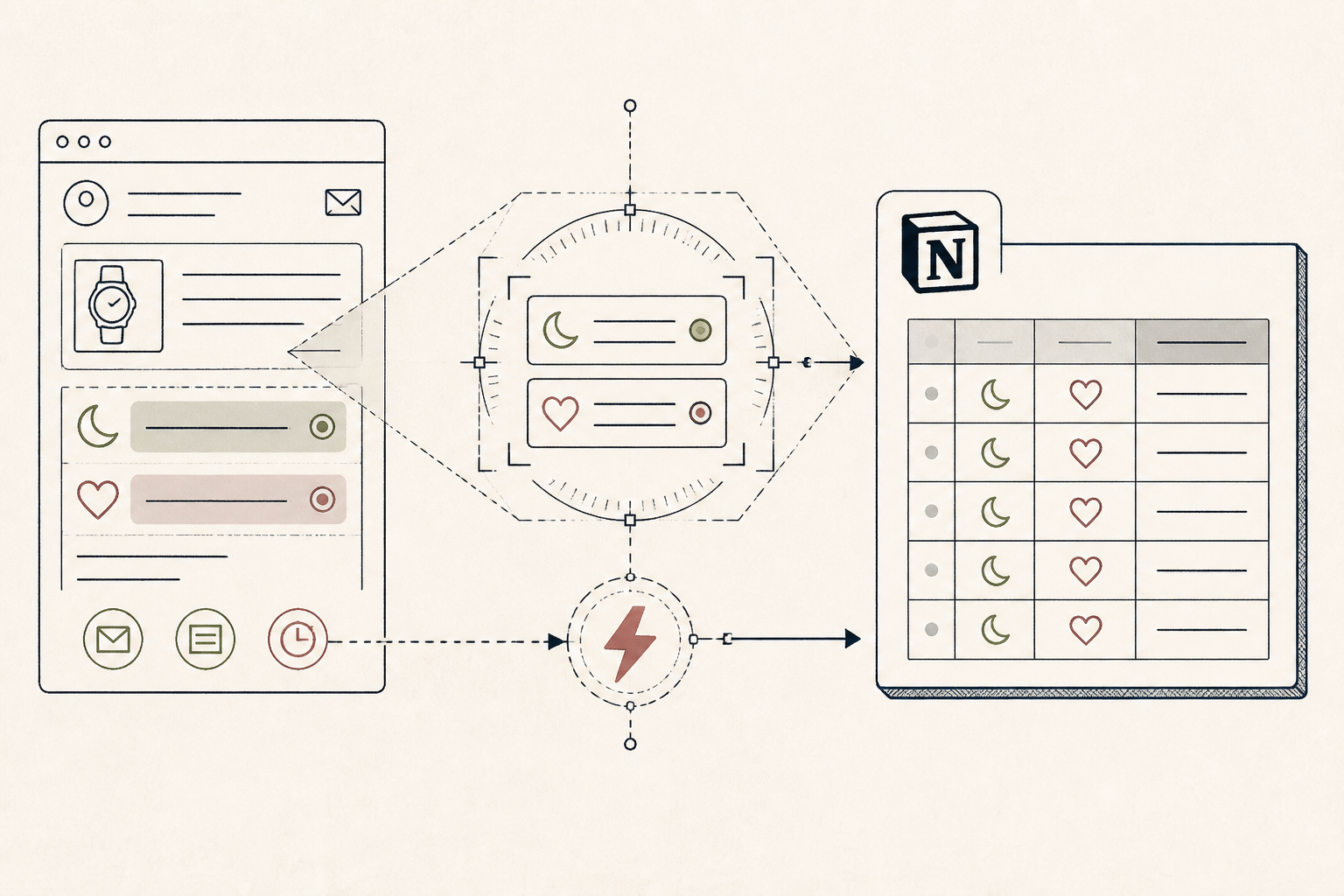
Most wearable data lives and dies in its own app, or as a marketing email. This setup solves the data-portability problem by creating an AI agent to read those daily summary emails and log the key metrics into a personal health ledger you control.
Before you start
- A Zapier account with Agent access
- A Notion account
- A wearable that sends daily/weekly email summaries (e.g., Oura)
- 10 quiet minutes
The steps
- 01
Create Your Notion Ledger
In Notion, create a new database. Add properties for 'Date', 'HRV', 'Readiness Score', and 'Deep Sleep (min)'. This provides a structured destination for your wearable data.
- 02
Set the Email Trigger
In Zapier, create a new Zap. Select your email app (e.g., Gmail) as the trigger. Choose the event 'New Email Matching Search' and specify a term to find your wearable summary, such as 'from:ouraring.com subject:"Your daily readiness"'.
- 03
Add the Agent Action
For the action step, search for and select 'Zapier Interfaces', then choose 'Converse with Agent'. This step will perform the intelligent extraction.
- 04
Instruct the Agent to Extract Data
In the 'Message' field for the agent, pass in the body text from the trigger email. Then, instruct it precisely: 'From the email body, extract the Readiness Score, HRV, and Total Sleep duration in minutes. Return only the three numerical values, separated by commas.'.
- 05
Log the Data to Notion
Add a final 'Notion: Create Database Item' action. Map the agent's extracted data to the corresponding fields in your Notion database. This last step completes the automation from data source to your personal health ledger, the foundation of the Research / Ledger / Protocol method.
Honest note
Zapier's agent is parsing unstructured-text emails. If your wearable company changes its email template, the agent's extraction may fail silently. This setup is for convenient logging of summary data; for granular analysis, a direct API integration is more robust.
Want the whole stack, not just one tool?
The free 10-Day Challenge wires these together. Or join the free 45-min live workshop and watch me build it end-to-end.