Automation · Setup in 8 min· Setup Pass
Set up Google Workspace Studio for a morning readiness brief in 8 minutes
Automatically draft a daily readiness document and block recovery time on your calendar based on your wearable data.
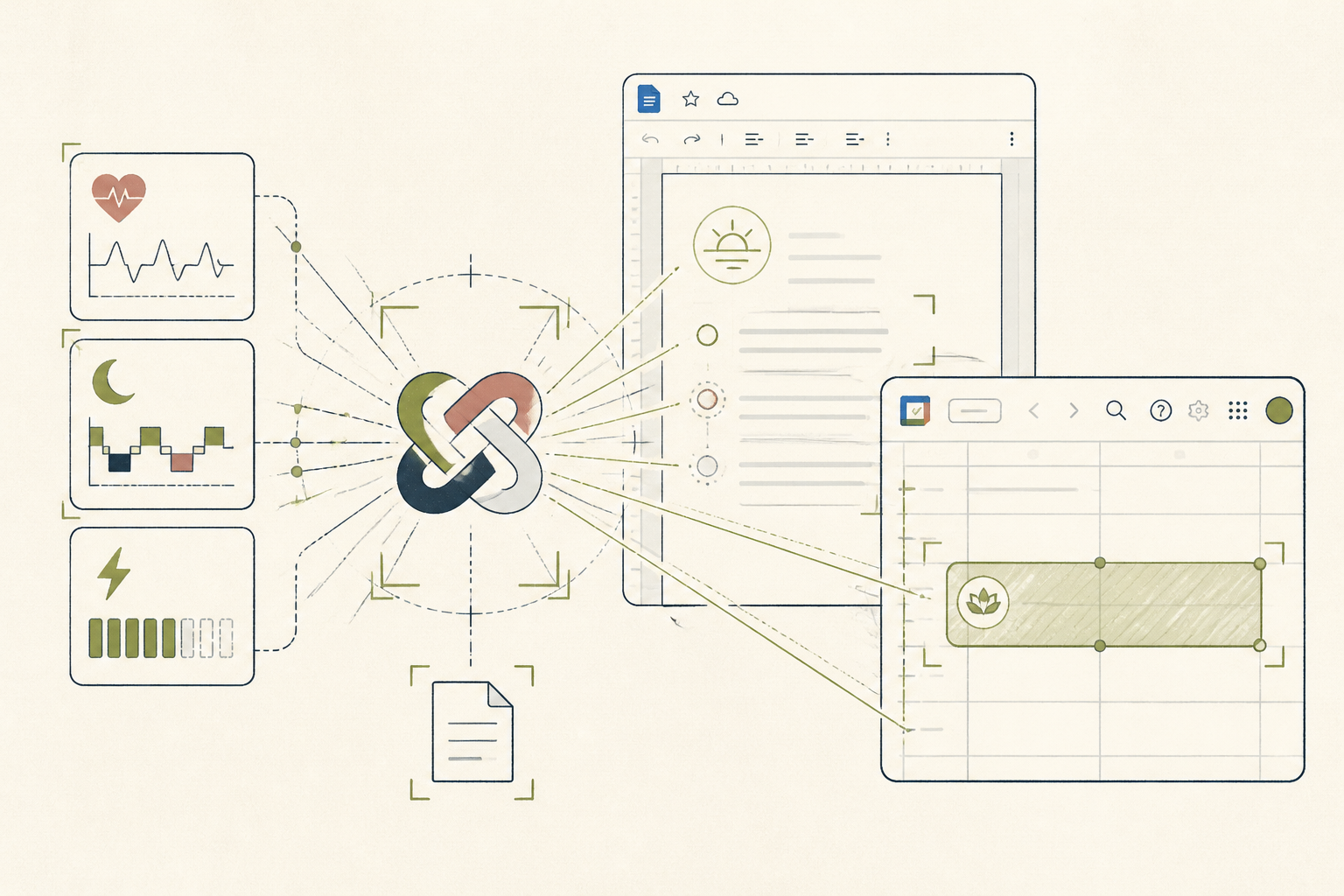
Manual entry of wearable data into a journal or calendar is tedious and inconsistent. This setup automates the process inside Google Workspace, creating a daily readiness document and blocking recovery time on your calendar when your metrics dip.
Before you start
- A Google Workspace account with Studio access
- A wearable device that syncs with Google Health Connect
- A quiet 8 minutes to configure the automation
The steps
- 01
Create a new automation
In your Google Cloud console, navigate to Workspace Studio and create a new automation. Name it "Morning Readiness Brief". The trigger will be a daily schedule, set to run at a time shortly after you wake up, for example, 7:00 AM.
- 02
Connect to your health data
Add a step to the automation that reads data from Google Health Connect. Authenticate your account and specify the metrics you want to pull — typically Resting Heart Rate (RHR), Heart Rate Variability (HRV), and Sleep Duration from the previous night.
- 03
Draft the readiness brief
Add a Gemini (or Google Docs) step. Use a prompt to format the data from the previous step into a simple document. For example: "Draft a new Google Doc titled 'Readiness: [Date]'. Create a heading 'Morning Metrics' and list the following: Sleep: [Sleep Duration], HRV: [HRV], RHR: [RHR]." This creates your daily Ledger entry.
- 04
Add conditional calendar logic
Create a conditional step. If HRV is below your 30-day average or RHR is 5+ bpm above it, add a Google Calendar event. This is the Protocol layer of the method. Configure the event to create a 60-minute block titled "Recovery & Light Movement" during a typically open slot, like lunchtime.
- 05
Set up notifications
Add a final step to send you a notification via Google Chat or email. The message should include a link to the newly created readiness document, allowing you to review your metrics and the automated calendar adjustment first thing.
Honest note
This setup is entirely dependent on the data quality from your wearable and Google Health Connect; noisy or incomplete data will lead to a flawed brief. Workspace Studio also has limited triggers, so the automation is time-based, not event-based (e.g., it cannot trigger the moment your wearable syncs).
Want the whole stack, not just one tool?
The free 10-Day Challenge wires these together. Or join the free 45-min live workshop and watch me build it end-to-end.