Wearables · Setup in 10 min· Setup Pass
Set up Whoop for Sleep & Strain Coaching in 10 minutes
Calibrate your Whoop to precisely track how your sleep quality and daily strain influence each other.
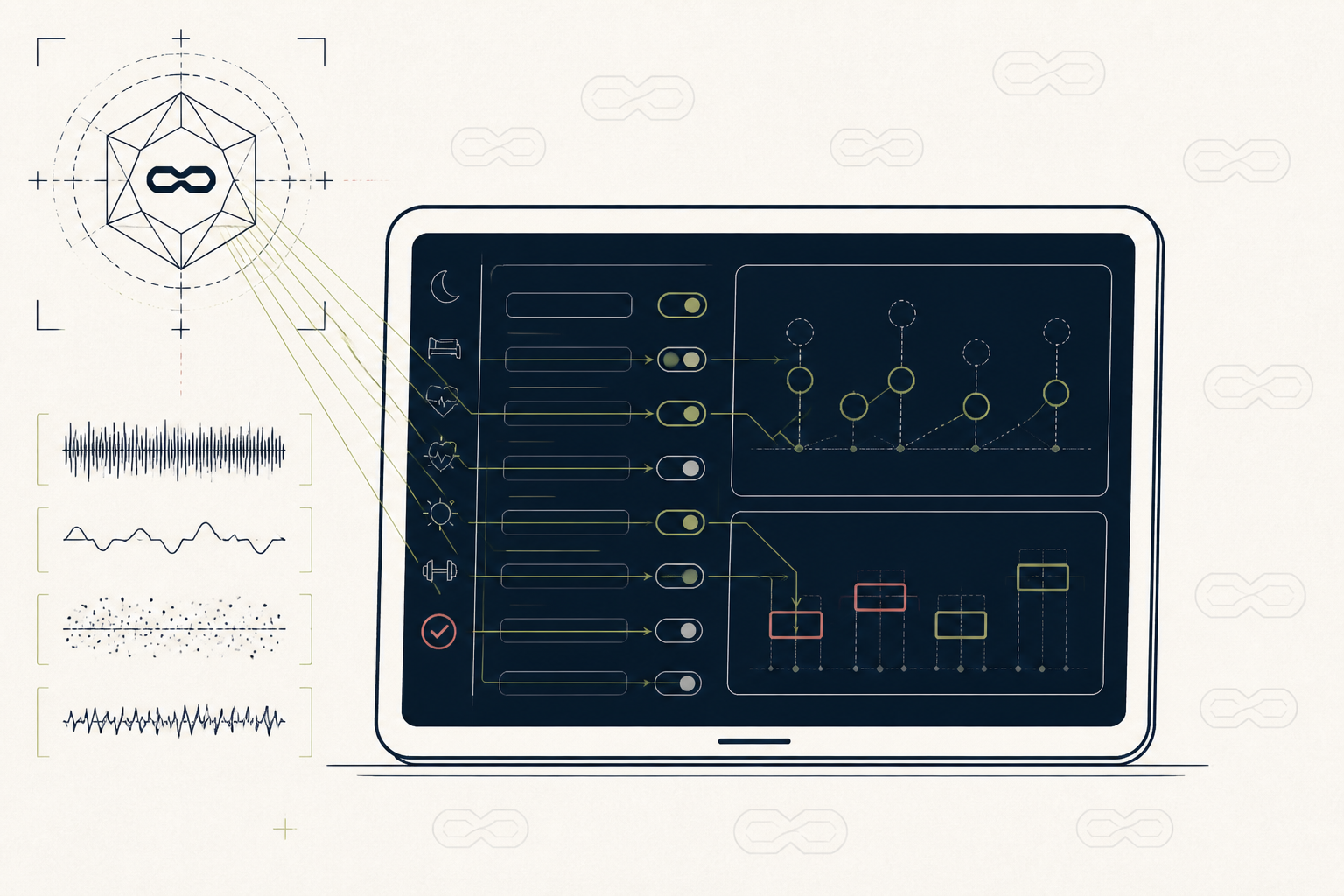
Raw sleep and heart-rate variability (HRV) data is noisy. This setup configures your Whoop Journal to find specific drivers of your sleep quality, then uses Strain Coach to set daily targets that align with your recovery.
Before you start
- A Whoop account with the device worn for at least 7 days
- The Whoop mobile app
- 10 quiet minutes to review your data
The steps
- 01
Calibrate the Journal
Open the Whoop app and tap the Journal icon. Tap "Configure Journal" and select 5-10 behaviors you suspect affect your sleep (e.g., "Late Meal", "Alcohol", "Read in Bed"). This creates a data ledger for Whoop's analytics to correlate with your recovery scores.
- 02
Review Your First Monthly Performance Assessment
After 28 days of Journal entries, Whoop emails your Monthly Performance Assessment (MPA). Open the PDF and go to the "Behaviors Analysis" section. Identify the top 1-2 behaviors with the most significant positive or negative impact on your Recovery score.
- 03
Set Your Strain Coach Target
Based on your daily Recovery score, the app suggests an optimal Day Strain. You can view this on the app's home screen. This is a dynamic target, not a fixed goal; it adjusts based on your sleep performance and prior days' strain.
- 04
Tag Activities Accurately
After a workout, Whoop will auto-detect it. Tap into the activity and confirm or edit the type (e.g., "Functional Fitness," "Running"). Accurate tagging helps the system learn how different activities contribute to your overall strain, refining future Strain Coach recommendations.
- 05
Use Strain Coach During a Workout
Start an activity from the app and select "Strain Coach." The app will show your strain building in real-time against the target score set that morning. This allows you to modulate intensity intra-workout to meet, not exceed, your body's capacity for the day.
- 06
For Practitioners: Monitor Client Dashboards
If you manage clients, access your Whoop Pro dashboard. Review your clients' Recovery scores and Journal behavior data. You can use this to draft protocols, adjusting training load or suggesting lifestyle modifications based on their objective data, not just subjective reports.
Honest note
Whoop excels at showing correlation, but it cannot prove causation. Seeing that alcohol tanks your HRV in the MPA report is an observation, not a diagnosis; the physiological mechanism is for you and a clinician to explore. It also requires consistent wear and journaling for at least a month to become truly useful.
Want the whole stack, not just one tool?
The free 10-Day Challenge wires these together. Or join the free 45-min live workshop and watch me build it end-to-end.