Voice · Setup in 8 min· Setup Pass
Set up Whisper for private audio journaling in 8 minutes
Use a free, open-source AI to transcribe your private health voice memos on your own machine, no cloud required.
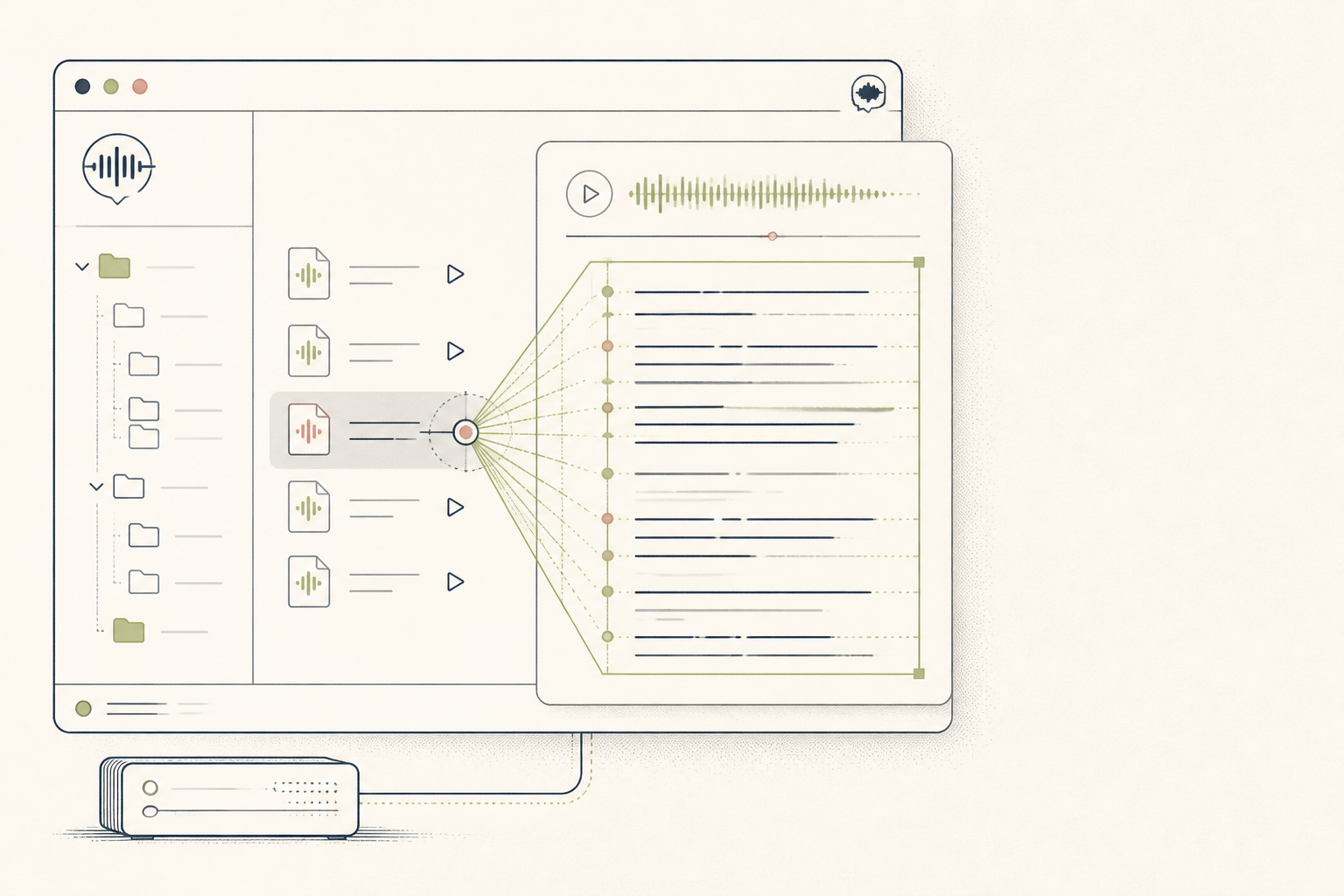
If you use voice memos to keep a symptom journal or log health notes, you need a private way to search and organize them. This guide configures the open-source Whisper model to run locally, transcribing your audio files without sending them to a third party.
Before you start
- A Mac with Apple Silicon (M1/M2/M3)
- The latest version of macOS
- 15 minutes of quiet time
The steps
- 01
Install MacWhisper
Download and install MacWhisper from the official website. This application provides a simple graphical interface for OpenAI's Whisper model, removing the need for command-line operations.
- 02
Select your transcription model
In MacWhisper's settings, choose the 'tiny' or 'base' model. These models are smaller, run faster on most machines, and are accurate enough for clear, single-speaker dictation like a symptom journal.
- 03
Transcribe your first audio file
Drag and drop an audio file (e.g., an M4A from Voice Memos) into the MacWhisper window. The app will process the audio locally and display the transcription directly.
- 04
Review and export the transcript
Read the generated transcript to check for any errors in key terms like medication names or specific symptoms. You can then copy the text or export it as a plain text file to your personal health ledger.
- 05
Create a health log
Paste your transcribed notes into a secure document or notes app, creating a searchable, time-stamped log. This converts your raw audio into a structured data layer for later review, forming the 'Ledger' part of the 3-Layer Method.
Honest note
Whisper running locally is excellent for privacy but less accurate than the paid API version, especially with background noise or non-native accents. It may misinterpret medical terms or dosages, so always verify critical details in the transcript yourself.
Want the whole stack, not just one tool?
The free 10-Day Challenge wires these together. Or join the free 45-min live workshop and watch me build it end-to-end.