Workspace · Setup in 10 min· Setup Pass
Set up v0 for Health Protocol Dashboards in 10 minutes
Use Vercel's v0 to generate React components for a client-facing health protocol dashboard.
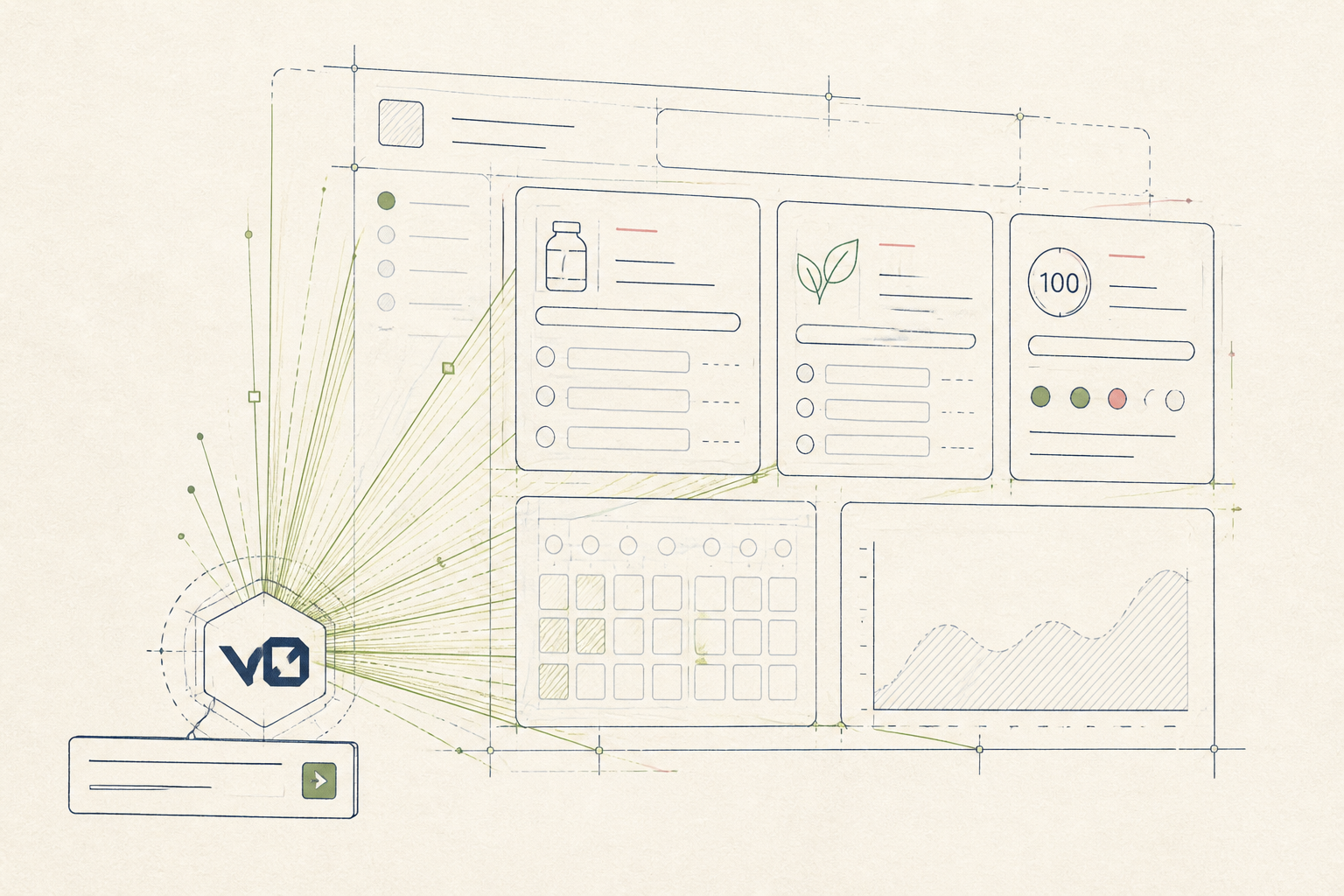
Building client-facing dashboards to track health protocols can be time-consuming. This guide shows you how to use v0 to generate the initial React components from a simple text prompt, letting you quickly create the visual elements for tracking supplements, habits, and scores.
Before you start
- A Vercel account with v0 access
- A new or existing React project (e.g., Next.js)
- 10 quiet minutes
The steps
- 01
Start a new generation
Navigate to v0.dev. In the prompt bar, describe the first component of your dashboard. Start with a simple element, such as a component to display a single supplement and its dosage. For example: "a card that shows a supplement name, dosage, and time of day, with a checkbox to mark it as taken".
- 02
Iterate on the design
v0 will generate three initial options. Use the prompt bar to refine your preferred choice. You might ask for changes like "change the checkbox to a toggle switch" or "add a small icon for the time of day, like a sun or moon". This lets you quickly adjust the visual presentation without writing CSS from scratch.
- 03
Add a data-entry component
Next, prompt v0 to create a component for daily data logging, which forms the Ledger layer of your client's stack. Try a prompt like: "a simple form with a date picker, a numeric input for sleep hours, and a slider for morning readiness from 1 to 10". This component will capture the inputs that measure protocol adherence and effect.
- 04
Assemble the Protocol view
Finally, ask v0 to generate a container to organize your components into a clean layout. Prompt: "a two-column grid. The left column contains a list of supplement cards. The right column has the daily log form". This gives you a complete, functional layout for the main dashboard view.
- 05
Copy the code
Once you are satisfied with the generated components, click the "Code" tab. Copy the generated JSX and CSS into your React application files. You can then connect these front-end components to your data source and state management logic.
Honest note
v0 generates presentational components, not functional applications. The code is a starting point and requires you to write the logic for state management, data fetching, and user interactions yourself. It can also produce non-optimal or verbose code that a senior developer might refactor.
Want the whole stack, not just one tool?
The free 10-Day Challenge wires these together. Or join the free 45-min live workshop and watch me build it end-to-end.