Voice · Setup in 8 min· Setup Pass
Set up Tandem Health for appointment summaries in 8 minutes
Record your clinical appointments (with consent) and get a structured, plain-language summary of the conversation.
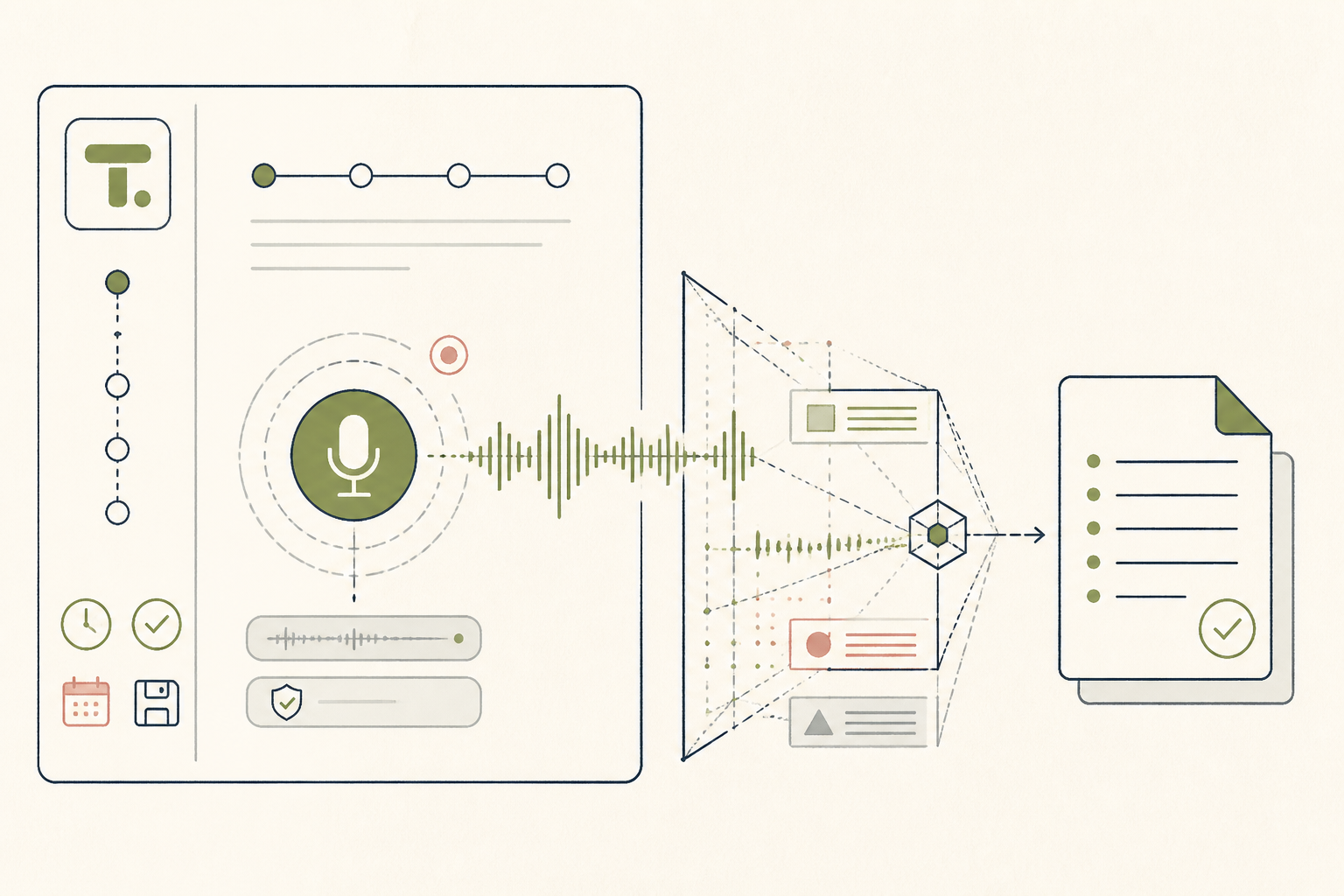
Keeping track of complex medical information during an appointment is difficult. This setup uses Tandem to record your consultations (with the clinician's consent) and generate a clear summary, so you can focus on the conversation, not on taking notes.
Before you start
- A Tandem Health account
- The Tandem mobile app
- An upcoming appointment
- Clinician's consent to record
The steps
- 01
Configure your recording settings
In the Tandem app, go to Settings and select your preferences for transcription and summarization. Choose the "General Medicine" template for most standard consultations to get a clear SOAP note structure.
- 02
Practice a test recording
Before your actual appointment, run a 2-minute test. Record yourself explaining a simple health topic, like how to brew green tea, then stop the recording. This confirms your microphone works and that you understand the start/stop interface.
- 03
Obtain and note consent
At the start of your appointment, ask your clinician for permission to record for your personal notes. State this consent clearly at the beginning of the recording, for example: "Dr. Evans, I'm starting the recording now for my personal notes as we discussed."
- 04
Record the consultation
Place your phone on a stable surface between you and the clinician. Open the Tandem app and press the record button to begin. Let it run for the duration of the visit, then press stop once the conversation is complete.
- 05
Review your AI-drafted summary
After a few minutes, Tandem will generate a structured summary of the visit. Review this draft against your memory and any written materials from the clinic. Use this as your Ledger layer—a clean, private record of the encounter to inform your health Protocol.
Honest note
Tandem is designed as a clinical tool and its summaries can be overly technical or contain inaccuracies (hallucinations). Never use the AI-generated summary for diagnosis; always verify dosages, timelines, and next actions against the clinician's formal instructions.
Want the whole stack, not just one tool?
The free 10-Day Challenge wires these together. Or join the free 45-min live workshop and watch me build it end-to-end.