Workspace · Setup in 8 min· Setup Pass
Set up Synthesia for Patient Protocol Videos in 8 Minutes
This configures a reusable video template for delivering clear, consistent patient instructions and pre-procedure guidance.
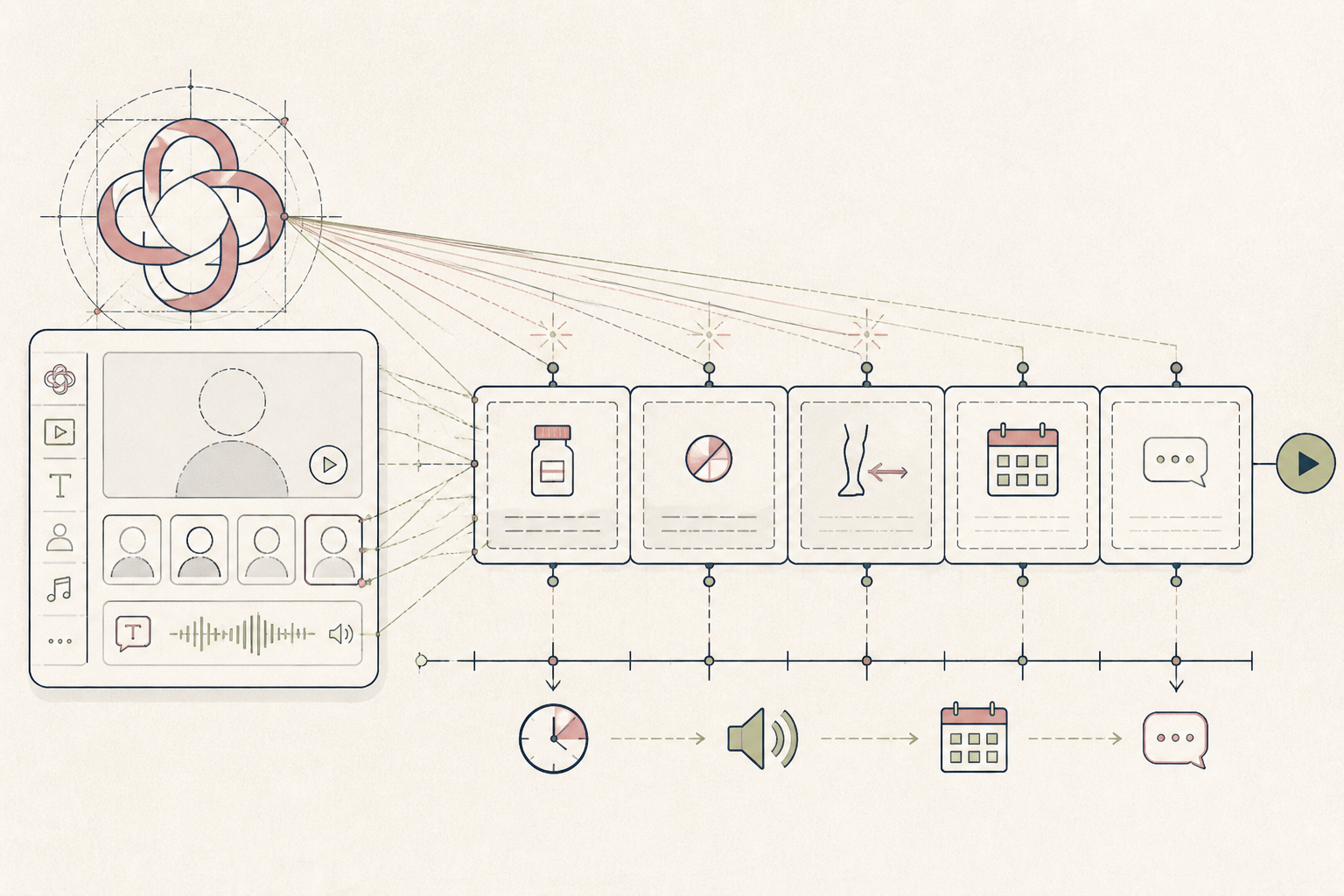
Clinicians spend significant time repeating the same instructions for common protocols or procedures. A short, clear video saves that time and gives patients a resource they can re-watch as needed. This setup creates a templated video for exactly that purpose.
Before you start
- A Synthesia account
- A brief, written patient protocol (e.g., pre-procedure instructions)
- 8 quiet minutes
The steps
- 01
Draft the Protocol Script
Begin with a clear, concise script of the instructions you want to deliver. Write the exact text for the AI avatar to speak, such as a guide to a 24-hour fast or a list of medications to pause before a procedure. Keep sentences short and direct for clarity.
- 02
Select an Avatar and Voice
Inside the Synthesia video editor, choose a stock AI avatar and voice that aligns with your practice's tone. For a clinical setting, a calm, professional delivery is most effective. This ensures the information is presented in a consistent and approachable manner every time.
- 03
Generate the Core Video
Paste your script into the editor's script box and click 'Generate video'. Synthesia processes the text and creates the video, syncing the avatar's lip movements to the audio. This forms the unchangeable 'Ledger' portion of your patient instructions—a definitive record of the guidance provided.
- 04
Add Key Visual Aids
Use the editor to add on-screen text or simple graphics that reinforce the spoken words. For a pre-procedure protocol, you might add a bulleted list of 'Do Not Eat' items or a timeline of steps. This visual support is critical for patient comprehension and adherence.
- 05
Share via Secure Link
Once generated, you can share the video via a direct, secure link. Add this link to your standard patient emails or embed it in your patient portal, providing a private, easily accessible resource without using public video platforms.
Honest note
Synthesia's strength is in consistent, scalable information delivery, not in building a personal connection. The AI avatar cannot replicate the empathy or answer the nuanced follow-up questions a real clinician can. Reserve this tool for highly standardized, non-urgent communications only.
Want the whole stack, not just one tool?
The free 10-Day Challenge wires these together. Or join the free 45-min live workshop and watch me build it end-to-end.