Workspace · Setup in 8 min· Setup Pass
Set up Superhuman AI for your health inbox in 8 minutes
Configure your inbox to manage lab results, practitioner messages, and health research.
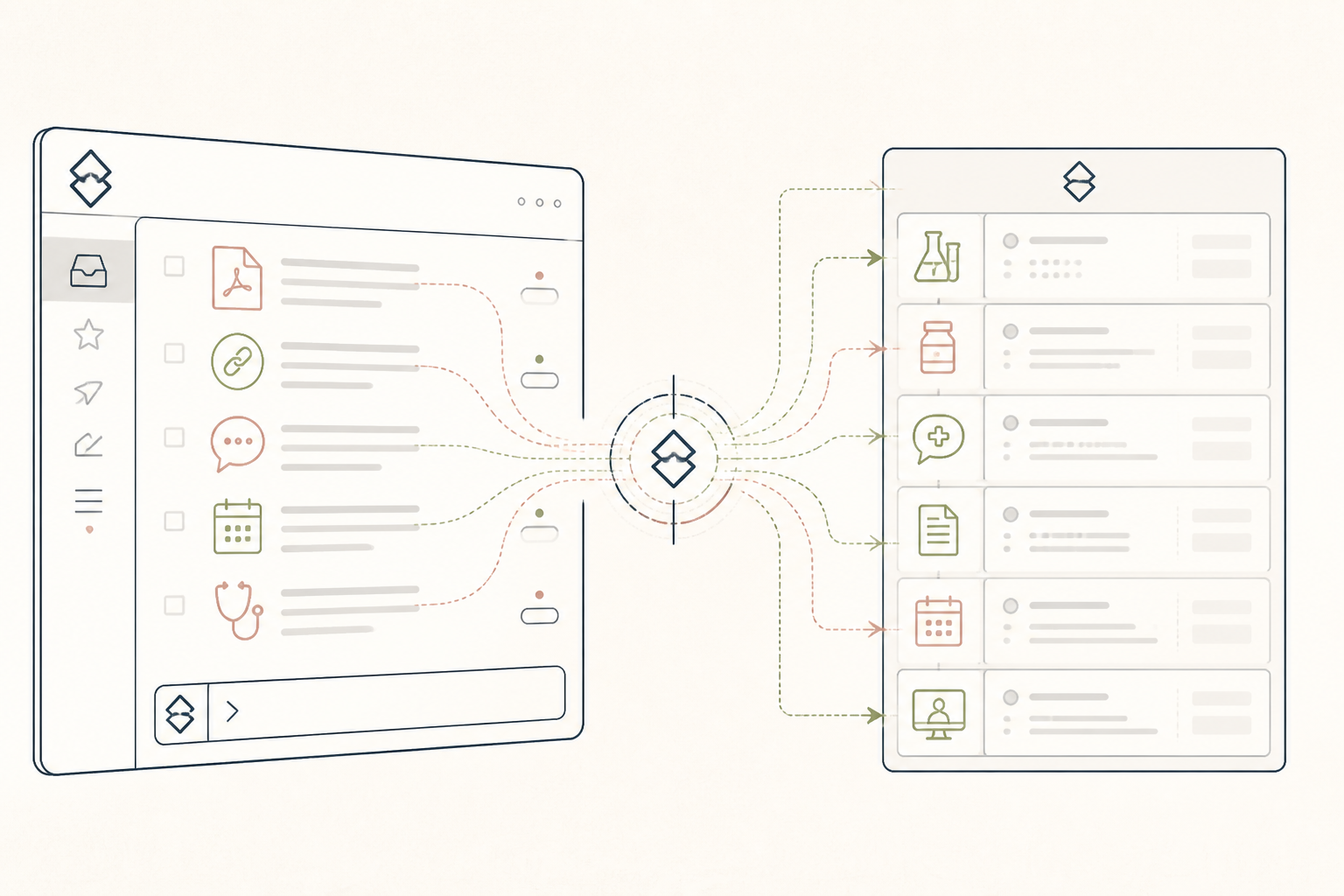
Most health data arrives as an email attachment or a link to a portal. This setup turns your inbox into a lightweight command center for that unstructured data, helping you track, query, and act on it.
Before you start
- A Superhuman account
- Access to your email history
- One recent lab report (PDF)
The steps
- 01
Create a "Health" split
In Superhuman, hit Cmd+K (Mac) or Ctrl+K (Windows) and type "Split Inbox". Create a new split named "Health". Configure it to include emails from your doctors, labs (like Quest or Labcorp), and health-tech services (like Oura or Levels).
- 02
Draft a query for your latest lab results
Find an email with a recent lab result PDF. Open the compose window (C) and ask Superhuman AI: "Read the attached PDF. List any results outside the optimal range and give the standard range for each." This is the research layer of the 3-Layer Method.
- 03
Refine the AI draft for your practitioner
Now, refine the query. Ask the AI, "Draft an email to my doctor asking for her interpretation of these results, noting my goal is [your goal, e.g., to improve metabolic health]. Keep it under 150 words." This prepares a clean, actionable message.
- 04
Set a reminder on a key message
Once you send the email, find it in your sent folder. Hit "Remind Me" (H) and set a reminder for "in 3 days" if you have not received a reply. This ensures no follow-up gets lost.
- 05
Create a "Client:" split for practitioners
For practitioners, create a split for each client (e.g., "Client: Jane Doe") by filtering on their email address. This creates a dedicated inbox for each client relationship, letting you use the AI features on a per-client basis for drafting updates or reviewing their check-ins.
Honest note
Superhuman AI is a powerful drafting assistant, but it is not a medical tool. It does not have your health history, can misinterpret lab ranges on non-standard PDFs, and should not be used for any diagnostic purpose. Always have a qualified clinician make the final call.
Want the whole stack, not just one tool?
The free 10-Day Challenge wires these together. Or join the free 45-min live workshop and watch me build it end-to-end.