Automation · Setup in 10 min· Setup Pass
Set up Sierra for clinic intake triage in 10 minutes
Direct enterprise AI agents to collect client lab prep, track supplement pauses, and protect clinical review hours.
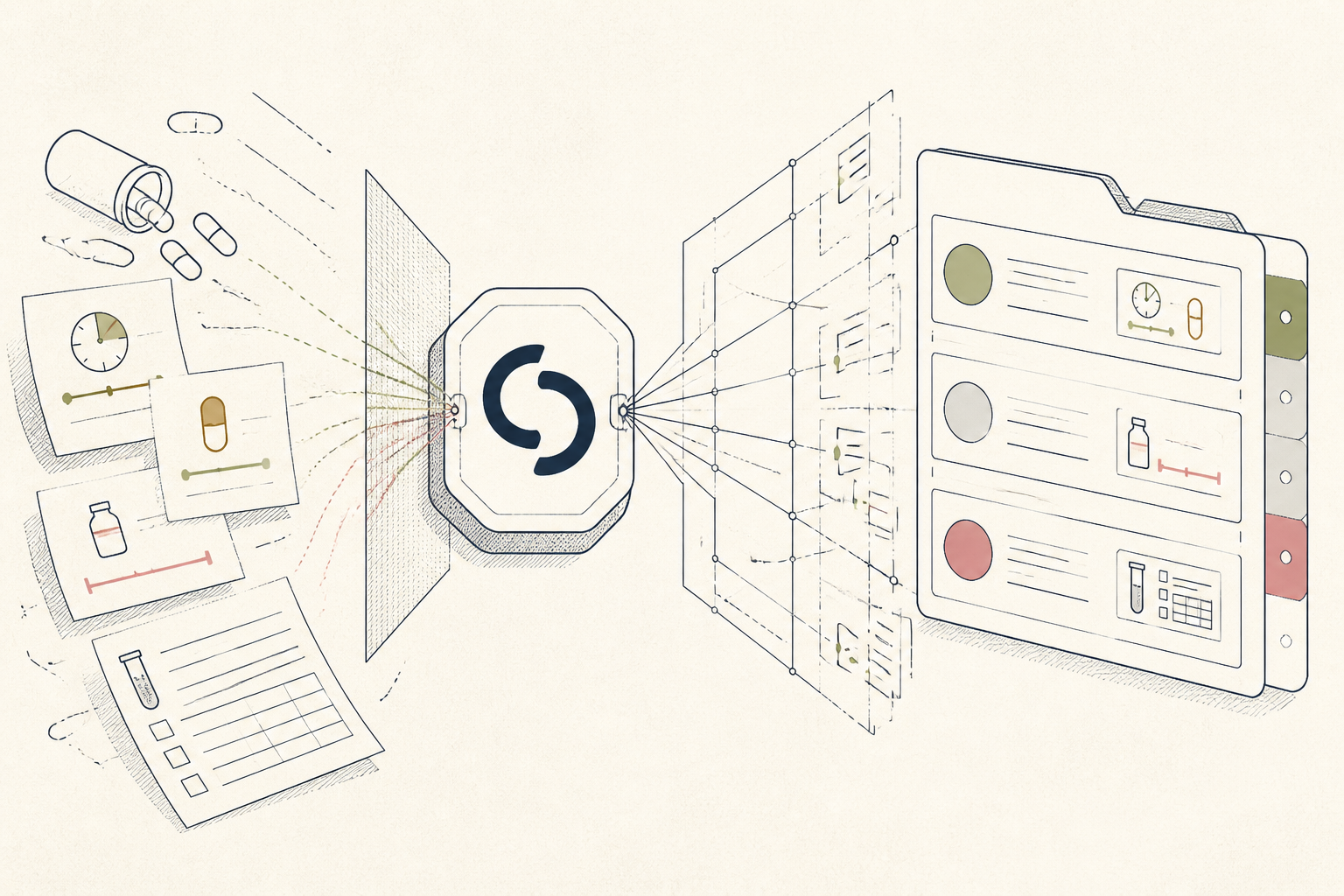
Solo practitioners and growing clinic chains lose billable clinic hours answering the same intake questions about fasting rules, past panel dates, and supplement pauses. Configuring an agent through Sierra handles this administrative prep before the intake visit, depositing structured notes into your intake queue. This setup directs routine client administrative preparation so you spend appointment time interpreting results rather than collecting logistical details.
Before you start
- Admin access to a Sierra enterprise workspace
- A PDF or text copy of your clinic intake protocol and pre-lab rules
- Ten minutes to map routing rules and write agent system instructions
The steps
- 01
Define the intake agent profile
Navigate to your Sierra workspace console and create a new service agent labeled Intake Coordinator. Set the persona tone to direct, calm, and formal, explicitly instructing the agent to introduce itself as an administrative system that collects preparation data for your review.
- 02
Ground the agent in clinic prep rules
Upload your clinic preparation guidelines, including your rules on fasting windows, water intake, and supplement cessation before phlebotomy. Sierra uses these documents as grounding sources, ensuring the agent answers questions about test prep strictly from your established standards rather than open web sources.
- 03
Structure the intake collection sequence
Organize the conversation structure into the 3-Layer Method: have the agent collect the client ledger of current medications and supplements, log their prep history, and flag any compliance blockers before protocol delivery. Instruct the agent to systematically confirm the date of the blood draw and verify that fasting protocols were followed.
- 04
Program routing rules and clinical boundaries
Set hard supervisory guardrails that forbid the agent from interpreting raw values, recommending supplements, or assessing symptoms. Configure automated escalations that redirect the conversation to your clinic desk staff or an urgent care hotline whenever a client reports acute distress, abnormal vitals, or asks for clinical diagnosis.
- 05
Route completed summaries to your workspace
Connect Sierra webhook actions to your clinic EHR or secure client portal database. Map the agent outputs to populate a standard intake summary file containing client name, planned draw date, recorded prep exceptions, and recent supplement history, leaving the file ready for your chart review.
Honest note
Sierra runs on enterprise infrastructure meant for high-volume customer experience, not diagnostic medicine. It will follow deterministic workflows reliably, but it cannot evaluate ambiguous clinical symptoms, and it requires a signed BAA alongside strict supervisory guardrails to prevent unapproved guidance.
Want the whole stack, not just one tool?
The free 10-Day Challenge wires these together. Or join the free 45-min live workshop and watch me build it end-to-end.