Workspace · Setup in 9 min· Setup Pass
Set up Shortwave for your personal health inbox in 9 minutes
Configure Gmail-native AI search and summaries to find and track your health conversations.
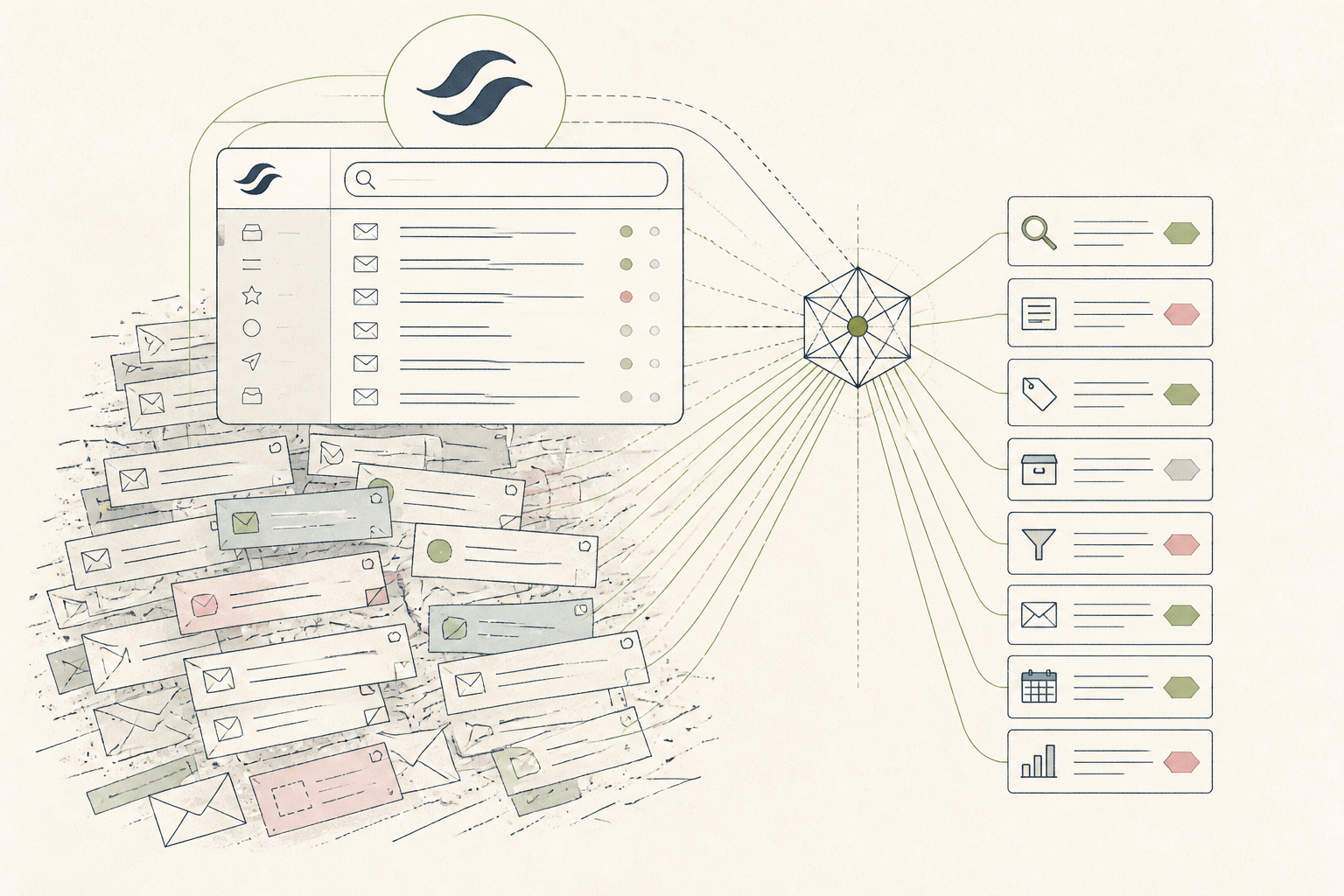
Finding specific health information in a crowded inbox is a common friction point. This guide configures Shortwave to act as a specialized search and summarization layer for your health-related emails, like tracking correspondence with your doctor or finding past supplement orders.
Before you start
- A Shortwave account
- Your Gmail account connected to Shortwave
- 9 quiet minutes
The steps
- 01
Create a 'Health' Bundle
In the Shortwave sidebar, click the '+' next to Bundles. Name it 'Health'. This creates a dedicated space for all health-related correspondence, keeping it separate from your main inbox flow.
- 02
Add Health Contacts to the Bundle
Click the new 'Health' bundle, then 'Add contacts'. Add email addresses for your doctors, specialists, clinic portals, pharmacies, and lab services. Shortwave will now automatically pull all past and future emails from these senders into this bundle.
- 03
Use AI Search for Specific History
Go to the search bar and type a natural language query about your own health history, like 'When did my doctor last send thyroid results?' or 'What was the dosage for that antibiotic in March?'. Shortwave's AI will search the content of your emails to find the specific answer, not just keywords.
- 04
Generate an AI Summary of a Thread
Open a long email chain with a practitioner. At the top of the thread, click the 'Summarize' button (the sparkle icon). This gives you a quick digest of the conversation, which is useful for prepping for a follow-up appointment or for building your own health ledger as part of the Ledger layer in the 3-Layer Method.
- 05
Pin Key Health Threads
Find a critical email thread, such as your latest lab results or a specialist's recommendation. At the top of the thread, click the 'Pin' icon. This keeps the thread at the top of your inbox for easy reference, ensuring important health data is always accessible.
Honest note
Shortwave's AI features are for summarization and search; they are not a substitute for medical advice and can misinterpret clinical nuance. As its context is limited to your inbox, it has no data on in-person conversations or attachments it can't read, so always verify summaries against the original emails.
Want the whole stack, not just one tool?
The free 10-Day Challenge wires these together. Or join the free 45-min live workshop and watch me build it end-to-end.