Wearables · Setup in 7 min· Setup Pass
Set up Runway for movement analysis in 7 minutes
Use AI-driven motion tracking to analyze your own form on any exercise, from deadlifts to yoga.
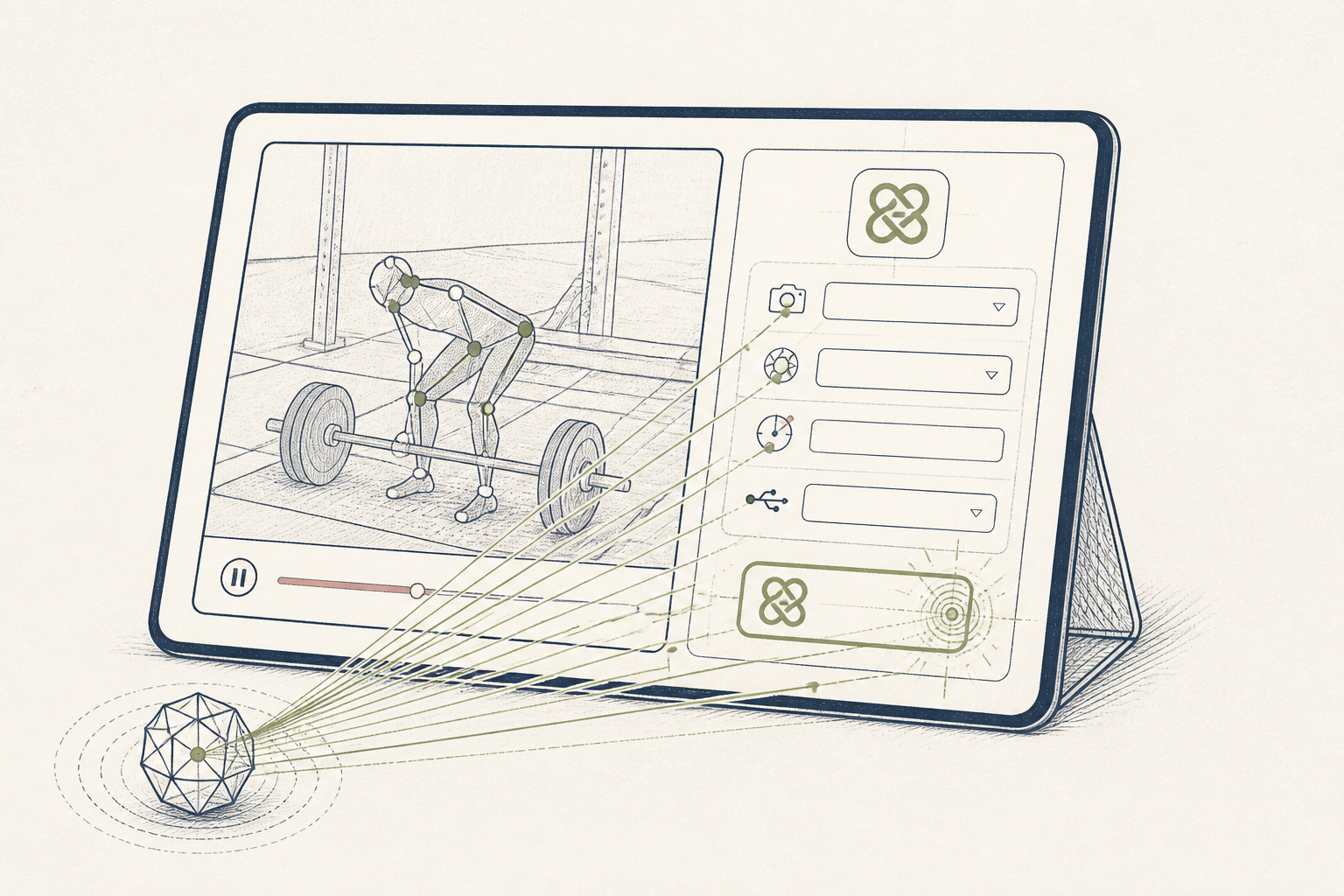
Analyzing your own exercise form from video is tedious. Runway's motion tracking can automate the process, creating a visual overlay of your movement patterns to check for consistency and stability. This setup uses its AI pose detection to act as a digital form-check, on your own device, without a human coach watching.
Before you start
- A Runway account
- A short video file of you performing an exercise (5-10s)
- 7 quiet minutes
The steps
- 01
Create a new project
Navigate to Runway's web interface and start a new "Video Composition" project. This is your canvas for uploading and analyzing the exercise video.
- 02
Upload your movement video
Drag and drop your exercise video file directly into the project timeline. For best results, use a clear, stable shot where your whole body is visible against a plain background.
- 03
Isolate your figure with Motion Tracking
Select the clip in your timeline, then navigate to AI Magic Tools > Motion Tracking. Click and drag a box around your body. The tool will then follow your movement across the video frames, creating a motion path.
- 04
Generate a pose-based overlay
With your figure tracked, go to AI Magic Tools > Gen-2. Instead of a text prompt, select the "Motion Brush" option. This will generate a stylized video that follows only the detected pose, giving you a clean visual of your limb and torso positions through the movement.
- 05
Export and review your form
Export the generated video. Review the overlay to check for asymmetries, path deviations in a lift, or postural shifts. For example, in a squat, this visual ledger can show if your knees track unevenly or if your torso angle changes on ascent.
Honest note
Runway's pose detection is for visual feedback, not biomechanical diagnosis. It can miss subtle but critical form errors a trained clinician or coach would spot, and it cannot assess load or muscular engagement.
Want the whole stack, not just one tool?
The free 10-Day Challenge wires these together. Or join the free 45-min live workshop and watch me build it end-to-end.