Automation · Setup in 9 min· Setup Pass
Set up Replit to clean wearable data in 9 minutes
Build a simple script to automatically parse and clean exported data from your health apps and wearables.
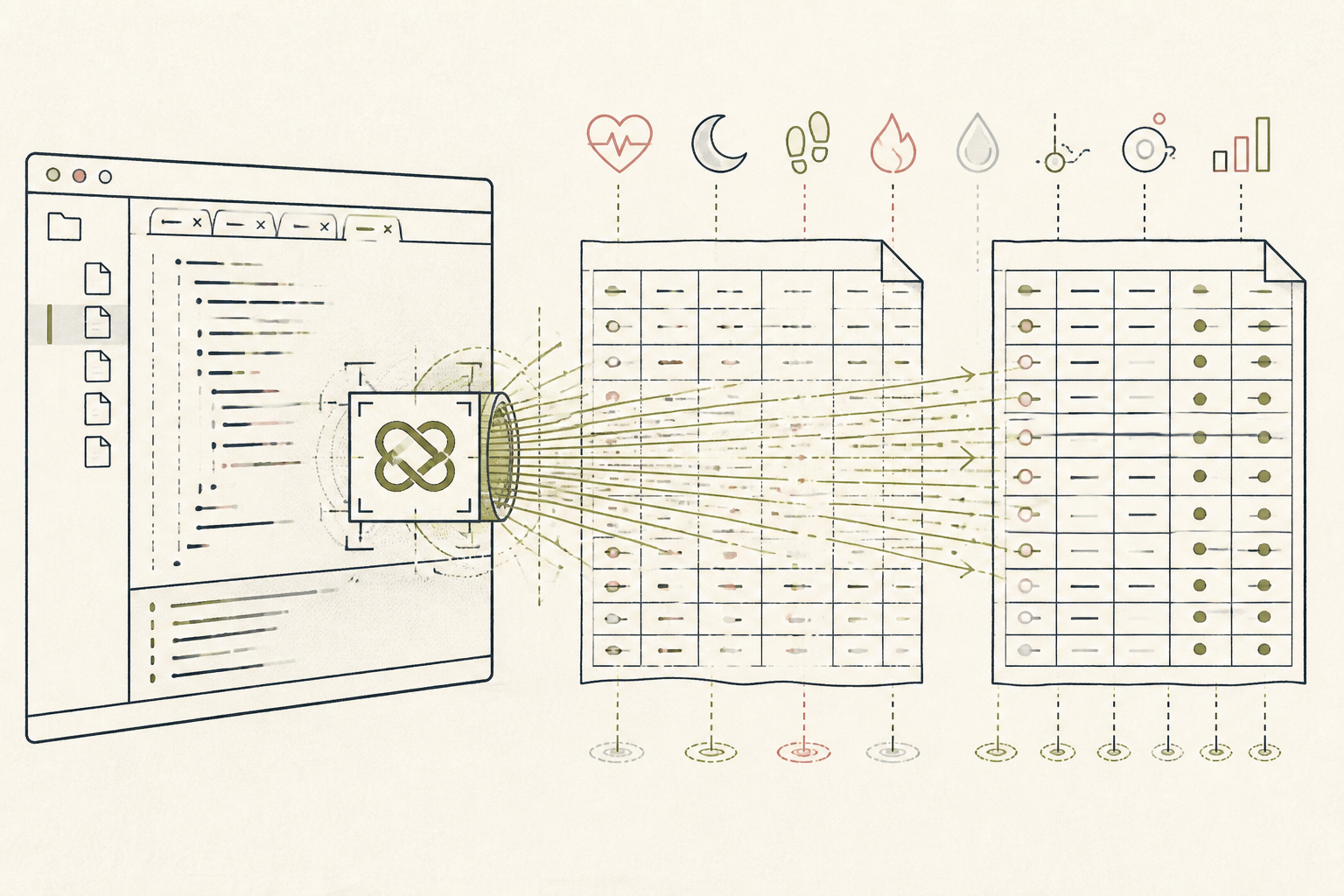
Most health data exports are messy. A simple script can clean up noisy CSV files from wearables like Oura or Whoop, making them easier to read and analyze. This setup builds a small Python script in Replit to do that cleaning for you.
Before you start
- A Replit account (free tier is sufficient)
- A CSV data export from your wearable or health app
- 9 quiet minutes
The steps
- 01
Create a new Python Repl
From your Replit dashboard, create a new Repl. Select the Python template. This creates a fresh, hosted coding environment for your script.
- 02
Upload your data file
In the left-hand file explorer pane, use the three-dot menu to "Upload file". Select the CSV file you exported from your health app (e.g., `oura_sleep_data.csv`). Your raw data is now in the same environment as your code.
- 03
Open the Agent pane
At the bottom of the workspace, click the "Agent" button. This opens a chat interface where you can give instructions to the AI. You will use this to write the script.
- 04
Prompt the agent to write the script
Give the agent a clear, specific prompt to generate the cleaning script. For example: "Using the pandas library, write a python script to read `oura_sleep_data.csv`, remove the columns named 'start' and 'end', and save the result to a new file called `cleaned_data.csv`."
- 05
Run the generated script
Replit Agent will suggest code. Review it for correctness, then click to accept it into your `main.py` file. Click the large "Run" button at the top of the screen. This executes your new script, creating the `cleaned_data.csv` file in your file list.
- 06
Download your cleaned data
Your cleaned data is now ready. In the file explorer, click the three-dot menu next to `cleaned_data.csv` and select "Download". You can now use this file for your Research or Ledger layers, without the noisy columns.
Honest note
Replit's agent is excellent for generating boilerplate code but can hallucinate complex logic or file paths. Always review the generated script before running it, especially with sensitive health data, and do not use it for clinical data interpretation.
Want the whole stack, not just one tool?
The free 10-Day Challenge wires these together. Or join the free 45-min live workshop and watch me build it end-to-end.