Automation · Setup in 10 min· Setup Pass
Set up Perplexity Computer for automated health research in 10 minutes
Create a standing research agent to monitor new studies on a specific health protocol or condition.
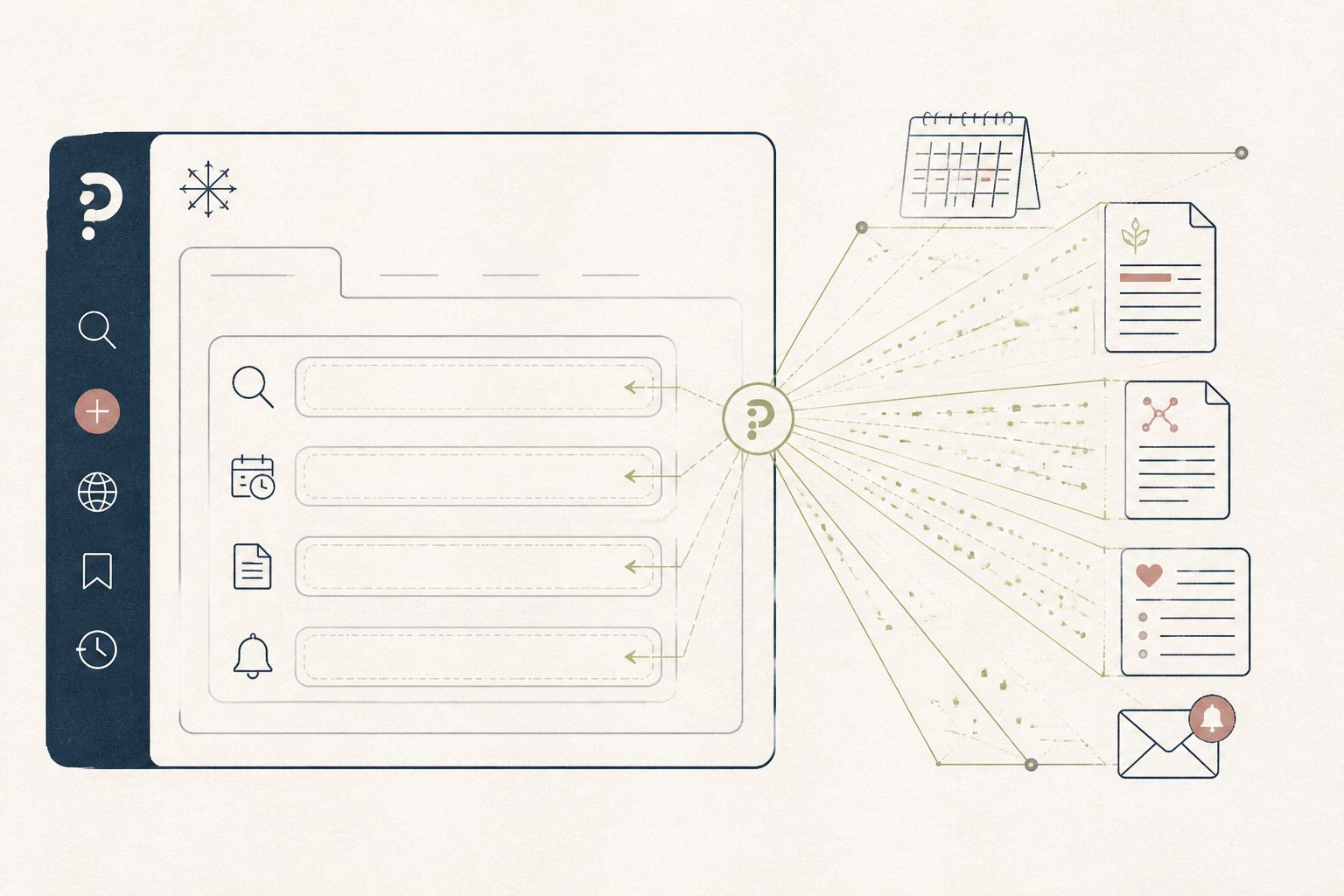
Manually searching for the latest research on a specific health condition or supplement protocol is time-consuming. This setup creates a persistent agent in Perplexity Computer to automate the work, delivering a summary to you on a regular basis.
Before you start
- A Perplexity Pro account
- A specific research topic (e.g., "creatine for cognitive function")
- 10 quiet minutes to focus
The steps
- 01
Scope your research agent
In Perplexity, select "Computer". Define a precise, recurring task for your agent. For example: "Every Monday morning, find and summarize the 3 most important new studies from the last 14 days on the effects of intermittent fasting on HRV and sleep quality."
- 02
Define the research sources
Specify the exact sources for the agent to search. To start, use "Search the web" but add a directive to focus on specific research portals. A good instruction is: "Focus the search on PubMed, Google Scholar, and arXiv."
- 03
Structure the output format
Tell the agent exactly how to structure its findings. This step is part of the 3-Layer Method's Research layer. Use a prompt like: "For each study, provide the title, a one-sentence summary of the findings, and the direct URL. Present the output as a simple list."
- 04
Set the delivery schedule
Perplexity Computer can run on a schedule. End your prompt with the schedule command. For the Monday morning example, add: "Schedule this to run every Monday at 8am Eastern Time."
- 05
Review and refine the first run
Let the agent run once immediately. Check the output for relevance and accuracy. If the summaries are too broad or the sources are wrong, edit your initial prompt to be more specific and run it again until the output is consistently useful.
Honest note
Perplexity Computer is a powerful research tool, but it is not a substitute for clinical judgment. It can misinterpret study nuances or "hallucinate" findings, so always read the source papers for any study that seems significant before changing your protocol. For medical advice, consult a qualified practitioner.
Want the whole stack, not just one tool?
The free 10-Day Challenge wires these together. Or join the free 45-min live workshop and watch me build it end-to-end.