Voice · Setup in 8 min· Setup Pass
Set up Otter.ai for Symptom Journaling in 8 minutes
Configure Otter.ai to capture a searchable, private audio journal of your symptoms and meals.
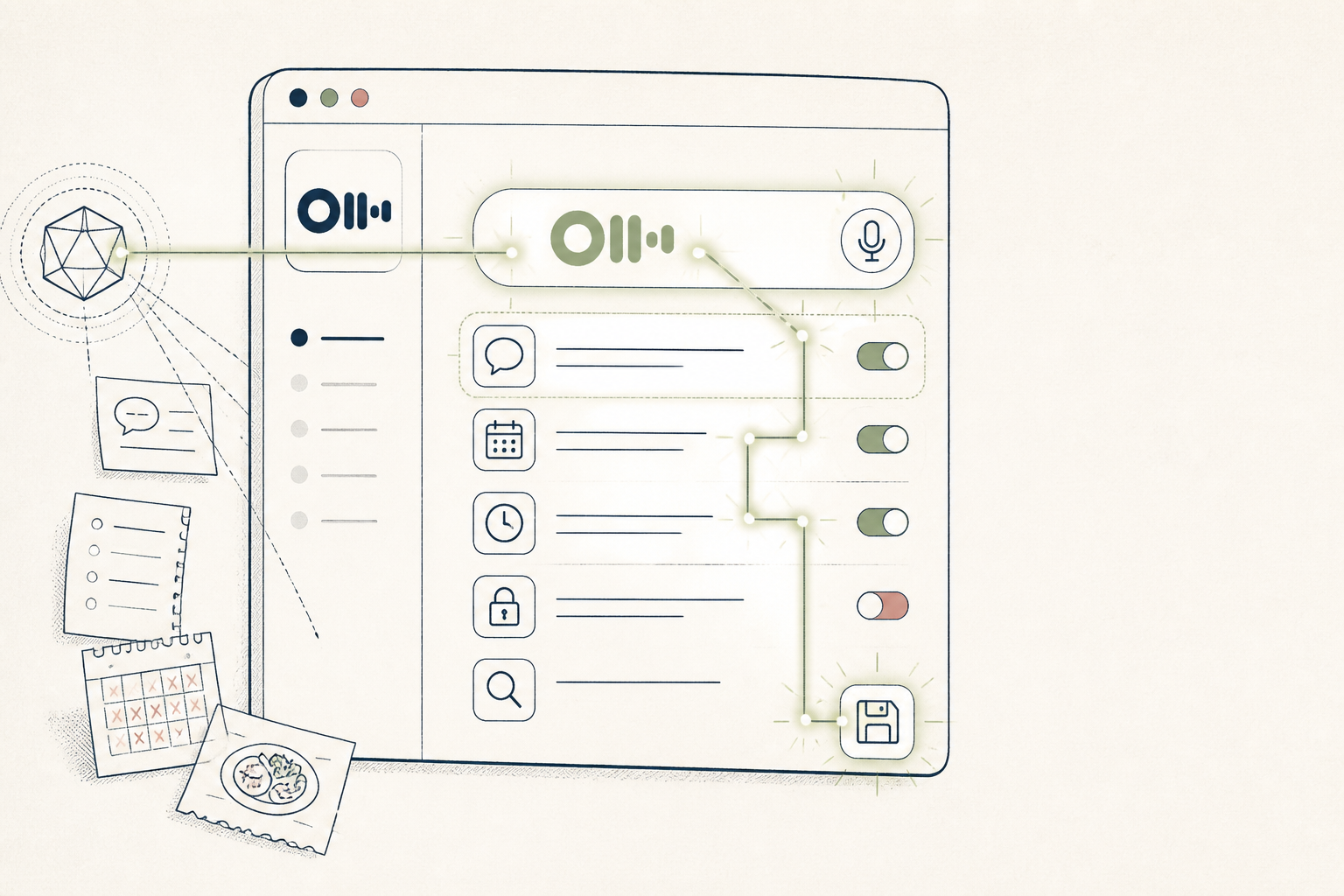
Keeping a consistent symptom or food log is tedious. This guide configures Otter.ai to act as a private, voice-activated journal, making it easier to capture daily health data without typing.
Before you start
- An Otter.ai account (Pro plan recommended for privacy)
- The Otter mobile app
- 8 quiet minutes
The steps
- 01
Create a "Health" group
Inside Otter, create a group named "Health". This acts as a dedicated folder, keeping your health logs separate from other recordings like work meetings.
- 02
Set the group to "Members only"
In the group's settings, configure the access level to "Members only". Since you are the only member, this makes all recordings within this group private to your account.
- 03
Record your first entry
Using the mobile app, start a new recording inside the "Health" group. Speak naturally, describing your current symptoms, the meal you just ate, or your energy levels—for example, "1 PM, post-lunch. Feeling bloated. Lunch was a chicken salad with vinaigrette."
- 04
Correct key terms
Review the transcript and use Otter's editor to correct any misspellings of specific symptoms, supplements, or food ingredients. This improves the accuracy of future searches, forming a reliable "Ledger" of your inputs.
- 05
Search your journal
After a week, use the search bar to query your entries. Search for a specific food like "coffee" or a symptom like "headache" to see when they co-occur in your transcripts.
Honest note
Otter.ai is a transcription tool, not a medical device. Its transcripts can be inaccurate with non-standard medical terms or quiet speech, and it offers no data analysis. Use it to capture raw data, but always consult a clinician for interpretation.
Want the whole stack, not just one tool?
The free 10-Day Challenge wires these together. Or join the free 45-min live workshop and watch me build it end-to-end.