Automation · Setup in 8 min· Setup Pass
Set up OpenAI Operator for health records in 8 minutes
Extract diagnostic lab results from patient portals into a structured ledger using an autonomous browser agent.
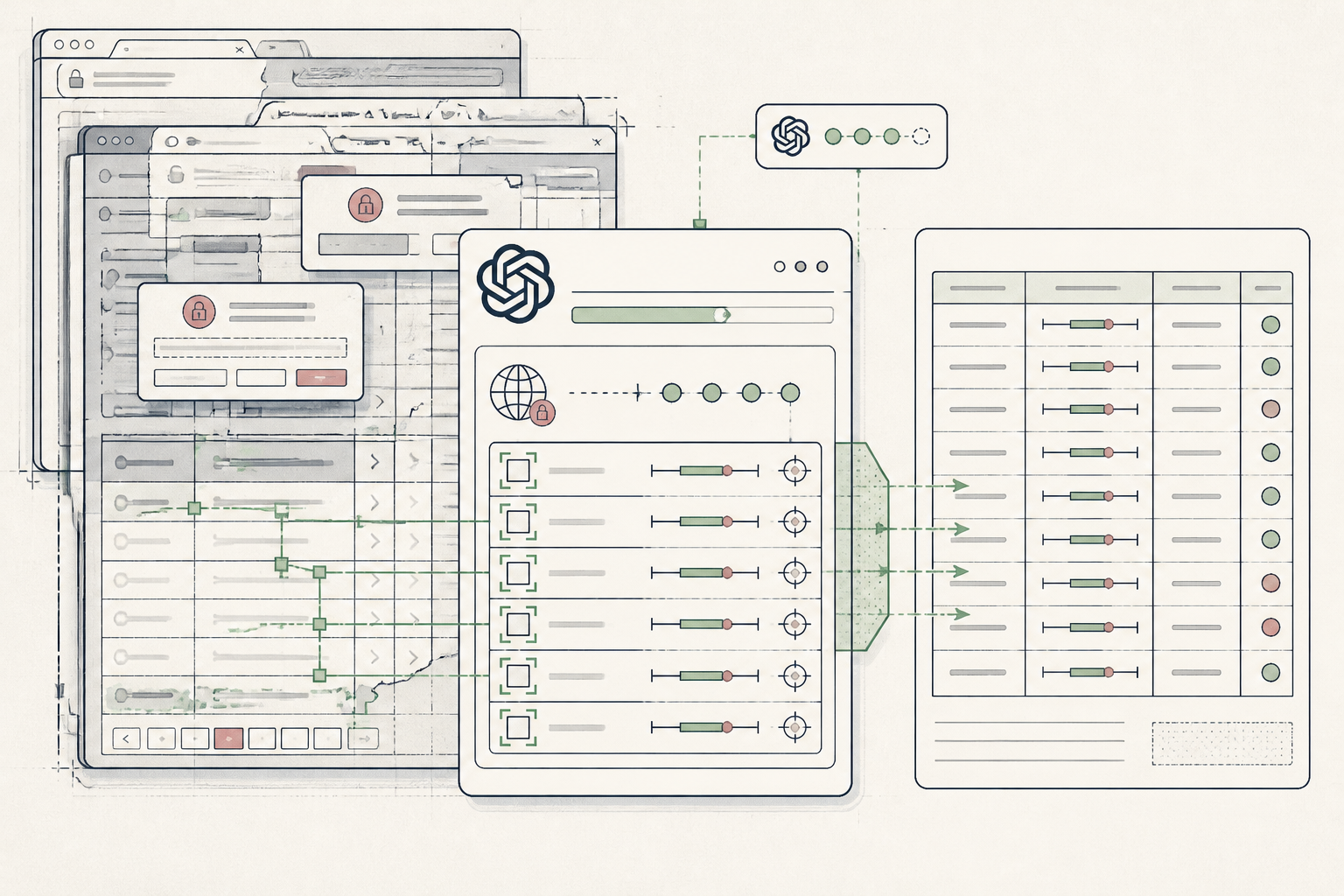
Patient portals trap diagnostic data behind session timeouts and fragmented export buttons, forcing you to retype panels by hand. Operator uses an interactive browser session to navigate past the portal dashboard, locate your latest pathology export, and extract the values directly into your personal records.
Before you start
- OpenAI account with Operator agent access enabled
- Patient portal login credentials with two-factor authentication ready on your phone
- Blank spreadsheet or local text file prepared for your health ledger
The steps
- 01
Define the portal target and security boundary
Open Operator in your browser, set the task environment to interactive mode, and define the destination URL of your patient portal. Keep your phone nearby to clear two-factor prompts manually rather than passing static authentication codes through the prompt box.
- 02
Script the download path
Instruct Operator to navigate directly to the lab results tab, locate the most recent comprehensive metabolic panel or lipid panel, and download the official laboratory PDF rather than scraping raw HTML summary tables. Instruct the agent to pause if it encounters billing notifications or unread clinician messages.
- 03
Structure the data into your ledger
Direct Operator to parse the downloaded PDF into your 3-Layer Method ledger, extracting marker names, numerical values, units, and reference ranges into structured rows. Require it to flag any result marked outside reference intervals with an explicit asterisk in the output table.
- 04
Terminate session and audit the export
Instruct Operator to log out of the portal, terminate the active browser container, and output the clean table directly into your workspace. Verify the fasting glucose and lipid numbers line-by-line against the original document before closing the session.
Honest note
Operator runs a live browser session that can misread complex multi-column PDFs or stall on multi-factor authentication; inspect every numerical value against the original lab report before adjusting supplements or sharing files with your physician.
Want the whole stack, not just one tool?
The free 10-Day Challenge wires these together. Or join the free 45-min live workshop and watch me build it end-to-end.