Workspace · Setup in 8 min· Setup Pass
Set up Obsidian for Your Private Health Journal in 8 Minutes
Configure a secure, local-first daily note for symptom and intervention tracking.
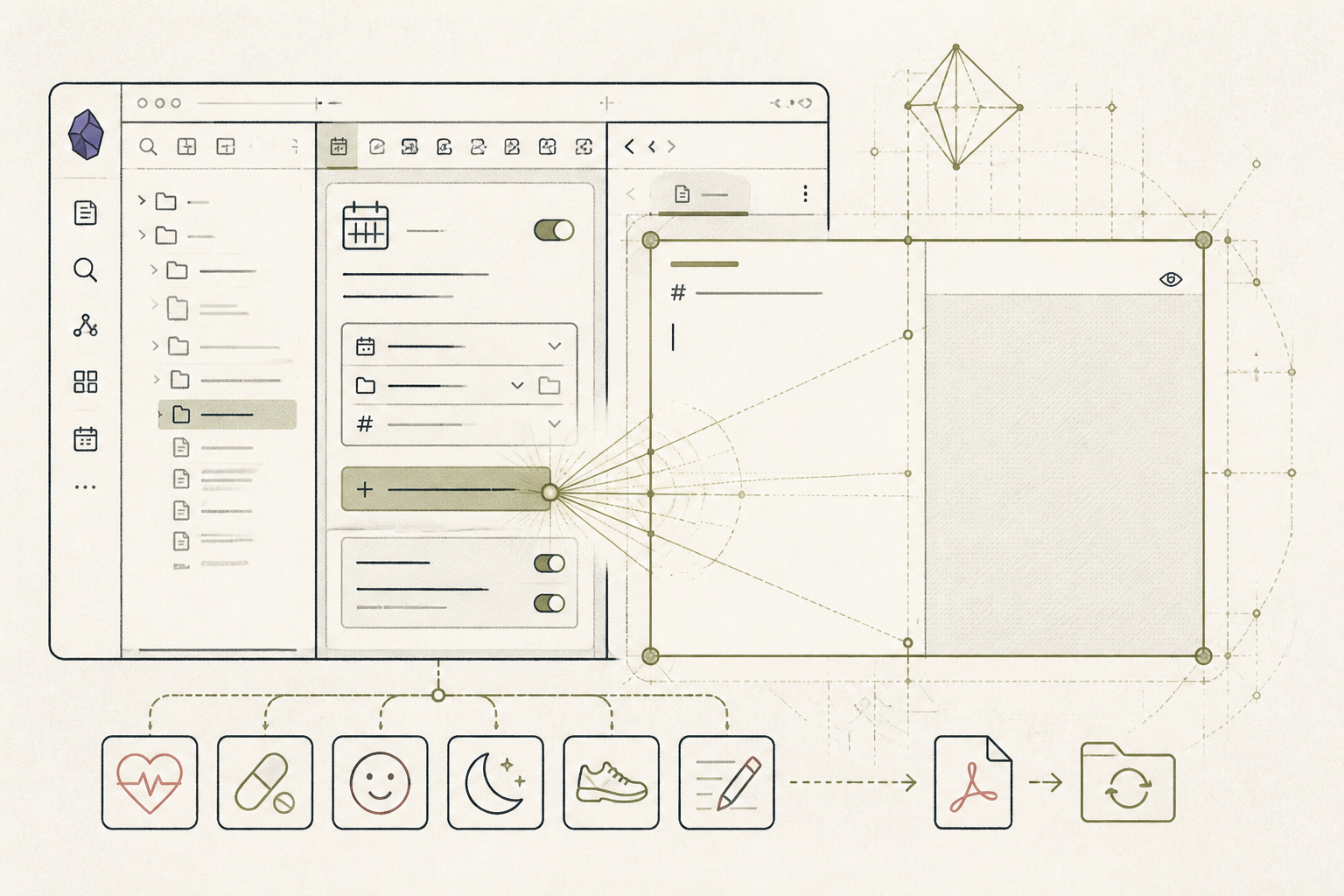
A health journal is most useful when it is private, searchable, and structured. This guide configures Obsidian’s Daily Notes core plugin to build a simple, effective health ledger you own completely.
Before you start
- Obsidian installed on your computer.
- A new, empty vault for your health notes.
- 8 quiet minutes.
The steps
- 01
Enable Daily Notes
In Obsidian, go to Settings > Core Plugins and enable 'Daily Notes'. This creates the foundation of your health ledger. All data lives in plain text files on your local machine.
- 02
Set the Date Format
In Settings > Daily Notes, set 'Date format' to 'YYYY-MM-DD'. This standard format ensures your notes are always sorted chronologically and are easy to find.
- 03
Create a Template for Entries
Create a new folder named 'templates'. Inside, create a new note. Add headings for what you want to track daily: 'Symptoms', 'Sleep (Hours)', 'HRV', 'Interventions (Supplements/Meds)', and 'Notes'. This structures your data collection.
- 04
Point Daily Notes to Your Template
Return to Settings > Daily Notes. Under 'Template file location', type 'templates/' and select the template you just created. Now, every new daily note will automatically populate with your chosen headings.
- 05
Create Your First Entry
Click the 'Open today’s daily note' icon in the left-hand ribbon. Your template appears. Fill in the details for today. This is the first entry in your personal health ledger, one of the three core components of the Research/Ledger/Protocol method.
Honest note
Obsidian is not a data analysis tool. While it excels at secure, linked note-taking, it cannot natively visualize trends or run statistical correlations in your data the way a spreadsheet or a dedicated analysis app can.
Want the whole stack, not just one tool?
The free 10-Day Challenge wires these together. Or join the free 45-min live workshop and watch me build it end-to-end.