Workspace · Setup in 8 min· Setup Pass
Set up Notion AI for your personal health ledger in 8 minutes
This guide configures a private, searchable Notion database to track your symptoms, labs, and lifestyle data for pattern analysis.
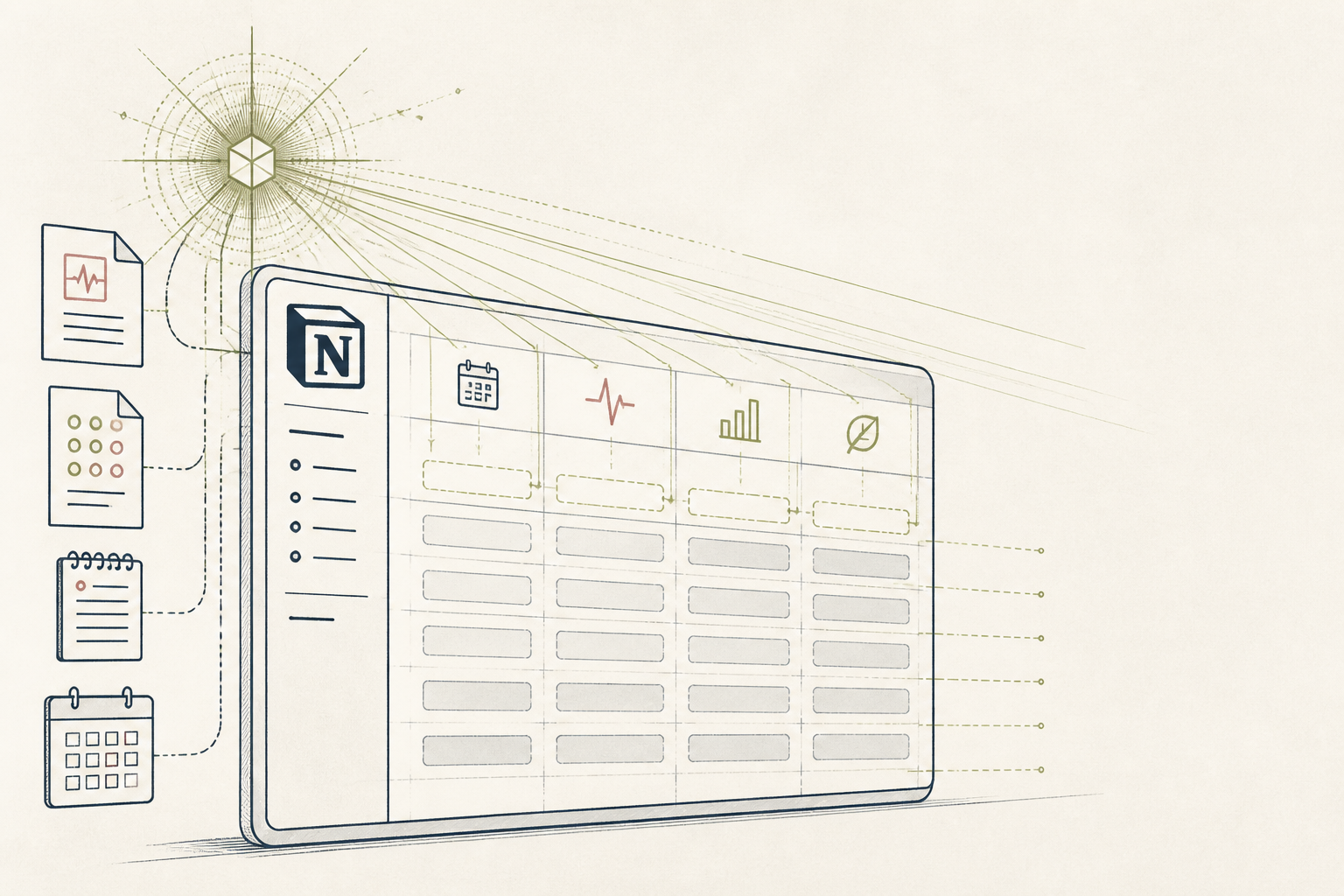
Health data often lives in fragments—a PDF of lab results, a note about a symptom, a memory of a medication change. A central, queryable ledger allows you to surface long-term patterns in your own data. This setup builds that ledger inside Notion, using its AI to accelerate data entry and analysis.
Before you start
- A Notion account with the AI add-on.
- One recent lab report (PDF).
- 8 minutes of focused time.
The steps
- 01
Create the ledger database
Create a new, private page in your Notion workspace. Title it "Health Ledger". Select the "Table" option from the new page menu to create a full-page database.
- 02
Define the data structure
Rename the default "Name" property to "Record". Add the following new properties to the database: a "Date" property, a "Select" property named "Type" (with options: Lab, Symptom, Supplement, Event), and a "Files & media" property named "Attachment". This structure forms your personal Ledger, the core of the 3-Layer Method for organizing health information.
- 03
Add your first lab result
Create a new entry, select the "Lab" type, and attach your lab report PDF. Open the entry as a page, and in the body, type spacebar for AI and select "Summarize". The AI will generate a summary of the attached document, giving you a quick-reference version of key results.
- 04
Create a "Symptom" template
Click the dropdown arrow next to "New" and select "+ New template". Title it "Symptom Entry" and set the "Type" to "Symptom". In the template body, create a simple outline for consistent notes: "Severity (1-10):", "Duration:", and "Context/Triggers:". Now, when you add a symptom, you can apply this template for faster, structured data entry.
- 05
Query your data with AI
Once you have several entries, use the "Ask AI" button at the top of the database. You can ask natural language questions about your own data. For example: "Which supplements was I taking the last three times I logged a headache?" or "Show me all lab entries from the last year with elevated cholesterol."
Honest note
Notion AI sends your data to its subprocessors (like OpenAI or Anthropic) for processing. It is not a private, on-device tool and should not be used for highly sensitive health information. The AI's summary of labs or research can also contain errors or miss critical nuance; always verify its output against the source document and consult a clinician.
Want the whole stack, not just one tool?
The free 10-Day Challenge wires these together. Or join the free 45-min live workshop and watch me build it end-to-end.