Voice · Setup in 8 min· Setup Pass
Set up NotebookLM to Summarize Your Health Journal in 8 Minutes
This guide configures NotebookLM to read a year of journal entries and create a private audio overview for trend review.
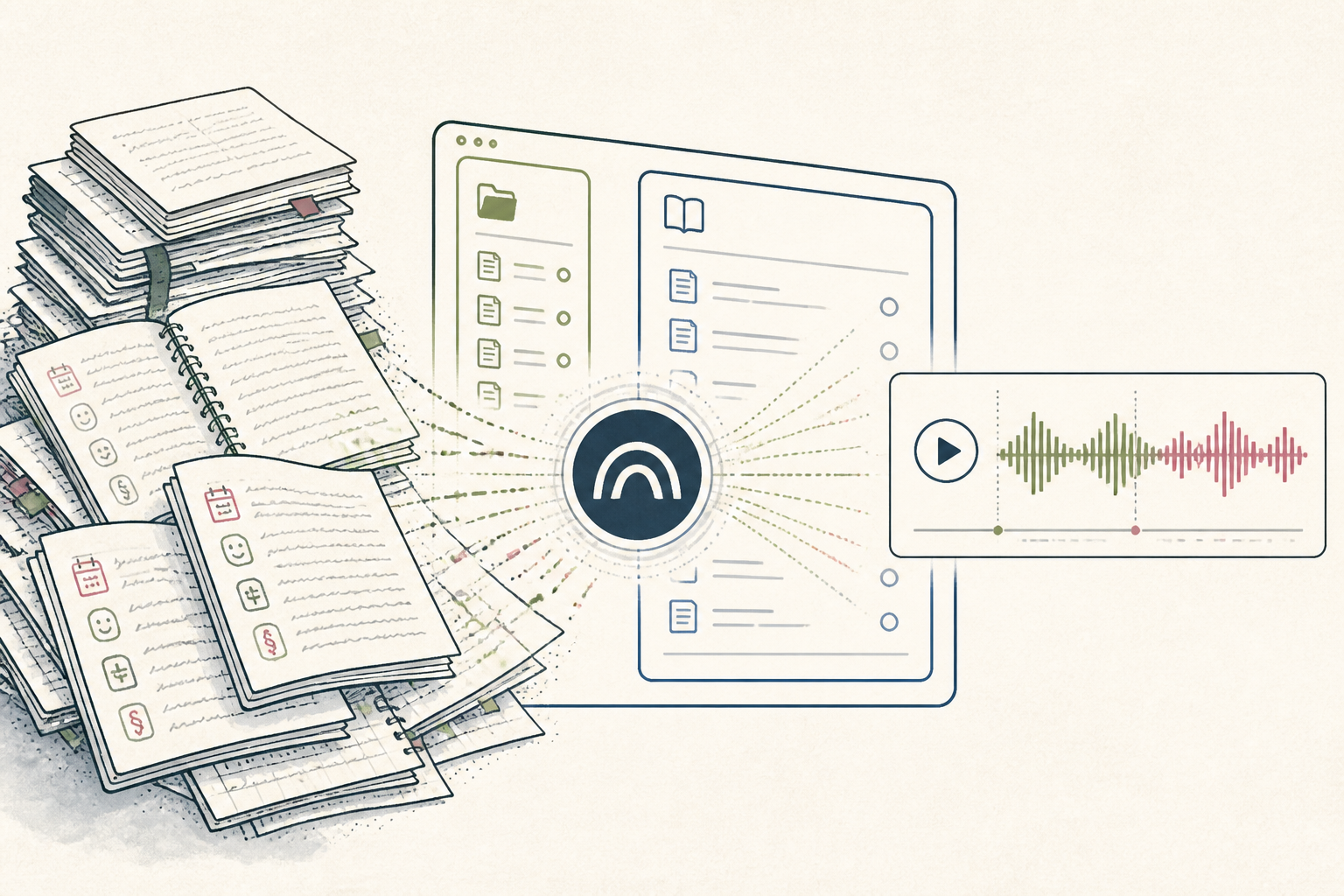
Reviewing a year of symptom or mood journaling is difficult because the data is unstructured and noisy. This setup configures NotebookLM to read your entries and generate a private audio summary, making long-term review tractable without manual re-reading.
Before you start
- A Google account
- Your journal entries in a single Google Doc or text file
- 10 quiet minutes
The steps
- 01
Consolidate Your Journal Entries
Export your journal entries from your app of choice, or copy-paste them into a single Google Doc. Clean up any extraneous formatting or metadata; NotebookLM works best with plain, continuous text.
- 02
Create Your Source
In NotebookLM, create a new notebook. In the "Sources" section, select Google Drive and choose the Google Doc containing your journal entries, or upload the file directly from your computer.
- 03
Generate the Personal Audio Overview
Once your source is loaded, use the prompt bar at the bottom. For a personal review, start with this prompt: "I am the author of these journal entries. Create an 8-minute audio overview of key themes, symptom patterns, and mood changes over the last year."
- 04
Generate a Client-Facing Version
For practitioners, adapt the prompt to create a client-facing summary. For example: "You are a health coach summarizing your client's journal. Generate a 10-minute audio overview of their progress, framed positively." This creates a listenable version of their protocol's Ledger layer they can reference anytime.
- 05
Listen and Refine
Above the generated text response, NotebookLM will offer an "Audio view". Click it to listen to the summary. If the focus is wrong, adjust your prompt to be more specific (e.g., "focus on sleep quality and energy levels") and generate again.
Honest note
NotebookLM's output is entirely dependent on the quality of your source material; it cannot analyze data it doesn't have, and it will reflect the biases in your writing. The synthesized audio voice is functional but lacks genuine human intonation, which may not be suitable for all client-facing materials.
Want the whole stack, not just one tool?
The free 10-Day Challenge wires these together. Or join the free 45-min live workshop and watch me build it end-to-end.