Workspace · Setup in 8 min· Setup Pass
Set up Lovable for a Private Health Ledger in 8 Minutes
This guide configures a private web app to track your health symptoms and the interventions you test against them.
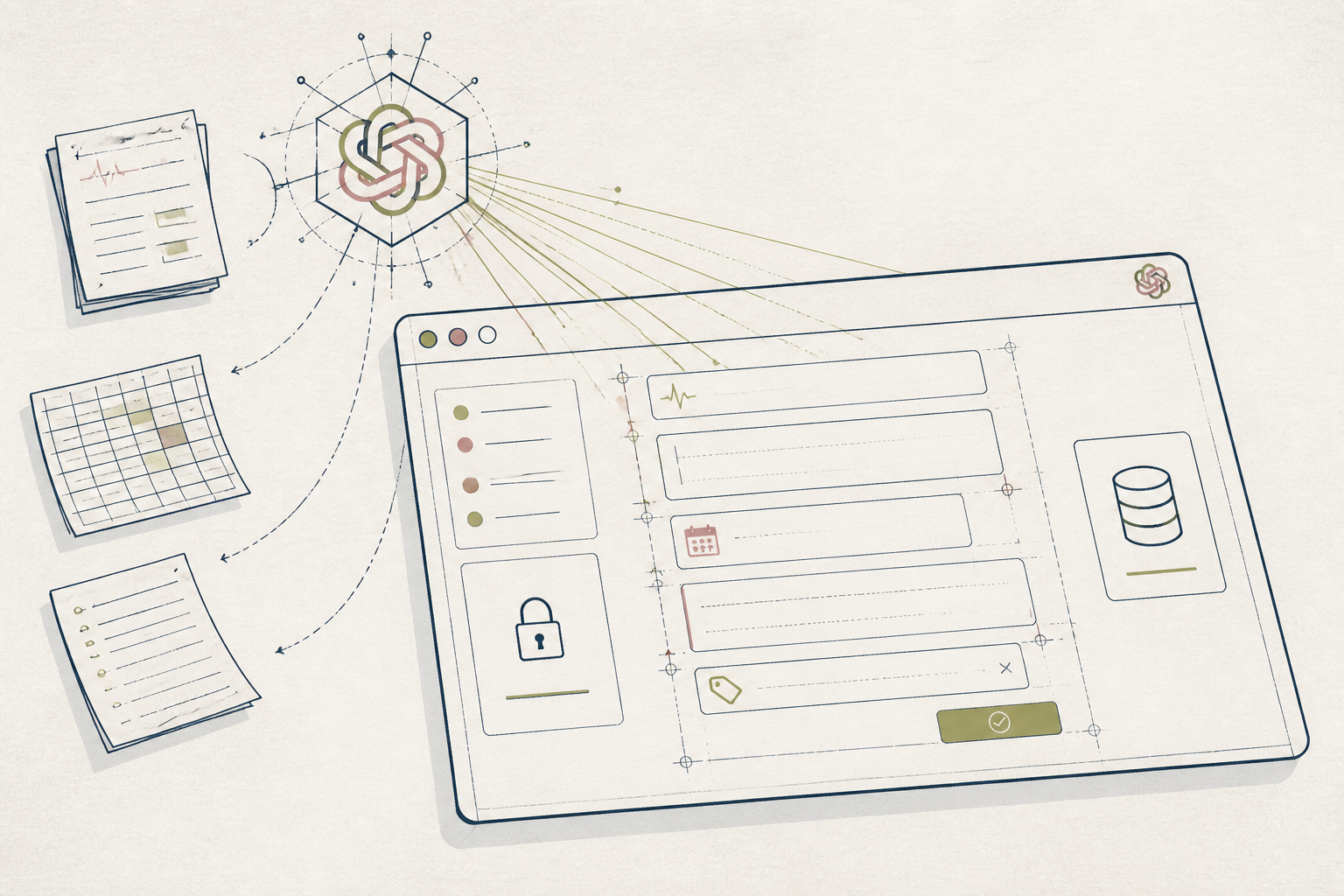
Symptom journals in plain text files or spreadsheets quickly become difficult to search and analyze. A dedicated app imposes structure, but off-the-shelf trackers often include unwanted features or poor security. This setup creates your own simple, private web app for the job.
Before you start
- A Lovable account
- A clear list of 3-5 variables you want to track
- 8 quiet minutes
The steps
- 01
Describe Your Data Model
In the Lovable prompt bar, describe the data for your personal health ledger. Start with: "Build an app with a database for daily health entries. The fields should be: entry date, a headache rating from 1 to 10, a sleep quality rating from 1 to 10, and a text field for notes and interventions."
- 02
Build the Input Form
Once the database is ready, tell the AI: "Create a new page with a form to add a new daily health entry." Lovable will generate a form with input fields for each of the items you defined in the first step.
- 03
Create the Ledger View
Now, create a way to see your data. Prompt: "On the main page, display all entries from the database in a table, with the newest entry first." This builds the core 'Ledger' view from the 3-Layer Method, giving you a reverse-chronological log of your inputs.
- 04
Add a Basic Visualization
Simple charts can help you spot trends. Prompt: "Above the table, add a line chart that shows the headache rating over time, with the x-axis as the entry date." This provides a quick visual reference for a primary symptom.
- 05
Set Your App to Private
Before entering personal data, navigate to the app's settings and find the access controls. Set the application to 'Private' or 'Only accessible to me'. This ensures your personal health log is not publicly visible.
Honest note
Lovable provides a fast way to build a structured front-end, but it is not a data analysis platform. For correlating multiple variables, you will need to export the data to a spreadsheet or Python environment. The data also resides on Lovable's servers; do not use it for data requiring HIPAA compliance or for information you would not want stored by a third party.
Want the whole stack, not just one tool?
The free 10-Day Challenge wires these together. Or join the free 45-min live workshop and watch me build it end-to-end.