Wearables · Setup in 10 min· Setup Pass
Set up Levels/Stelo for metabolic health in 10 minutes
Calibrate a continuous glucose monitor (CGM) for a two-week experiment to learn your personal glucose patterns.
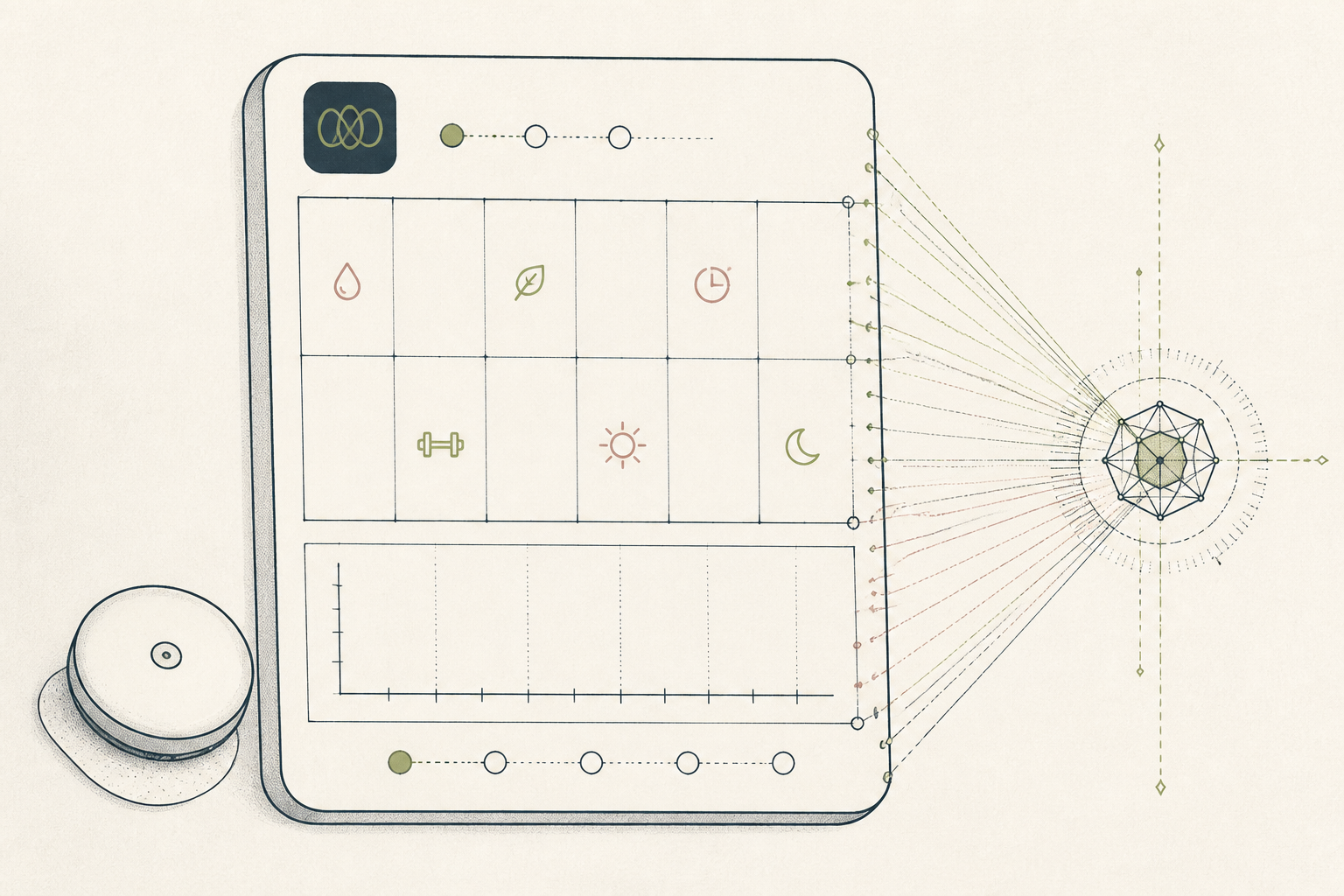
Continuous glucose monitors (CGMs) are now available over-the-counter. This guide sets up a two-week experiment to find your personal glucose patterns, moving the CGM from a noisy firehose of data to a structured learning tool.
Before you start
- Your Levels or Stelo CGM kit
- The companion smartphone app installed
- 10 quiet minutes for the first application
The steps
- 01
Apply the sensor
Clean the back of your upper arm with the included alcohol swab and let it dry. Apply the sensor by pressing the applicator firmly against your skin. This should be painless.
- 02
Activate the sensor
Open the companion app and follow the prompts to pair your new sensor. You may need to scan the sensor with your phone's NFC reader to activate it. A 60-minute warm-up period will begin.
- 03
Calibrate your meal logging
For the first three days, log every single thing you eat and drink in the app. Note the time and ingredients. This creates a baseline data set for the app's AI to correlate dietary inputs with glucose responses.
- 04
Identify your Zone Score
The app will assign a "Zone Score" to each meal, rating your glucose response from 1 to 10. Aim to understand what keeps you in a stable glucose range (70-110 mg/dL). This is the Ledger layer of your metabolic health data.
- 05
Run one glucose experiment
After three days of baseline data, formulate one test. For your Protocol, try eating the same meal for breakfast on two separate days, but on the second day, go for a 10-minute walk immediately after. Compare the two glucose curves in the app.
Honest note
The CGM is a literacy tool, not a diagnostic medical device. Its data is noisy and reflects correlation, not causation; use it to form hypotheses about your own metabolism, not to diagnose a condition. If you have concerns about your metabolic health, consult a clinician.
Want the whole stack, not just one tool?
The free 10-Day Challenge wires these together. Or join the free 45-min live workshop and watch me build it end-to-end.