Workspace · Setup in 10 min· Setup Pass
Set up Krea for visual protocol design in 10 minutes
Configure a real-time canvas to translate your health routines and somatic states into clear visual anchors.
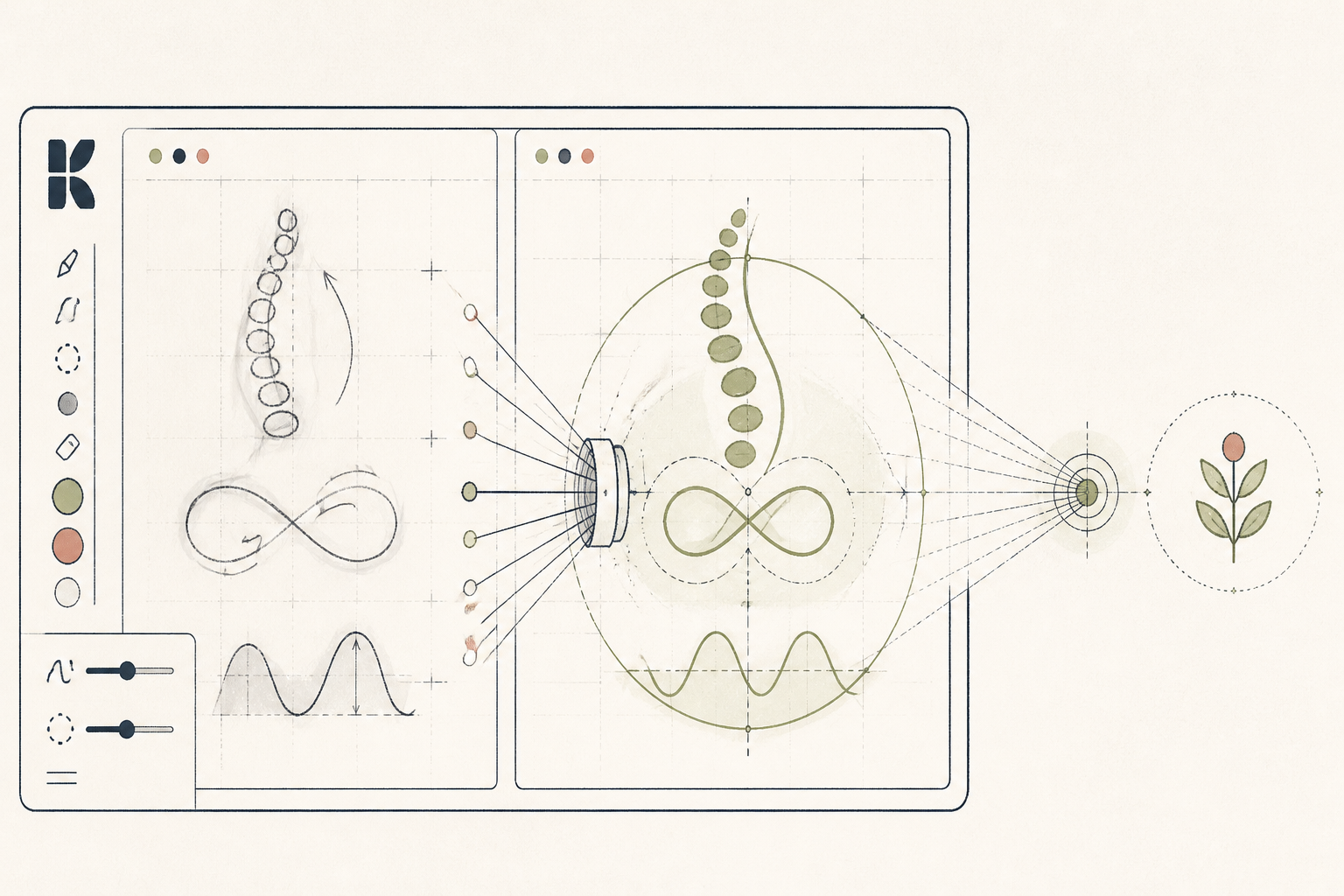
Text-heavy protocols often fail when fatigue limits your attention span. Converting a daily routine or a somatic map into a visual format reduces the cognitive load required to execute it. Krea allows you to sketch rough shapes and generate precise visual anchors for your health practices in real time.
Before you start
- A registered Krea account
- A mouse or drawing tablet
- Your current written health protocol or symptom log
The steps
- 01
Configure the real-time canvas
Log into Krea and open the real-time generation tool. Set your layout to split-screen, keeping your active sketch pad on the left and the live AI output on the right.
- 02
Set your visual baseline
Type a base prompt that defines the visual style you need for your Protocol layer. Use concrete terms like 'minimalist line art, flat design, clean white background' to prevent the engine from defaulting to complex digital fantasy art.
- 03
Sketch your protocol elements
Use the basic shape tools to outline your subject. For a practitioner creating a custom meal-plate visual, draw basic circles and divide them. For an individual mapping physical tension, sketch a rough human outline and add color zones where you experience tightness.
- 04
Constrain the AI strength
Locate the AI strength slider in the control panel. Dial it down to below 50 percent to keep the output strictly tied to your spatial layout, ensuring the final image reflects the exact proportions of your sketch rather than overriding it.
- 05
Export to your tracking system
Save the generated images and embed them directly into your daily tracking documents or client notes. Visual aids serve as immediate reference points for habit execution when reading text requires too much focus.
Honest note
Krea is a creative image generator, not a medical diagrammer, and it will routinely invent fictional anatomical structures. Use it to externalize subjective feelings or build habit reminders, but never rely on its output for accurate physiological reference.
Want the whole stack, not just one tool?
The free 10-Day Challenge wires these together. Or join the free 45-min live workshop and watch me build it end-to-end.