Workspace · Setup in 8 min· Setup Pass
Set up HeyGen for Health Explainers in 8 minutes
Configure an AI-powered digital avatar to create short, reusable videos that explain health topics or practitioner protocols.
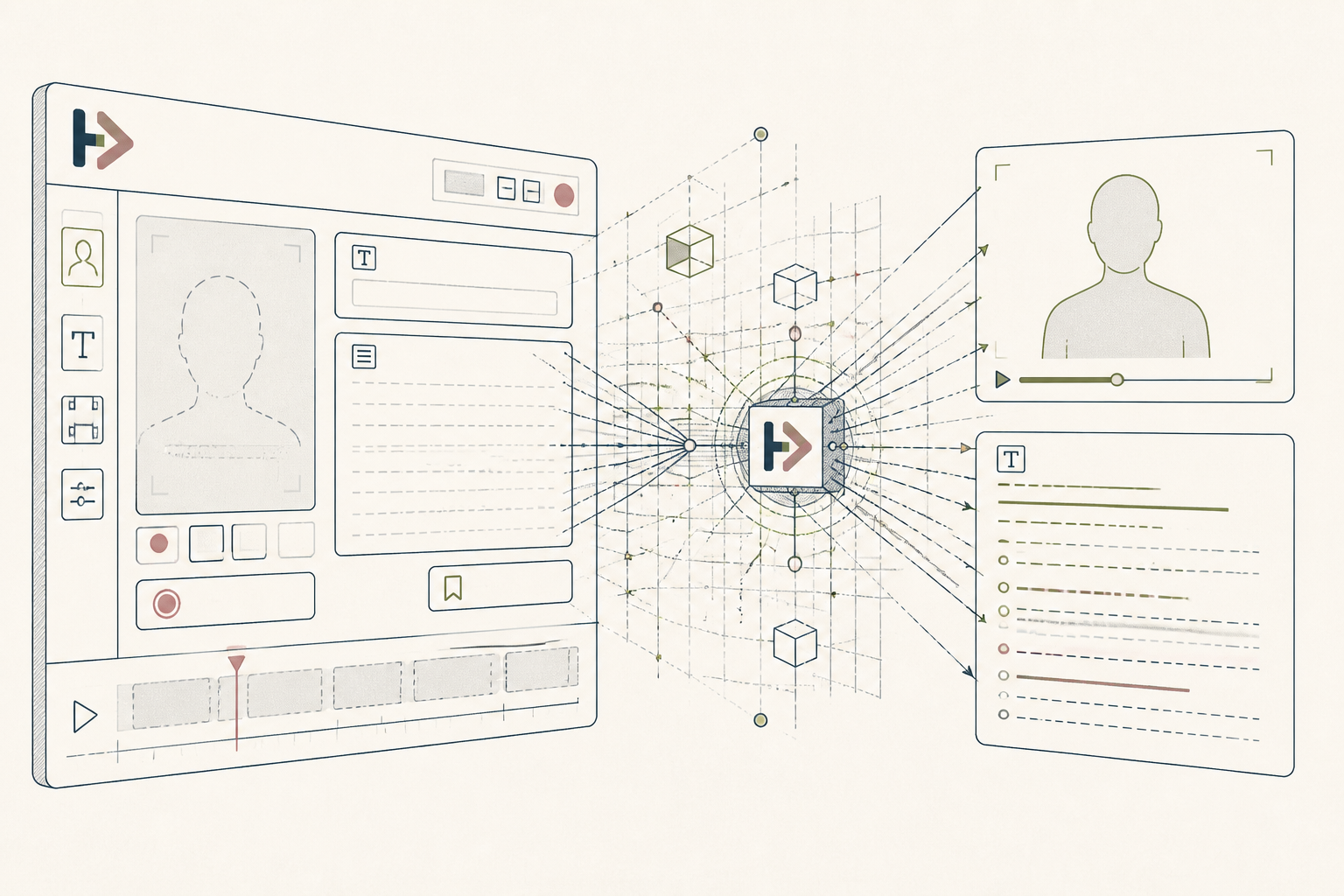
Explaining a complex health topic like a lab result or a new supplement protocol to a family member or client often requires repetition. This setup uses HeyGen to create a consistent, reusable video explainer in your own likeness, saving you from re-recording the same core information.
Before you start
- A HeyGen account
- A 2-minute, 1080p video of you speaking clearly to the camera
- A quiet 8 minutes
The steps
- 01
Train Your Instant Avatar
First, create a digital version of yourself. In your HeyGen workspace, navigate to Avatar > Instant Avatar and upload a 2-minute video of you speaking directly to the camera with clear audio and good lighting. This provides the training data for your likeness and voice.
- 02
Draft Your Explainer Script
Write a script of 100-300 words explaining one specific concept—for example, 'How to Read Your Folate Lab Results' or 'What is HRV?'. Base this on your Research layer of notes. For practitioners, this might be a standard intro or post-session instruction you repeat often.
- 03
Generate the Video
In the HeyGen video editor, select your newly trained avatar. Paste your plain-text script into the script box and click 'Submit' to generate the video.
- 04
Add a Simple Title Card
Use the 'Text' element in the editor to add a title to your video. A simple, clear title like 'My Morning Mobility Routine' or 'Dr. Smith's Welcome' makes the video's purpose immediately clear to the viewer.
- 05
Localize for a New Audience
For practitioners serving diverse communities, use the translate feature. Paste your original script, select a target language, and HeyGen will generate the video with your avatar speaking the new language with a localized accent.
Honest note
HeyGen's avatars can appear slightly unnatural, and the voice cloning may not perfectly match your intonation, which can be distracting. Uploading your likeness and voice also requires a high degree of trust in the service's data privacy and security measures.
Want the whole stack, not just one tool?
The free 10-Day Challenge wires these together. Or join the free 45-min live workshop and watch me build it end-to-end.