Voice · Setup in 8 min· Setup Pass
Set up Granola for Medical Notes in 8 Minutes
This guide configures the Granola desktop app to silently record your medical appointments and generate structured, private notes.
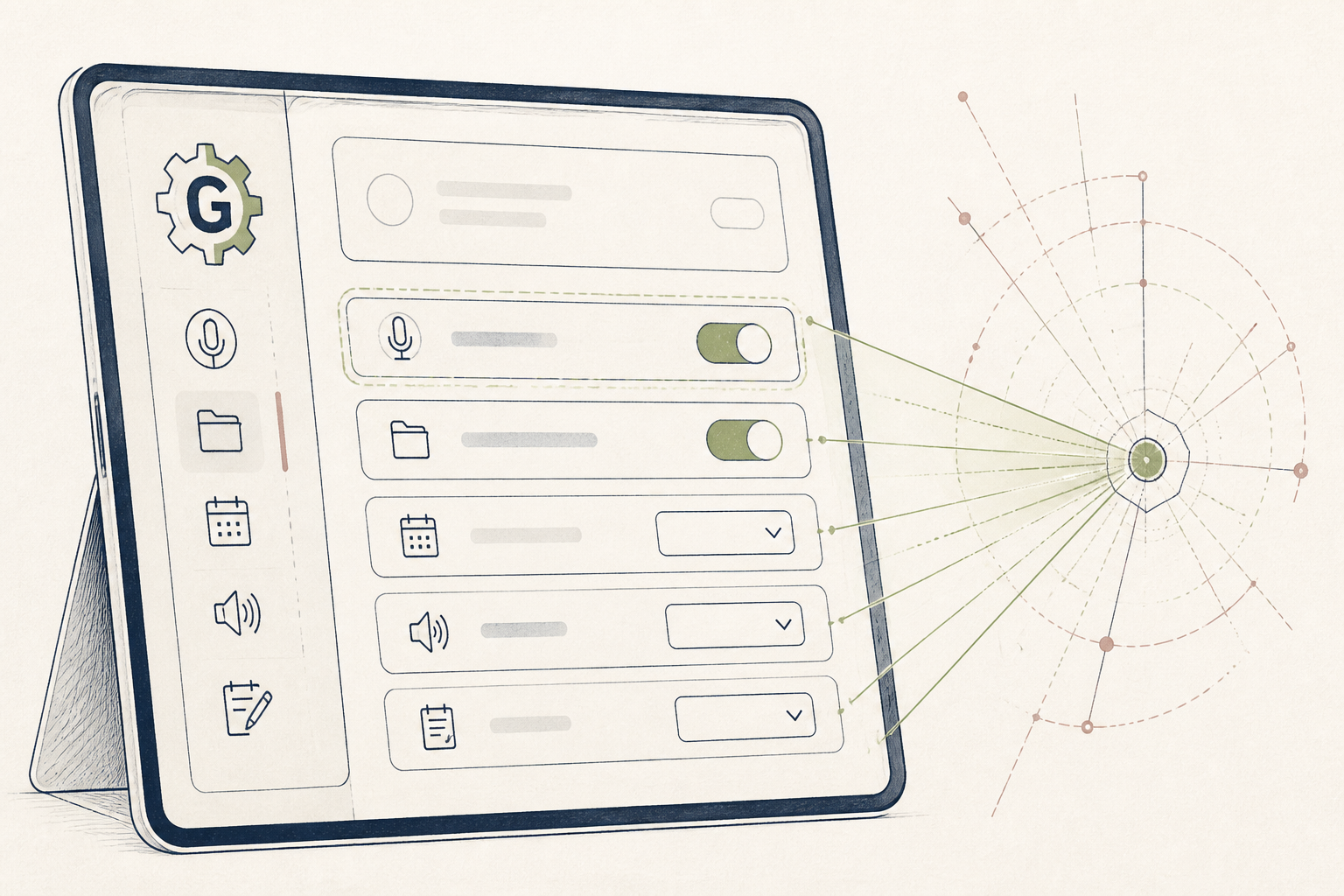
Trying to recall every detail from a doctor's appointment is difficult, and taking notes distracts you from the conversation. This setup uses Granola to handle transcription and summarization, letting you stay present with your clinician and still leave with a perfect record.
Before you start
- A Granola account
- The Granola desktop app (macOS or Windows)
- A computer with a built-in microphone
The steps
- 01
Install the Desktop App
Download the Granola application from their website and install it on your computer. Sign in to your account. The tool will run as a small icon in your computer's menu bar or system tray.
- 02
Select Your Audio Source
Open Granola's preferences from the menu bar icon. In the 'Audio Source' section, choose your computer's internal microphone. This ensures the app can clearly capture both your voice and the clinician's during the appointment.
- 03
Run a Test Recording
Before your appointment, test the setup. Click the Granola icon and start a new recording. Record yourself speaking for a minute, then stop the recording to review the audio quality and the automatic notes Granola produces.
- 04
Record Your Consultation
At the start of your appointment, inform your clinician that you are recording for your personal notes. Click the Granola icon and press 'Record.' Place your computer where its microphone can capture both speakers clearly.
- 05
Review Your Structured Notes
When the appointment is over, stop the recording. Granola processes audio locally and produces a structured summary with action items and key topics. You can copy this summary to use as a "Ledger" entry in your personal system, which is the second layer of the 3-Layer Method for organizing health data.
Honest note
Granola's AI-generated summaries can contain errors or miss clinical nuance. Always treat the full audio recording as the source of truth. This tool is an aid for personal recall, not a substitute for a clinician's formal notes or medical advice.
Want the whole stack, not just one tool?
The free 10-Day Challenge wires these together. Or join the free 45-min live workshop and watch me build it end-to-end.