Workspace · Setup in 8 min· Setup Pass
Set up Google Slides for Your Next Lab Review in 8 minutes
This guide configures a Gemini-drafted presentation to visualize your lab results and prepare for a clinical conversation.
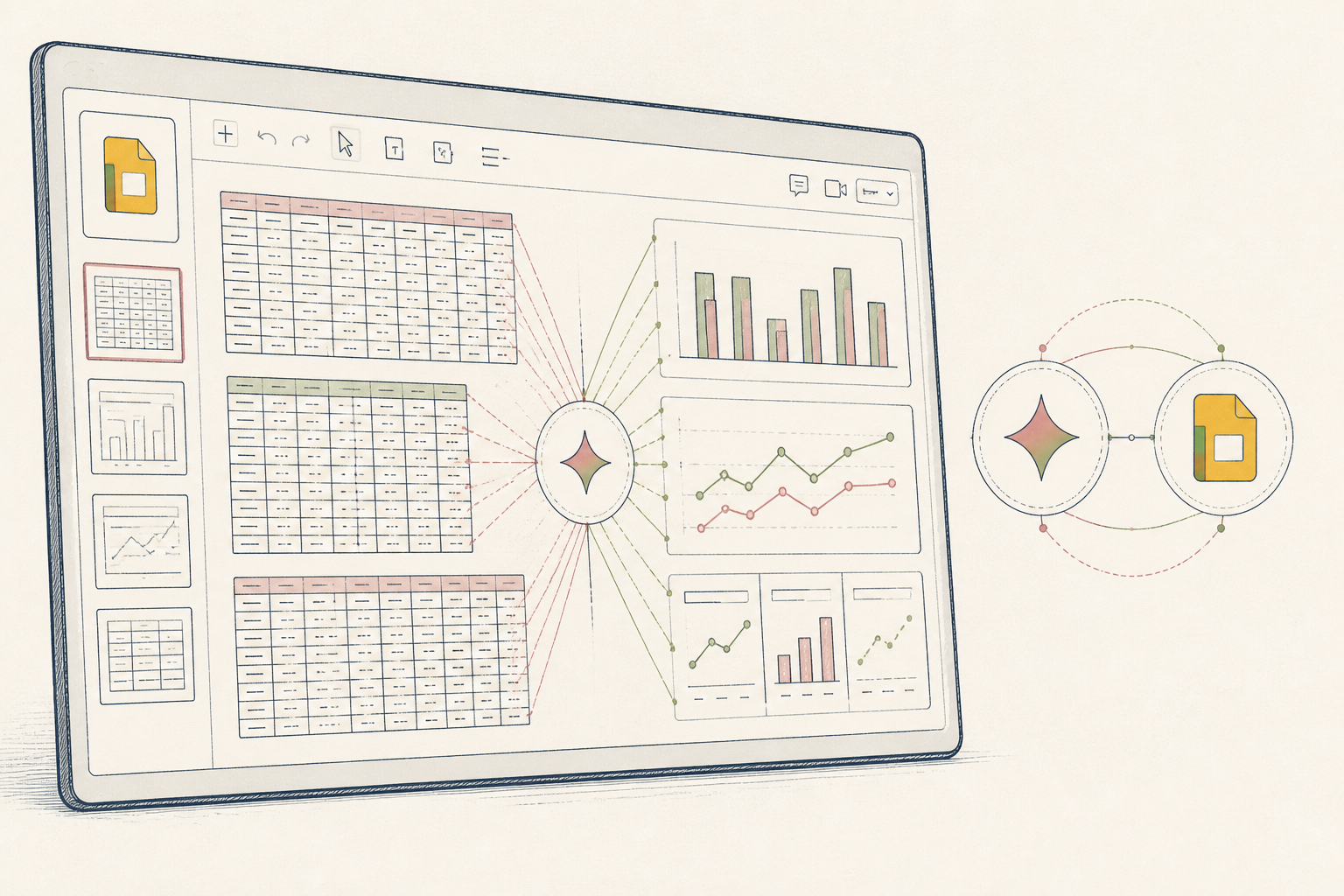
Raw lab reports are dense and difficult to track over time. Discussing specific trends with a clinician during a short appointment is challenging. A visual summary makes the data legible and the conversation more productive.
Before you start
- A Google Workspace account with Gemini enabled
- A recent lab report (PDF or text)
- 8 quiet minutes
The steps
- 01
Create a new, private presentation
Start a new Google Slides presentation. Name it clearly (e.g., "Lab Review [Date]") and confirm in the "Share" settings that it is private. All health data is sensitive; manage its location first.
- 02
Ask Gemini to create the structure
Open the `Help me create` sidebar and provide a structural prompt. For example: "Create a 5-slide presentation to review lab results with my doctor. Include a title slide, a slide for key results with reference ranges, a slide for trend comparison, and a final slide for questions."
- 03
Translate your lab report to slides
Manually transcribe key biomarkers and their values from your lab report into the slides Gemini created. For each marker, include the lab's reference range. This is the Ledger layer of your health data—a clean, readable record you own.
- 04
Generate custom images for key trends
For a biomarker that has changed over multiple tests, ask Gemini to create a supporting visual. Use the image generation feature with a prompt like, "Create an image of a simple line graph showing a downward trend for LDL cholesterol." Add this to the relevant slide.
- 05
Refine your questions for the clinician
On the final slide, list specific, actionable questions. A good prompt prepares the conversation: "Given the 15% drop in ferritin since my last test, should we adjust my current iron protocol?" This turns the deck into a working document for your appointment.
Honest note
Google's data privacy policies for Workspace are complex; do not input any health information you are not comfortable with their systems processing. Gemini can also generate plausible-sounding but incorrect medical information or charts, so you must verify every number against your original report.
Want the whole stack, not just one tool?
The free 10-Day Challenge wires these together. Or join the free 45-min live workshop and watch me build it end-to-end.