Automation · Setup in 8 min· Setup Pass
Set up Glean for Client Protocol Triage in 8 minutes
Configure Glean to search across your practice's private documents and generate client-ready protocols.
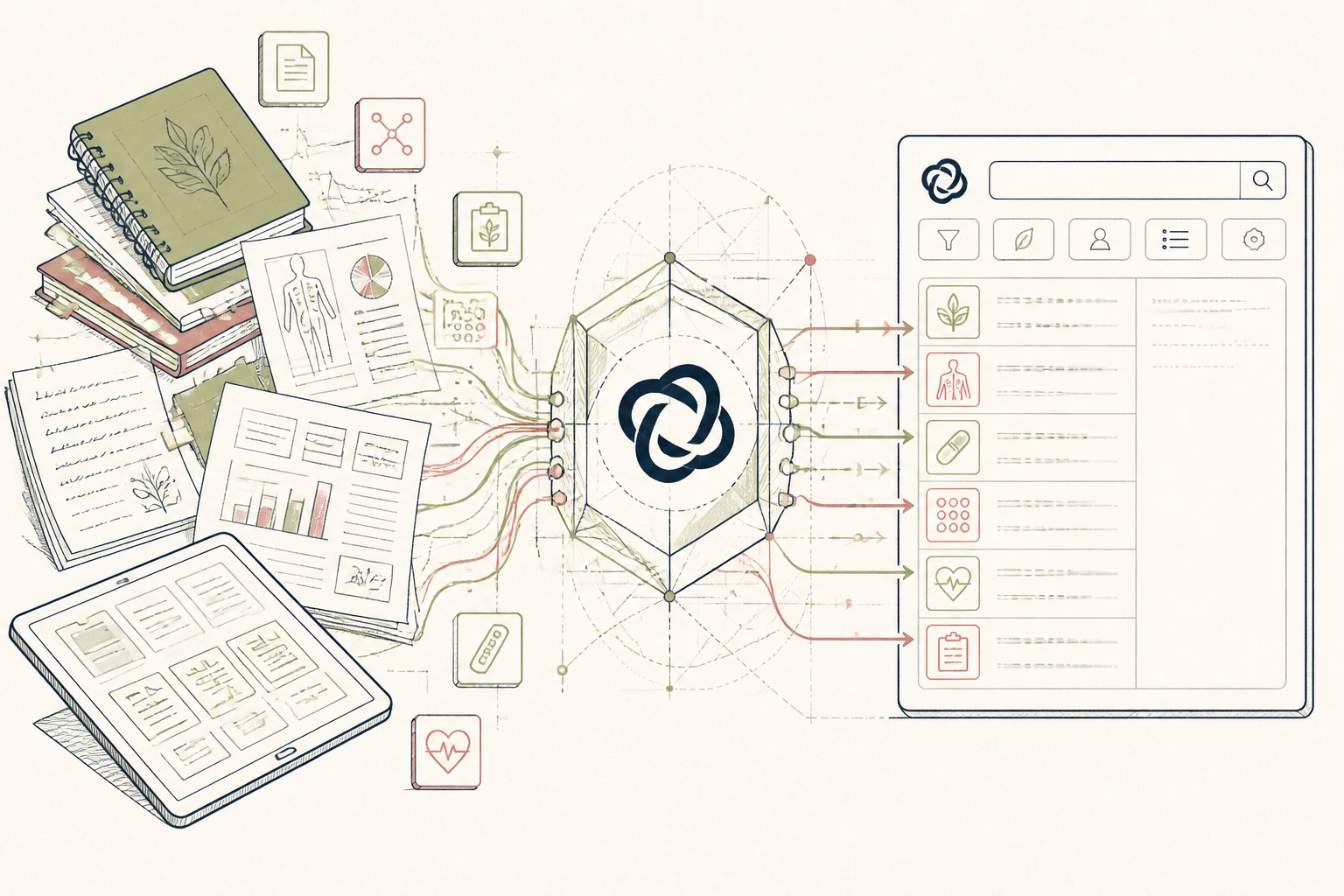
Practitioners build large private knowledge bases of case notes, research, and past client protocols. Finding the right information for a new client is a manual, time-consuming process. This setup uses Glean to create a private search engine over your practice's documents, letting you query for specific symptoms or conditions to quickly assemble a draft protocol.
Before you start
- A Glean account (Business tier)
- A collection of practice documents (e.g., in Google Drive, Notion)
- 8 quiet minutes
The steps
- 01
Connect Your Knowledge Base
In the Glean dashboard, navigate to "Apps" and connect the data sources where your practice stores its information. Prioritize high-signal sources like Google Drive, Notion, or Slack where you keep case notes, research papers, and internal discussions. This gives Glean the raw material to search.
- 02
Index Your Core Protocols
Create a specific folder in your connected source named "Core Protocols & Research". Place your most trusted and frequently used documents here, such as foundational client protocols, literature reviews, and seminar notes. This allows you to specifically target this folder in your queries for higher-quality results.
- 03
Define a Go-To Protocol Query
Use Glean's search bar to query your newly indexed documents. Formulate a query as if you were asking a research assistant, such as: "What are our standard protocols for managing new clients presenting with Hashimoto's and gut dysbiosis?" Glean will search across your content and provide sourced answers.
- 04
Generate a Draft Protocol
From the search results, use Glean's generative AI features to synthesize the findings into a structured document. Use a prompt like, "Summarize the key interventions for Hashimoto's from the search results into a bulleted list for a new client protocol." This creates the first draft of your Ledger in the 3-Layer Method.
- 05
Verify and Refine
Always click back to the original source documents for every claim Glean makes in the generated summary. Manually verify the dosages, citations, and context. Edit the generated draft into a finished, client-ready protocol, removing any inaccuracies and tailoring it to the specific client's context.
Honest note
Glean is an enterprise tool; it is not designed for individual use and lacks consumer-friendly pricing. For practitioners, its primary limitation is its dependence on the quality of your indexed data—if your knowledge base contains conflicting or outdated information, the generated outputs will reflect that. Always verify its summaries against your source documents.
Want the whole stack, not just one tool?
The free 10-Day Challenge wires these together. Or join the free 45-min live workshop and watch me build it end-to-end.