Chat · Setup in 5 min· Setup Pass
Set up Gemini to read your long-form health records in 5 minutes
Configure Gemini's large context window to find patterns in years of lab results, journals, or practitioner intake forms.
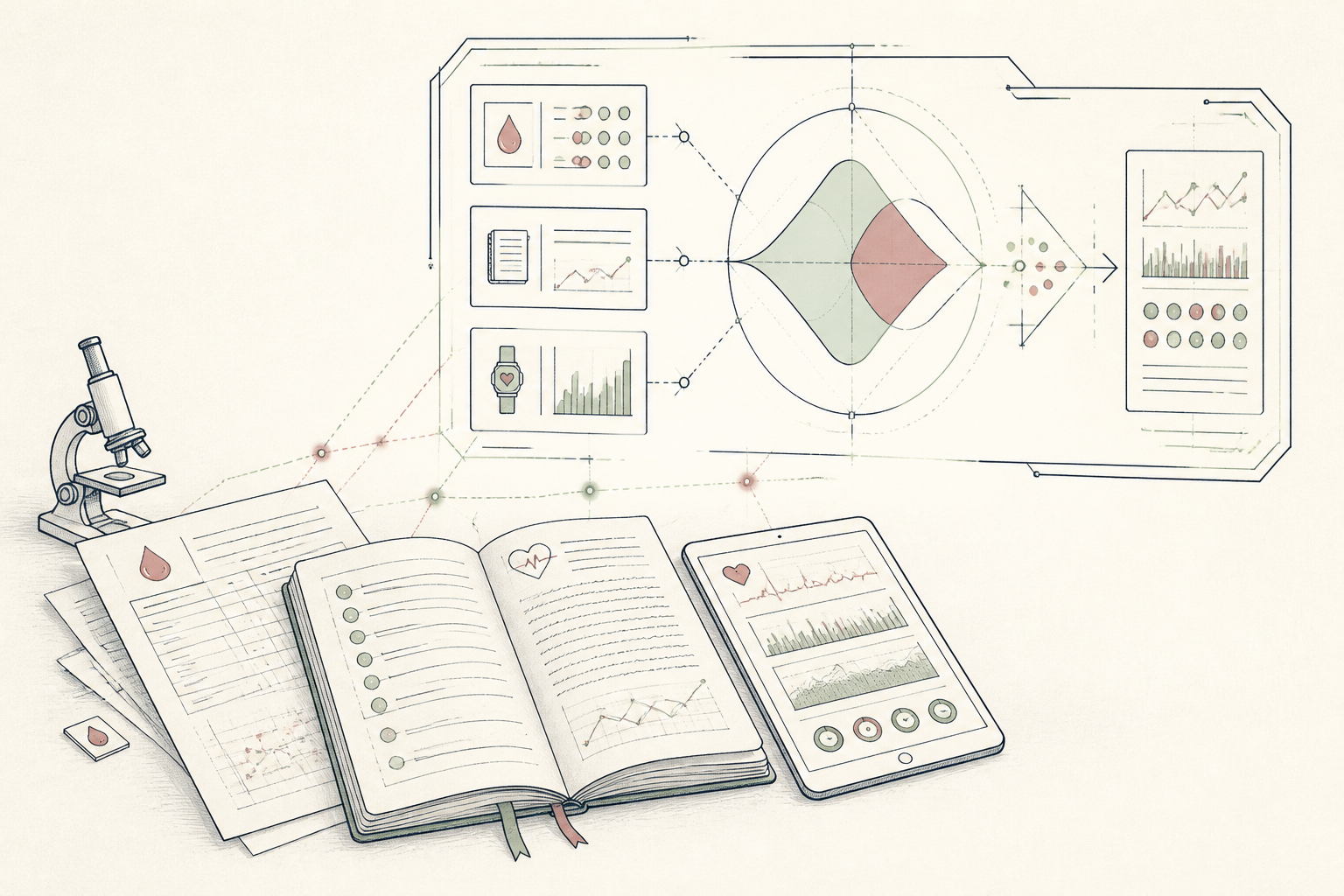
Your health data accumulates over years in journals, lab reports, and wearable exports. Sifting through this manually for long-term trends is difficult and time-consuming. This guide sets up Gemini to ingest and analyze these large documents in a single query.
Before you start
- A Google account with Gemini Advanced
- A digital health record (e.g., PDF, .txt, .csv)
- 5 quiet minutes
The steps
- 01
Consolidate Your Data
Collect your target data into a single file. This could be a PDF of several years of lab results, a CSV file exported from a wearable, or a text file containing a long-form journal.
- 02
Upload Your Document
In a new Gemini Advanced chat, select the 'Upload file' icon and choose the document you prepared. Gemini can accept multi-page PDFs, large text files, and spreadsheets directly.
- 03
Create a Health Data Ledger
Prompt Gemini to extract and structure key information. For example: 'Read the attached lab results from 2020-2024. Extract the values for Vitamin D, LDL Cholesterol, and TSH. Present them in a table chronologically.' This creates a clean 'Ledger' from a messy source, per the 3-Layer Method.
- 04
Ask for the Through-Line
Once the data is structured, ask for analysis. For an individual: 'What is the long-term trend for my Vitamin D levels?' For a practitioner: 'Read the attached client intake form and summarize their primary health goals in 3 bullet points.'
- 05
Verify and Export
Critically review the output for accuracy against your original document. If correct, you can use this structured data to inform a health 'Protocol' or save it as a client artifact.
Honest note
Gemini's strength is its large context window, but it can still hallucinate or misinterpret values from tables or scanned PDFs. It is not a diagnostic tool; always verify its output against the source document and consult a clinician for interpretation of lab results or health data.
Want the whole stack, not just one tool?
The free 10-Day Challenge wires these together. Or join the free 45-min live workshop and watch me build it end-to-end.