Wearables · Setup in 8 min· Setup Pass
Set up Garmin for Training Load Analysis in 8 minutes
This guide configures your Garmin watch and Connect app to monitor training load, recovery, and readiness for your next session.
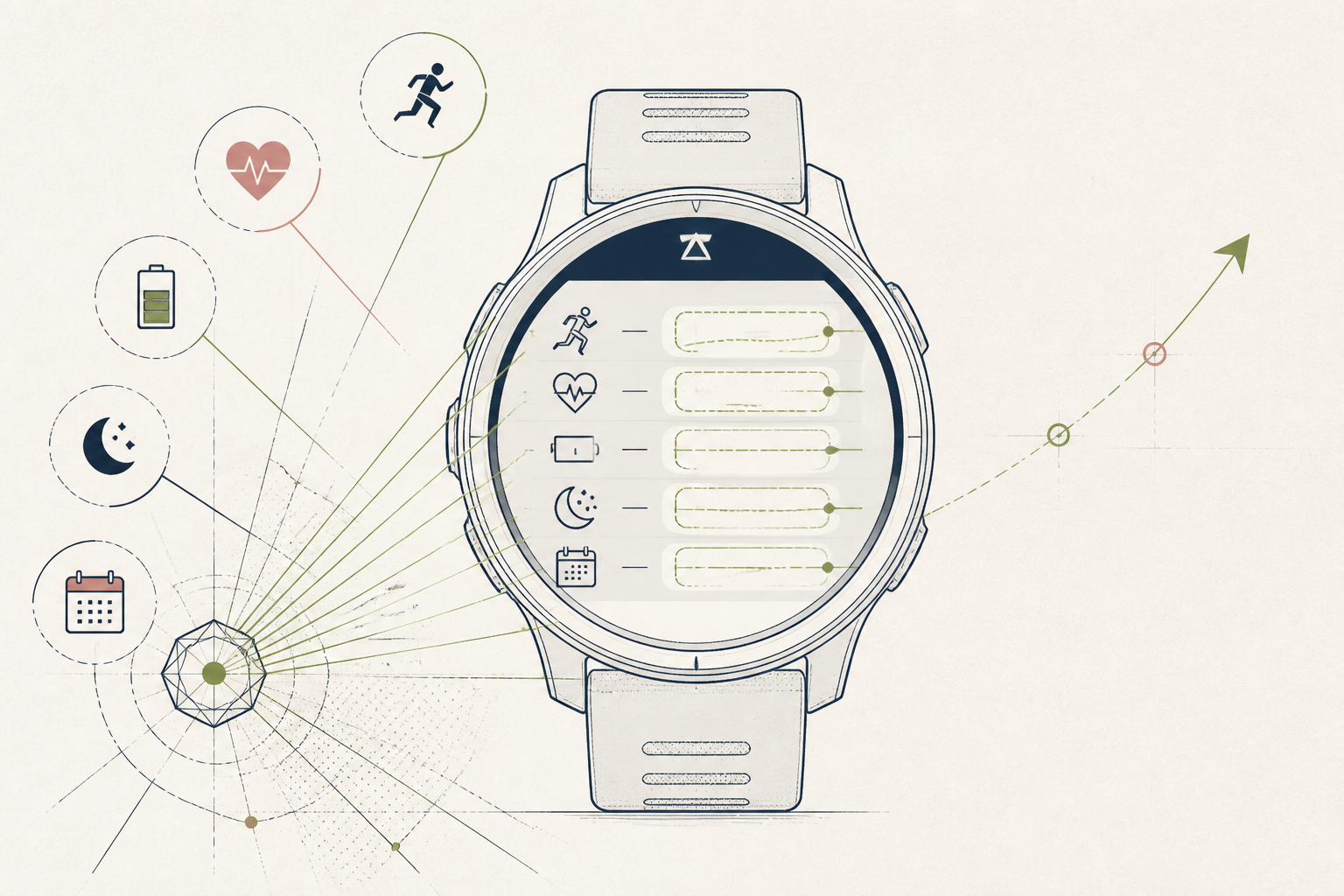
Raw workout data—miles, minutes, heart rate—lacks context on its own. The goal is to understand the cumulative impact of your training so you know when you are primed for a hard effort versus when you need more recovery. This setup makes Garmin's Training Status and Body Battery features your daily readiness ledger.
Before you start
- A Garmin watch
- The Garmin Connect app installed on your phone
- At least two recent GPS-tracked activities (runs or rides)
- 10 quiet minutes
The steps
- 01
Calibrate Your Heart Rate Zones
Accurate zones are the foundation of all load measurement. In the Garmin Connect app, go to Device Settings > User Profile > Heart Rate Zones. If you know your lactate threshold heart rate (LTHR) from a test, input it for the most precise data. Otherwise, select 'Reset Zones' and choose '% of Max HR' for a reasonable starting point.
- 02
Activate the Training Status Widget
This feature synthesizes your VO2 max, load balance, and acclimation into a single readiness descriptor. To get a reading, you must log at least two GPS-tracked runs or rides in a week. Confirm it's active by viewing the 'Training Status' report in your Connect app's 'Performance Stats' section.
- 03
Review Your 7-Day Load
This view shows if your recent activity volume is productive, maintaining, or insufficient. In the Connect app, navigate to Performance Stats > Training Status > 7-Day Load. Check if your load is within the optimal range shown by the green band; this screen is your primary quantitative ledger for weekly training stress.
- 04
Use Body Battery as a Recovery Ledger
Body Battery estimates your energy reserves using heart rate variability (HRV), stress, and sleep data. Wear the watch consistently, especially overnight, to get a reading. Use it as a daily ledger of your recovery status, a simple metric to discuss with clients who report feeling drained.
- 05
Correlate Load with Subjective Feel
Data is only useful when tied to your actual experience. After a hard workout or a string of high-load days, make a note of your perceived exertion and mood in your journal. Compare your qualitative sense with Garmin's 'Productive' or 'Overreaching' status to refine your own intuition—the core feedback loop of your personal health Protocol.
Honest note
Garmin's sleep tracking and Body Battery are proprietary algorithms that can misinterpret stillness, like reading in bed, as light sleep. Trust your subjective feeling of restfulness over the raw score, and never use it to diagnose a sleep disorder—for that, see a clinician.
Want the whole stack, not just one tool?
The free 10-Day Challenge wires these together. Or join the free 45-min live workshop and watch me build it end-to-end.