Workspace · Setup in 10 min· Setup Pass
Set up Gamma for Your Personal Health Summary in 10 Minutes
This guide configures Gamma to generate a clear, shareable summary of your personal health notes, labs, and wearable data.
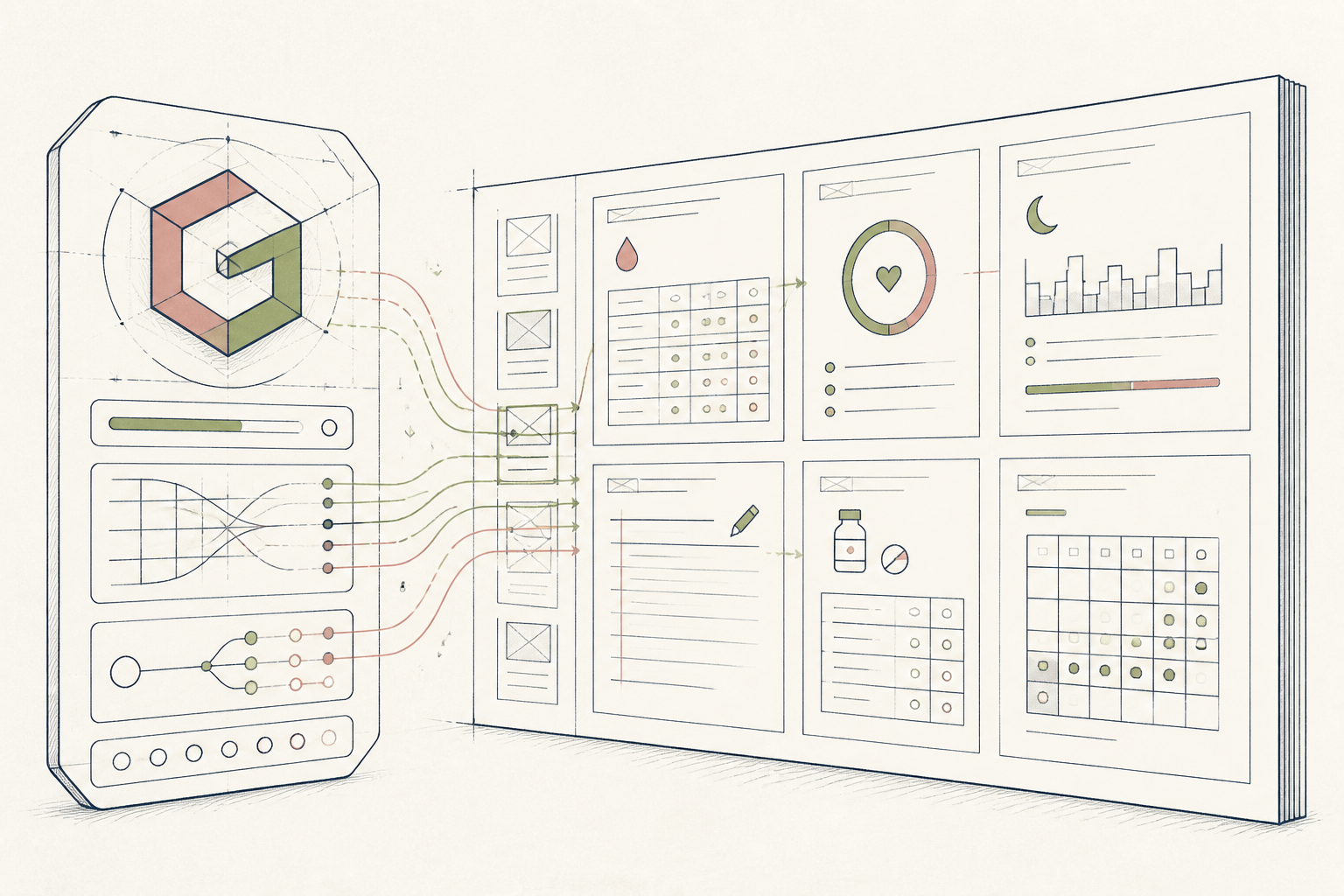
Your health data is often scattered across different apps, lab portals, and personal notes, making it difficult to see trends or share a coherent story with a practitioner. This setup uses Gamma to quickly consolidate this information into a single, well-organized visual deck.
Before you start
- A Gamma account
- A text file with your health notes (symptoms, labs, key metrics)
- 10 quiet minutes
The steps
- 01
Collate Your Raw Data
Gather your recent health information—symptom notes, key lab results with ranges, and specific wearable data points like HRV or sleep scores—into a single text document. This document is the source material for your deck.
- 02
Generate from Text
In Gamma, start a new project and select the 'Paste in text' option. Paste the contents of your health data document and instruct the AI with a prompt like, 'Create a personal health summary from these notes for review with a clinician.'
- 03
Review the Deck's Outline
Gamma will propose a card-based outline with titles like 'Symptom Timeline' or 'Lab Result Highlights.' Review this structure to ensure it logically organizes your information before generating the full presentation.
- 04
Edit Cards Directly
Once the deck is generated, click into any text or data point to edit it. Correct any numbers or summaries the AI may have misinterpreted and use the card menu to add visual elements like timelines or styled lists to clarify your data.
- 05
Export for Your Records
Use the 'Share' menu to export the final deck as a PDF or PowerPoint file. This creates a static document you can save as part of your personal health ledger—a core 'Ledger' step in the 3-Layer Method—or send securely to a practitioner.
Honest note
Gamma is a presentation and summarization tool, not a diagnostic one. It may misinterpret numerical data or lack the context to understand lab markers without clear reference ranges in your notes, so always verify its output against your source files before sharing.
Want the whole stack, not just one tool?
The free 10-Day Challenge wires these together. Or join the free 45-min live workshop and watch me build it end-to-end.