Workspace · Setup in 8 min· Setup Pass
Set up Fyxer for symptom tracking in 8 minutes
Configure a private, structured symptom and intervention journal using your existing email client.
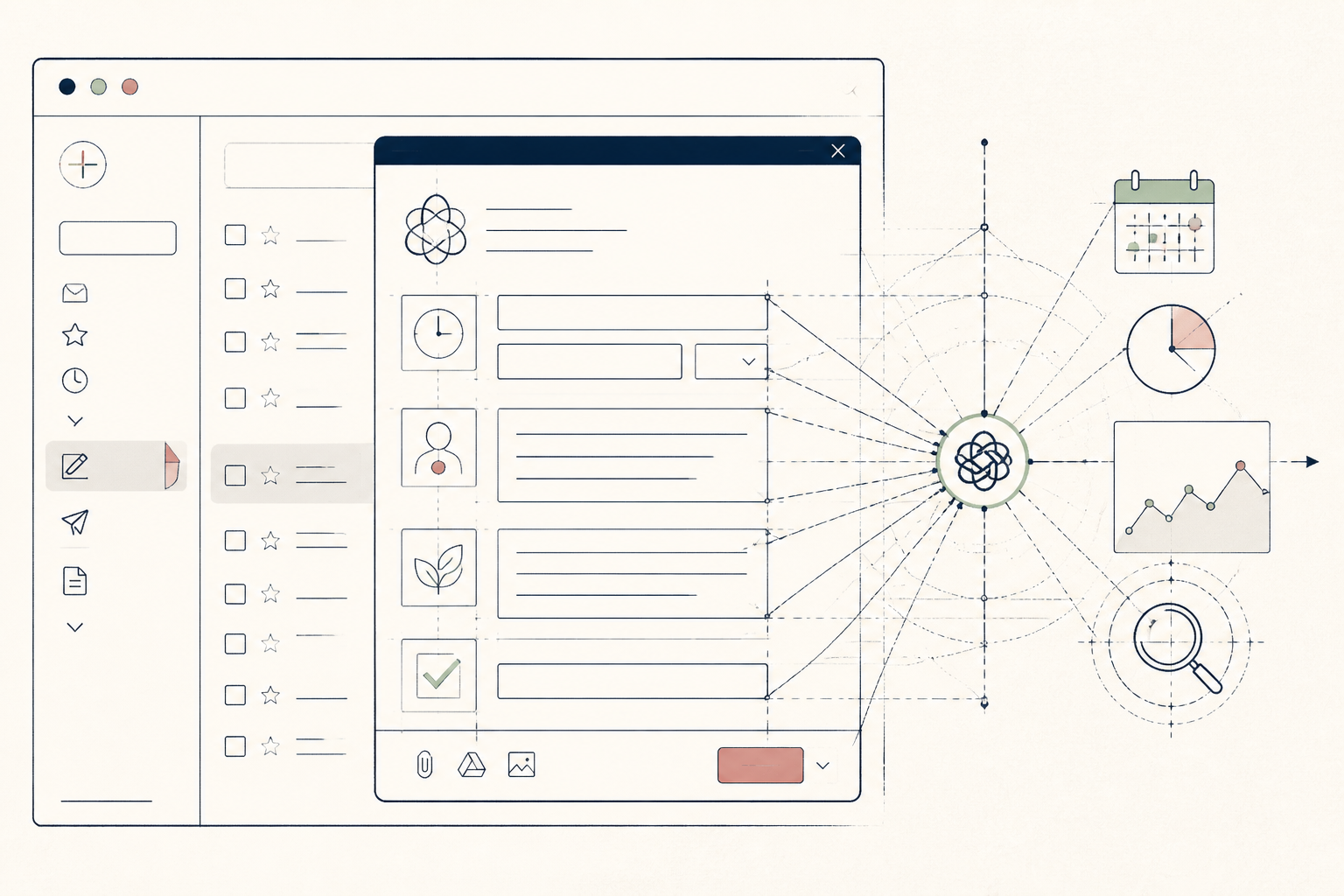
Symptom journals are powerful, but most people abandon them. This setup uses Fyxer to turn your existing email drafts folder into a structured, queryable log of your symptoms and interventions, making it easy to spot correlations over time.
Before you start
- A Fyxer account
- An email account (Gmail or Outlook)
- 5 quiet minutes for initial setup
The steps
- 01
Create a dedicated email address.
Create a new, private email address used only for this symptom journal (e.g., [yourinitials].health.log@gmail.com). This isolates the data and prevents Fyxer from accessing your primary personal or work inbox, maintaining privacy.
- 02
Connect Fyxer to your new account.
In the Fyxer dashboard, go to 'Connected Accounts' and add your new symptom-journal email. Grant it permission to read and draft emails. Do not give it 'send' permissions.
- 03
Define your journaling structure.
Create a new note or document with your chosen journaling format. Include fields like 'Date', 'Time', 'Symptom(s)', 'Severity (1-10)', 'Food', 'Sleep (hours)', and 'Interventions' (e.g., supplements, medication). This structure is the foundation of your Ledger in the 3-Layer Method.
- 04
Create your first entry as an email draft.
In your new email account, compose a new message with 'Symptom Log' and the date in the subject line. Paste your defined structure into the body and fill it out. Save it as a draft; do not send it.
- 05
Ask Fyxer to retrieve a data point.
Open the Fyxer chat interface and ask a specific question about your new entry, such as 'What was my reported sleep last night?' or 'Summarize all log entries from this week.' Fyxer will read your drafts and provide a direct answer based on the structure you created.
- 06
For practitioners: create client templates.
Instead of a symptom log, save drafts of your most common client emails — intake forms, protocol reminders, check-in questions. When you onboard a new client, instruct Fyxer to 'draft an intake email for [Client Name] based on the intake template draft', personalizing as needed before sending.
Honest note
Fyxer is reading your data. While this setup isolates it from your primary inbox, the content of your health log is still being processed by a third party. Do not use this method for highly sensitive health information and never use it for diagnosis.
Want the whole stack, not just one tool?
The free 10-Day Challenge wires these together. Or join the free 45-min live workshop and watch me build it end-to-end.