Voice · Setup in 8 min· Setup Pass
Set up Fireflies AI for client session analysis in 8 minutes
Configure a private, searchable transcript library for all your client sessions, with automated summaries and action items.
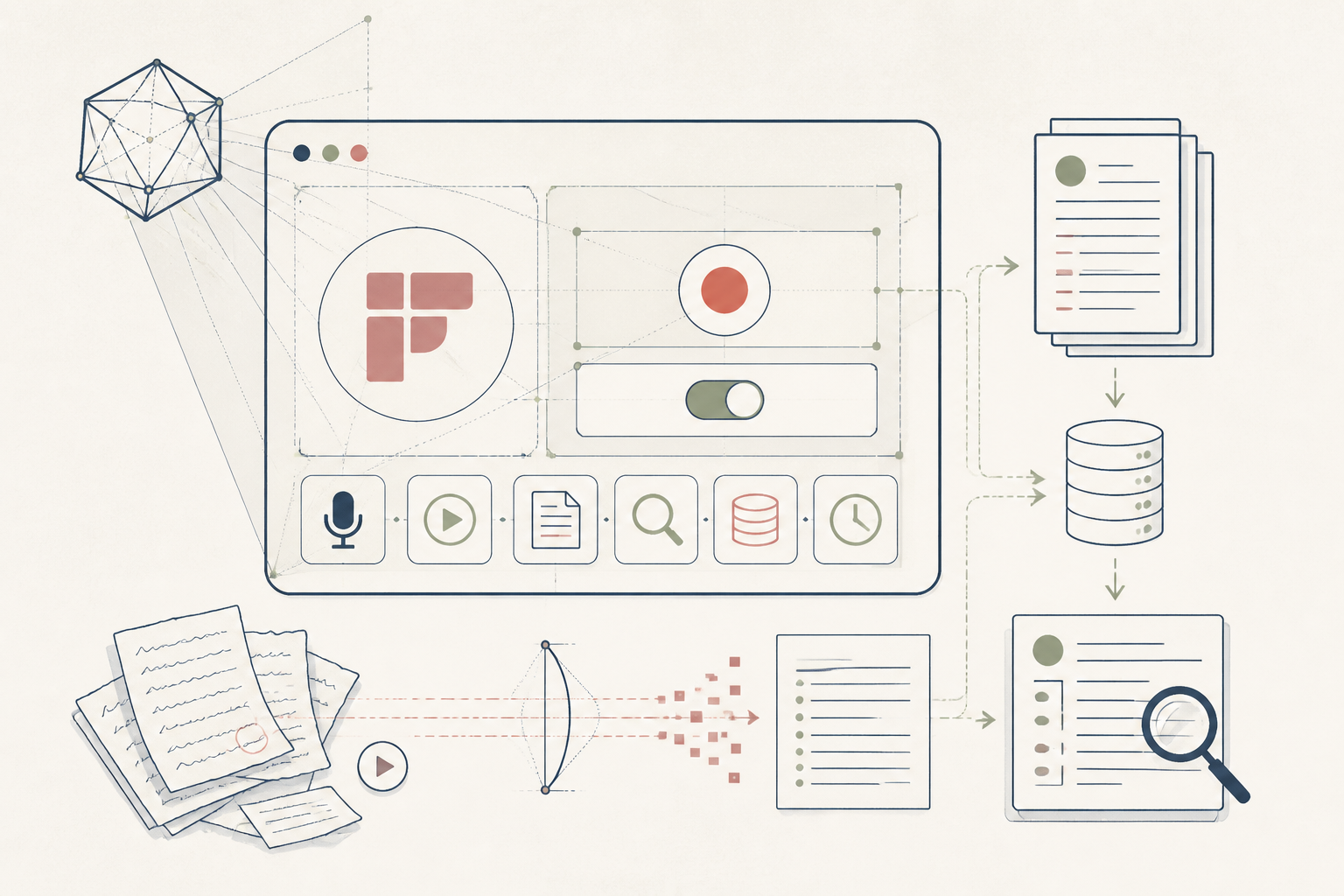
Manually writing up client session notes is time-consuming and creates a static, unsearchable record. This setup uses Fireflies AI to automate transcription and analysis, creating an intelligent ledger of your client conversations that you can search, filter, and summarize.
Before you start
- Fireflies AI Business plan
- Connected Google or Outlook calendar
- A scheduled client call to test
The steps
- 01
Calibrate your meeting join settings
In your Fireflies dashboard, go to Settings > Meeting Autojoin. Set Fireflies to only join meetings you invite it to (fred@fireflies.ai) or meetings that contain a specific keyword like 'Client Session'. This prevents it from joining personal appointments or internal team calls.
- 02
Customize the AI summary app
Select the 'Meeting Recap' App in your Fireflies dashboard. Create a custom summary template with prompts tailored to a client session. Use prompts like 'List all symptoms or feelings the client reported', 'Extract any commitments the client made', and 'Summarize the session's primary goals and outcomes'.
- 03
Create custom topic trackers
Go to the 'Topic Trackers' section to create a private library of keywords and phrases relevant to your practice. Add trackers for 'Supplement Mention', 'Symptom Report', 'Client Progress', or specific modalities. This allows you to search for these moments across all client sessions, forming a powerful client Ledger.
- 04
Set meeting privacy to default-private
Navigate to Settings > Privacy. Set the 'Who can view the meeting' default to 'Only me'. This ensures all client session recordings are completely private to your account unless you explicitly decide to share one.
- 05
Run a test session and refine
Run a test meeting with a colleague role-playing a client. Review the transcript, summary, and action items. Note any inaccuracies, then use the recording to refine your Topic Trackers and summary prompts for better accuracy in live client sessions.
Honest note
Fireflies is a powerful tool for session recall, but it is not a secure medical record system and its use requires explicit client consent. Transcription will make errors with non-standard medical terms, and AI summaries can miss nuance; the tool augments your professional judgment, it does not replace it.
Want the whole stack, not just one tool?
The free 10-Day Challenge wires these together. Or join the free 45-min live workshop and watch me build it end-to-end.