Workspace · Setup in 8 min· Setup Pass
Set up Figma AI for Health Protocols in 8 minutes
Use Figma's AI to generate a polished, one-page health or supplement protocol from a simple text prompt.
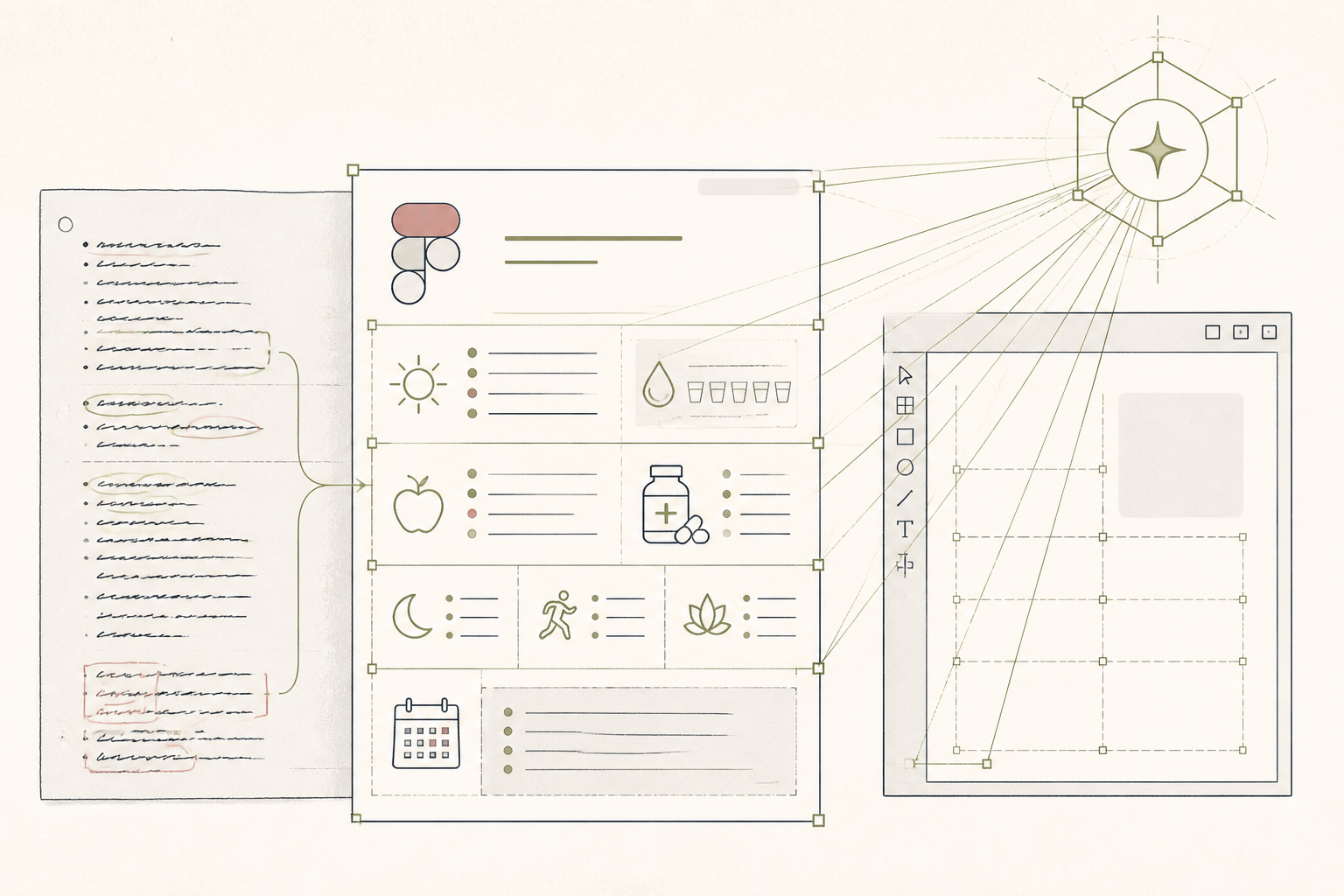
A well-structured health protocol is easier to follow. Instead of relying on scattered notes or a plain text file, this guide uses Figma's AI to generate a clean, printable one-pager from your raw outline, making your daily routine clear and actionable.
Before you start
- A Figma account (free plan is sufficient)
- A draft of your health protocol in plain text
- 8 quiet minutes
The steps
- 01
Install the "Make with AI" plugin
From the main Figma dashboard, go to "Plugins" in the sidebar and search for "Make with AI". Click to install it. This plugin provides the AI generation capabilities inside your design files.
- 02
Create a new design file
Start a new blank design file in Figma. Create a text box (press "T") and paste your complete health or supplement protocol into it. This text will serve as the direct input for the AI.
- 03
Prompt the AI to generate a layout
Select the text box containing your protocol. Open the "Make with AI" plugin and enter a simple, direct prompt describing the desired output. For example: "Create a one-page printable health protocol from this text. Use a clean, minimal layout with clear headings for morning, afternoon, and evening sections."
- 04
Review and refine the generated design
The AI will generate a complete design frame based on your prompt. Review the hierarchy, spacing, and font choices. Manually adjust any elements that are unclear or visually cluttered to improve readability.
- 05
Create reusable component styles
For practitioners, select the key elements of the generated design—like headings, lists, and pill dosage formats—and save them as new components in your library. This allows you to apply consistent branding to all future client protocols, moving your workflow from the initial AI Research layer to a reusable Protocol layer.
- 06
Export for use
Select your final design frame. In the right-hand sidebar under "Export", choose your desired format (PDF is best for printing or sending to clients). Save the file for easy access on your phone or computer.
Honest note
Figma's AI is for layout and presentation, not clinical validation. It will generate a plausible design from any text you provide, regardless of whether the underlying health information is safe or effective. Always use it with a protocol that has been reviewed by a qualified clinician.
Want the whole stack, not just one tool?
The free 10-Day Challenge wires these together. Or join the free 45-min live workshop and watch me build it end-to-end.