Workspace · Setup in 8 min· Setup Pass
Set up DocuSign AI to review a health contract in 8 minutes
Configure DocuSign's AI to read and summarize a contract for a new practitioner or health service.
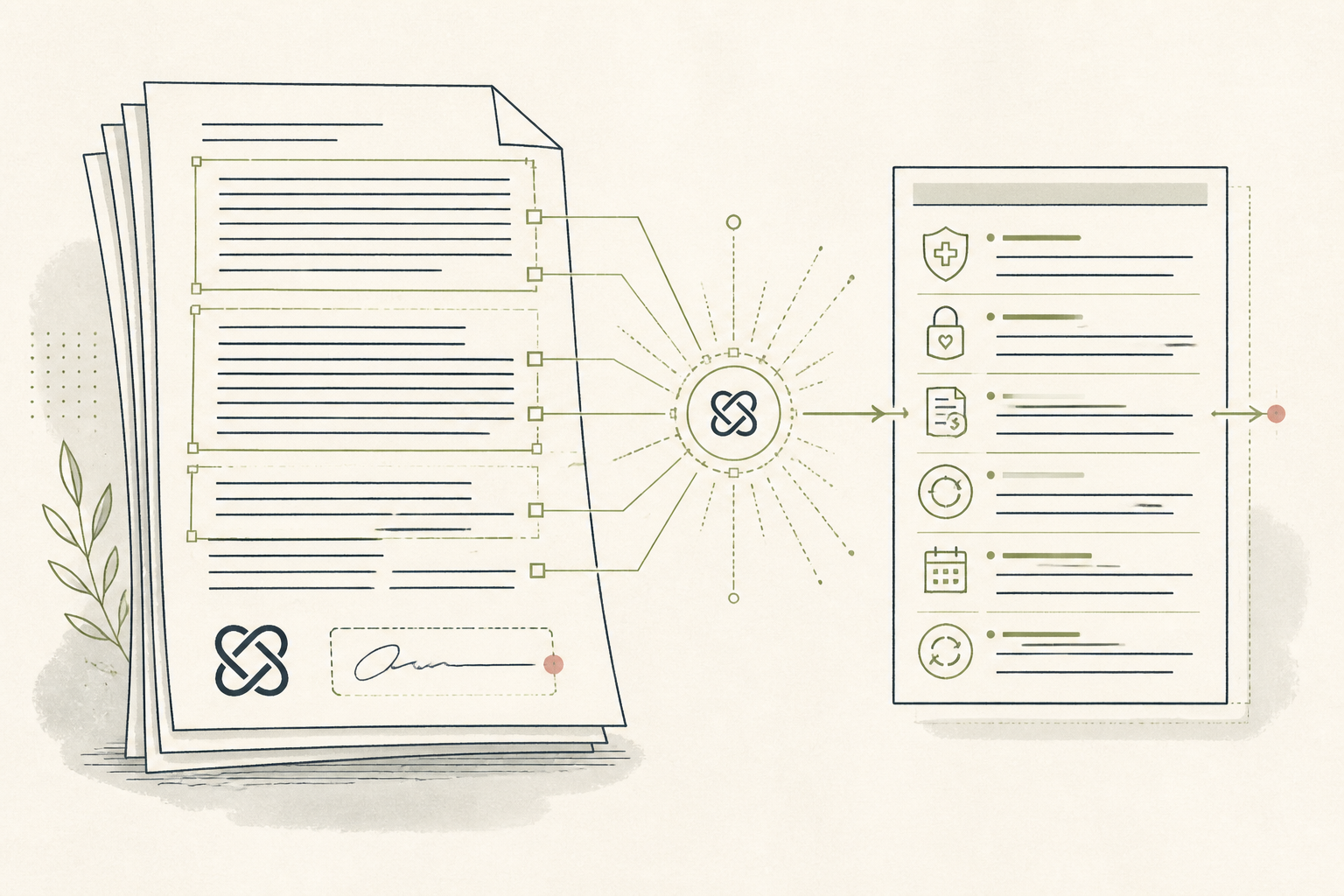
Signing intake forms for a new practitioner, gym, or health service often involves long legal documents. You can use DocuSign's AI to create a plain-language summary of the terms, flagging risks and commitments before you agree to them.
Before you start
- A DocuSign account (any paid plan)
- The contract as a PDF, .docx, or other supported file
- 8 quiet minutes
The steps
- 01
Start a new envelope.
From your DocuSign dashboard, click "Start" and then "Send an envelope." An envelope is DocuSign's term for the container that holds the documents you need to analyze or sign.
- 02
Upload your document.
Upload the practitioner agreement, gym membership contract, or terms of service document. For this workflow, you are both the sender and the recipient; enter your own name and email in the recipient fields.
- 03
Locate the AI summary panel.
Once the document is uploaded and you are on the "Add Fields" screen, find the "AI" icon on the right-hand side menu. Click it to open the AI-powered analysis panel.
- 04
Generate the document summary.
In the AI panel, click the "Summarize this document" button. The tool will process the text and generate a bulleted list of the main clauses, such as the scope of services, payment terms, and cancellation policies.
- 05
Ask follow-up questions.
Use the "Ask a question" field to clarify specific points. For instance, ask "What is the exact cancellation policy?" or "Are there any data privacy clauses?" to extract details relevant to your personal health ledger or privacy concerns.
Honest note
DocuSign's AI is trained on general contract language, not specifically on health or clinical agreements. It may misinterpret nuanced clauses about HIPAA, data sharing with third-party health apps, or a practitioner's scope of practice, so read those sections manually.
Want the whole stack, not just one tool?
The free 10-Day Challenge wires these together. Or join the free 45-min live workshop and watch me build it end-to-end.