Workspace · Setup in 8 min· Setup Pass
Set up Cursor to read your Apple Health data in 8 minutes
Use Cursor's AI-assisted editor to write Python scripts that parse, analyze, and visualize your personal health records.
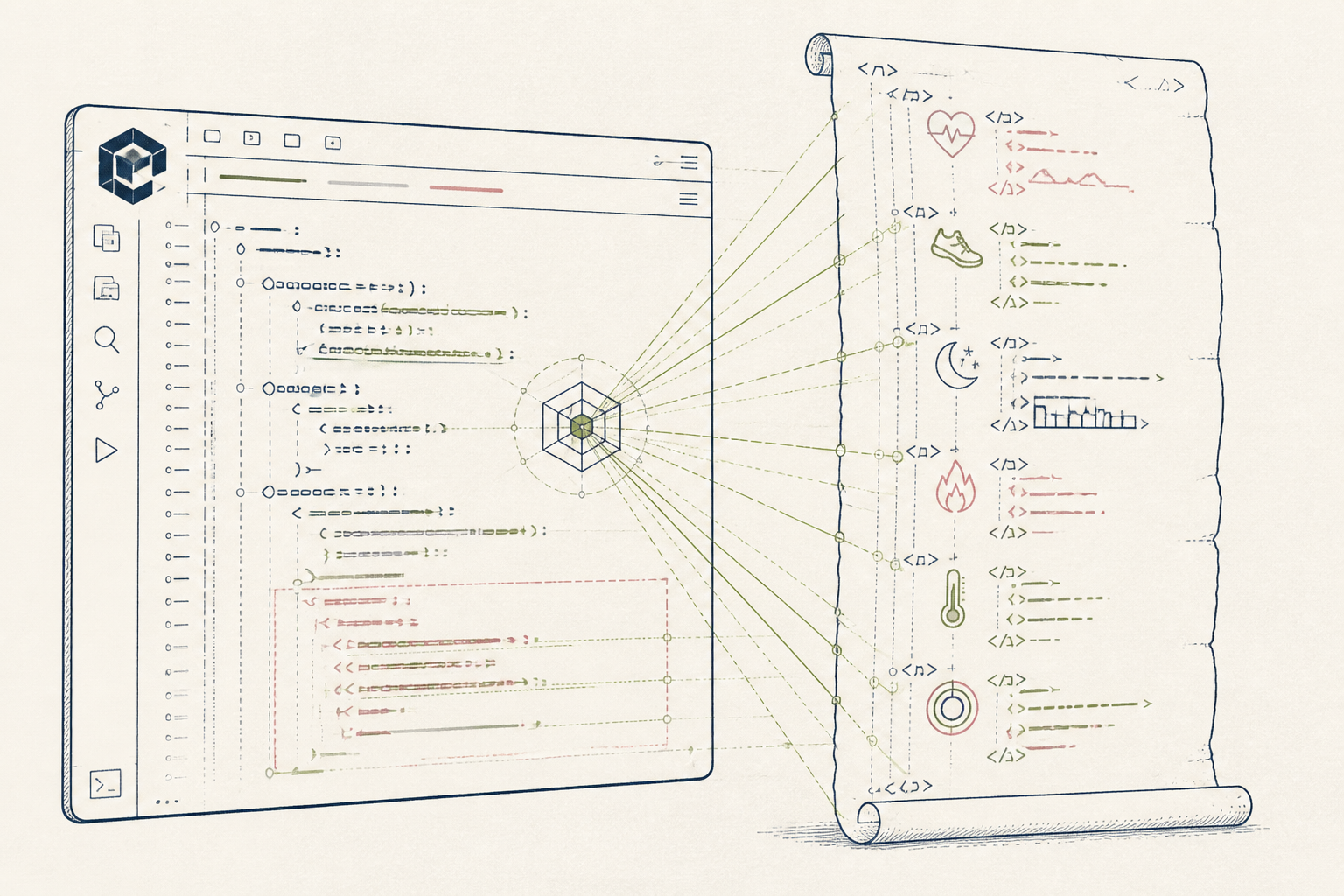
Your Apple Health export contains a detailed XML record of your health history, but it is unreadable by default. This guide configures Cursor to write the Python scripts needed to parse that file, letting you ask questions of your own data without relying on a third-party app.
Before you start
- A Cursor account.
- Your `export.zip` file from Apple Health.
- Basic familiarity with Python and a command line.
The steps
- 01
Create your project workspace
Unzip your Apple Health `export.zip` file into a new folder. Open this folder in Cursor to establish your project environment.
- 02
Prompt the AI to parse the XML
The `export.xml` is large and complex. Use the chat panel (Cmd+K) to instruct the AI to process it: '''"Write a Python script using the lxml library to parse `export.xml`. Extract all records for `HKQuantityTypeIdentifierHeartRate` into a pandas DataFrame, then save it to `heart_rate.csv`."' This step builds a clean, machine-readable Ledger from your raw data.
- 03
Generate an analysis script
Create a new file, `analyze.py`. Prompt the AI to generate code for analysis: '''"Using pandas, load `heart_rate.csv` and calculate the average weekly resting heart rate. Plot the result as a time-series line chart using matplotlib and save the chart as an image file."' You can then run this script to see the output.
- 04
Draft a protocol from your findings
Use the AI to connect your data analysis to a potential action. With `analyze.py` open, prompt the chat: '''"@file:analyze.py Based on the resting heart rate trend, draft a markdown document with a 4-week protocol to incorporate one 30-minute Zone 2 cardio session per week."' This moves from insight to a structured plan.
- 05
Refine with source documentation
Cursor can read documentation to improve its code generation. If it produces errors, use the `@` symbol in chat to reference the official pandas or matplotlib documentation URLs. This helps the AI generate more accurate, up-to-date code for your specific questions.
Honest note
Cursor sends your code and document context to an external LLM service (like OpenAI's) to generate its responses. For sensitive Personal Health Information (PHI), this is a significant privacy concern. Consider its 'bring-your-own-key' feature with a private-by-default provider, or avoid using it for unanonymized clinical data.
Want the whole stack, not just one tool?
The free 10-Day Challenge wires these together. Or join the free 45-min live workshop and watch me build it end-to-end.