Research · Setup in 8 min· Setup Pass
Set up Claude for Supplement Research in 8 minutes
Configure a custom prompt in Claude to analyze your supplement stack for interactions and evidence.
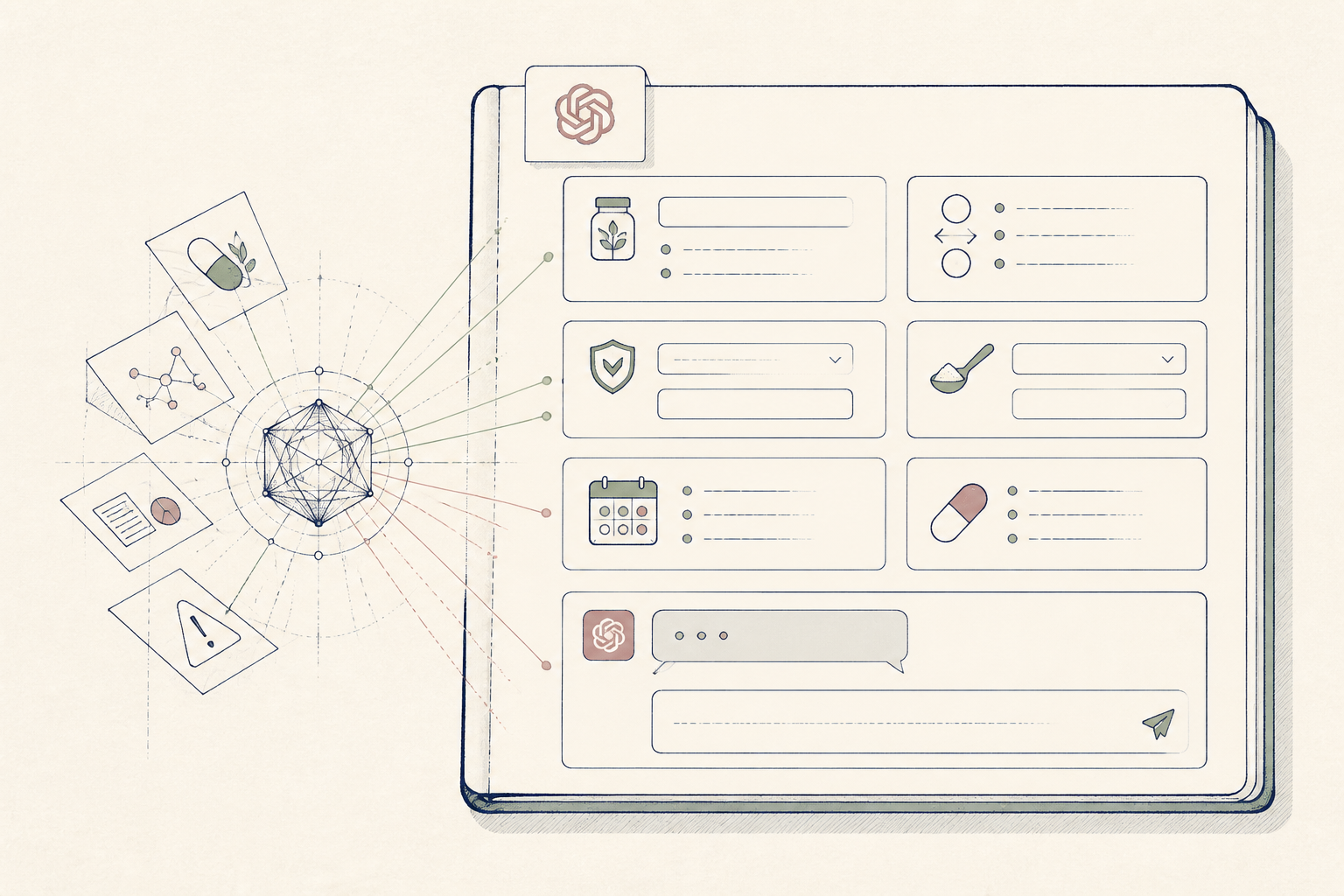
Reading supplement research is time-consuming and often contradictory. This guide creates a reusable Claude prompt to systematically review your current stack or a proposed new protocol for evidence, interactions, and gaps.
Before you start
- A Claude account (any tier)
- Your current list of supplements (names and dosages)
- 8 quiet minutes
The steps
- 01
Choose Your Model
Begin by selecting the right model for the job. Use Haiku for quick extraction from research papers, Sonnet for a balanced weekly review of your stack, and Opus for deep cross-referencing of multiple sources or complex protocols.
- 02
Draft Your Core Prompt
In a new chat, paste in a detailed prompt that defines the AI's role and task. Instruct it to act as a cautious, evidence-based research assistant, not a doctor. This is the 'Research' layer of your personal health stack: you are gathering and structuring information, not asking for a diagnosis. For example: '''You are a meticulous research assistant. Analyze the following supplement stack for A) potential interactions, B) the strength of evidence for each item's intended use, and C) any noted contraindications. Present this as a simple table. Cite sources where possible.''''
- 03
Add Your Supplement Stack
Below your core prompt, paste your list of supplements and exact dosages. The more specific you are, the more precise the analysis will be.
- 04
Review and Refine the Output
Run the prompt and read the output carefully. Use follow-up questions to clarify points or request studies for a specific claim. For practitioners, this is a fast way to draft initial client education materials on a proposed protocol.
- 05
Save Your Prompt
Save your full prompt in a text file or a dedicated prompt manager. This creates a reusable tool for whenever you want to evaluate a new supplement or review your existing regimen.
Honest note
Claude is often more cautious than other models and may refuse to discuss specific dosages or interactions, even for common supplements. It is not a real-time drug interaction checker and must not be used to vet prescription medication protocols—that is a job for your clinician and pharmacist.
Want the whole stack, not just one tool?
The free 10-Day Challenge wires these together. Or join the free 45-min live workshop and watch me build it end-to-end.