Automation · Setup in 8 min· Setup Pass
Set up Claude Cowork for automated health research in 8 minutes
Configure a Claude Skill to autonomously monitor PubMed and news sources for new research on a chosen health topic.
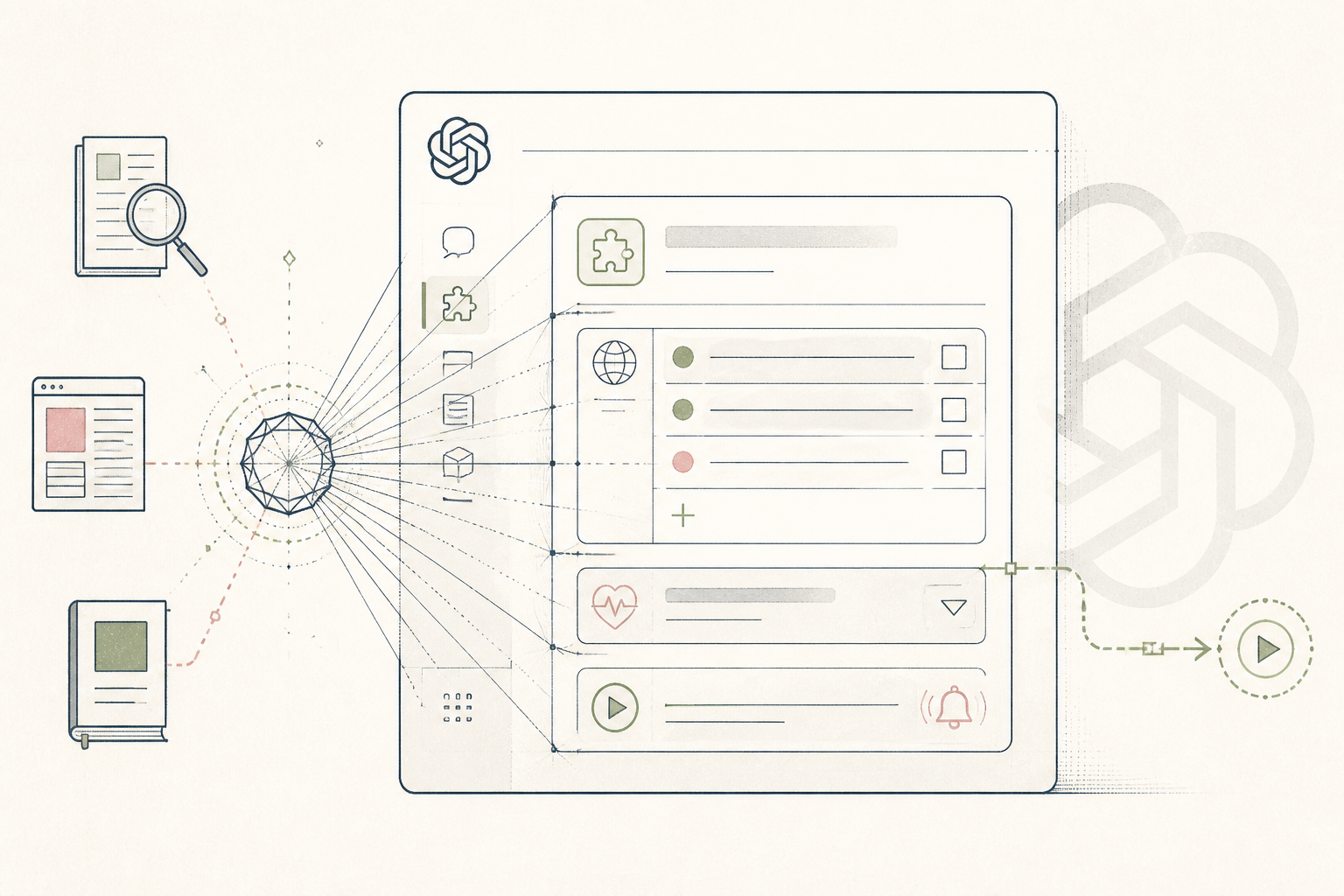
Staying current on a specific health condition or supplement requires manually filtering through dozens of sources weekly. This guide configures a Claude Cowork Skill to automate that process entirely. You build a small agent that monitors specified medical journals and news feeds, then drafts a summary brief for your review.
Before you start
- A Claude Pro account
- The names of 2-3 specific conditions or supplements to monitor
- 8 quiet minutes
The steps
- 01
Access the Skill Editor
From your Claude workspace, navigate to the 'Cowork' tab and select 'Create New Skill'. This opens the editor where you define the agent's tools and instructions.
- 02
Grant Search Permissions
In the 'Tools' panel, grant the Skill access to 'Web Search' and 'PubMed Search'. This allows the agent to query external sources for real-time information beyond its training data.
- 03
Write the Core Prompt
In the main prompt window, instruct the Skill on its core task. Be specific: 'Act as a research assistant. Every Friday, search PubMed and Google News for new studies or articles published in the last 7 days related to [Your Topic 1] and [Your Topic 2].'
- 04
Define the Summary Format
Add instructions for the output. For example: 'For each finding, provide the title, a direct URL, and a one-sentence summary of the key finding. Format the entire output as a single text block.' This 'Ledger' step turns raw data into a structured brief.
- 05
Automate and Run the Skill
Use the 'Scheduling' feature to run this Skill automatically. Set the frequency to 'Weekly' and choose a day. The Skill will now run in the background and deliver the research brief to your Claude chat history without further input.
Honest note
Claude's agents can occasionally get stuck in loops or fail to execute a step, requiring a manual restart. More importantly, the tool's privacy policy means you should not use personally identifiable client data in a Skill, making it unsuitable for fully automated pre-call briefs containing Protected Health Information (PHI).
Want the whole stack, not just one tool?
The free 10-Day Challenge wires these together. Or join the free 45-min live workshop and watch me build it end-to-end.