Chat · Setup in 8 min· Setup Pass
Set up ChatGPT for a Weekly Health Review in 8 minutes
Configure a custom GPT to read your wellness data, spot trends, and draft a weekly journal entry from the results.
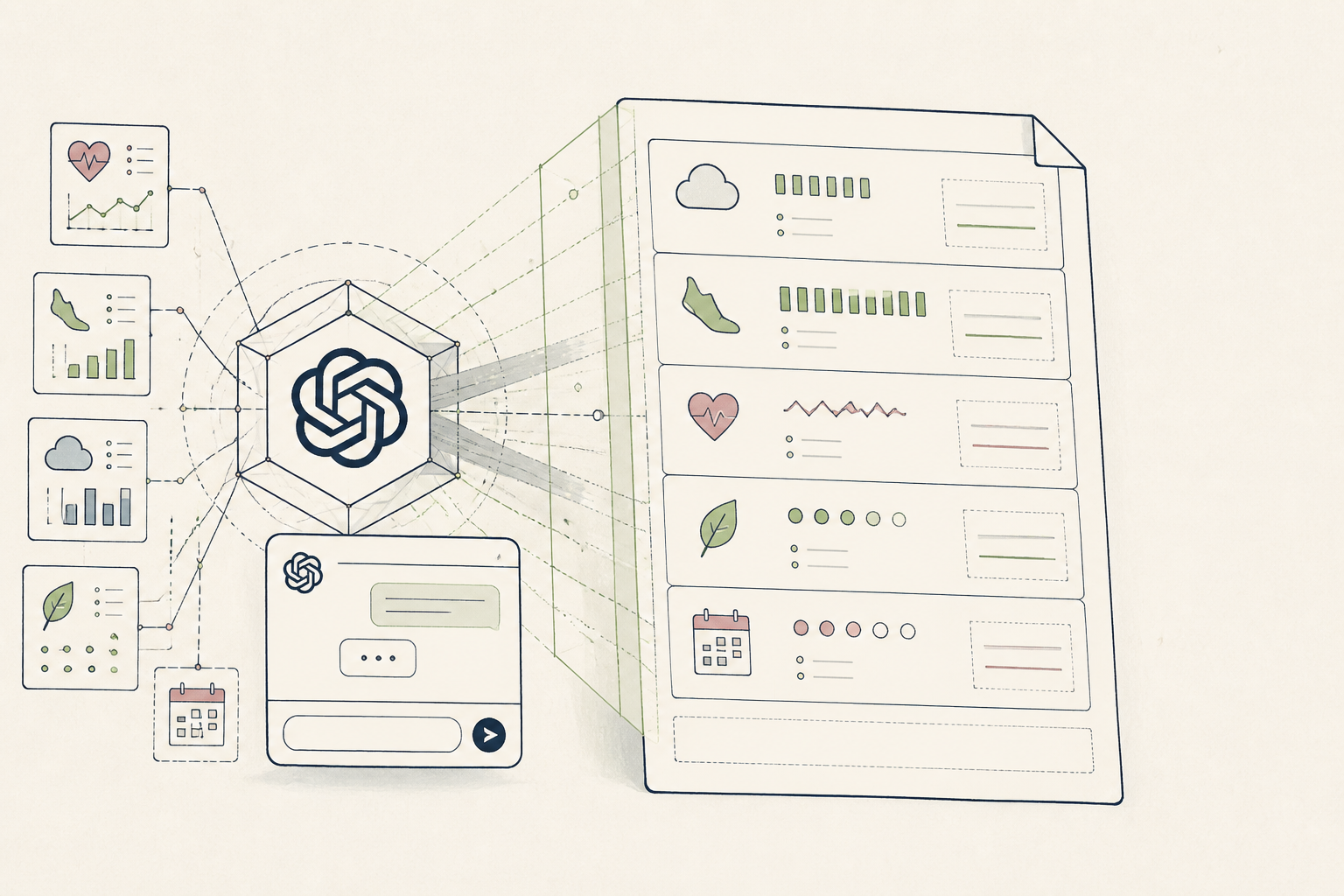
You collect health data from wearables and apps, but lack a consistent process to review it. This setup creates a private data analyst that turns your raw data exports into a clear, concise weekly summary for your health ledger.
Before you start
- A ChatGPT Plus account
- A sample data file (e.g., CSV export from a wearable)
- 8 quiet minutes
The steps
- 01
Create a new GPT
From the sidebar in ChatGPT, select 'Explore GPTs', then 'Create a GPT'. This opens the configuration interface for building your personal health analyst.
- 02
Define the core instruction
In the 'Configure' tab, paste your core directive into the 'Instructions' field. Instruct it to act as a data analyst, define the key metrics you track (e.g., HRV, RHR, sleep stages), and specify the desired output format, like a structured weekly journal entry. For example: 'You are a data analyst. Read the provided CSV file containing my weekly health data. Draft a summary of trends in sleep, HRV, and activity levels.'
- 03
Upload a data sample
Under 'Knowledge', upload a sample CSV file of your health data. This gives the GPT context on the format, column headers, and typical values it will be working with, improving the accuracy of its analysis.
- 04
Test and refine the output
In the 'Preview' panel, upload a real weekly data file and prompt it: 'Draft my weekly review.' Assess the output for clarity and accuracy. If it misses a key insight or misunderstands a metric, adjust the core instruction in the 'Configure' tab to be more specific. This step aligns your new tool with the Ledger layer of your health practice, ensuring a clean record.
- 05
Save your health analyst
Once you are satisfied with the preview, click 'Save' and select 'Only me'. Give it a memorable name like 'Weekly Data Review'. Your custom GPT is now a permanent tool in your sidebar, ready for your weekly review process.
Honest note
ChatGPT can hallucinate trends or misinterpret data points. Always treat its output as a first draft for review, not a final analysis. For practitioners, never use this with unprotected client data; for individuals, be mindful that your data is still processed on OpenAI's servers.
Want the whole stack, not just one tool?
The free 10-Day Challenge wires these together. Or join the free 45-min live workshop and watch me build it end-to-end.