Workspace · Setup in 8 min· Setup Pass
Set up Canva for Your Health Protocol in 8 minutes
This guide configures Canva's Magic Design to turn a text-based health plan into a clear, printable one-page visual protocol.
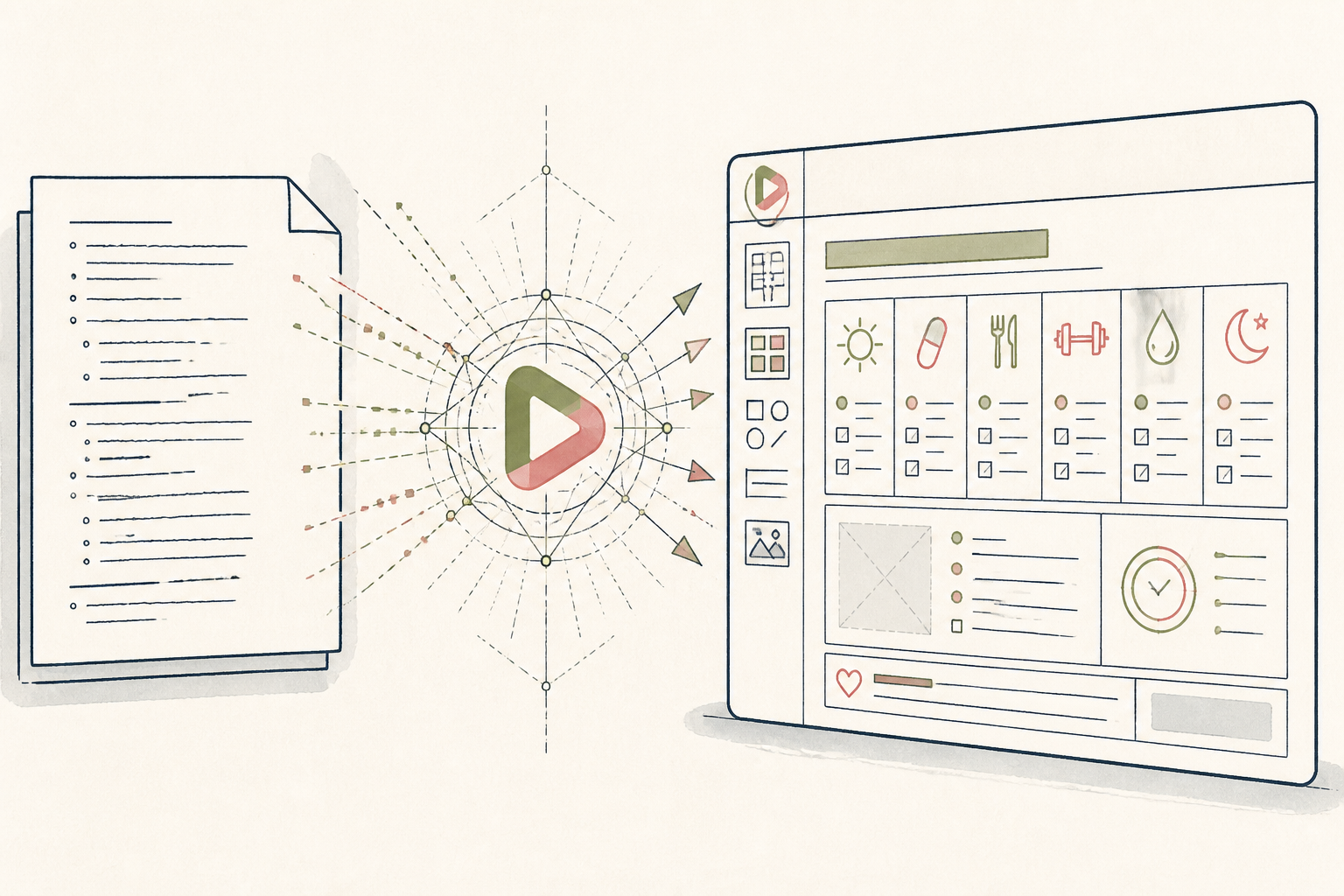
A detailed health protocol is only useful if followed. A plain text file is easy to misread and easier to ignore. This setup uses Canva's AI tools to translate that protocol into a simple, visual one-pager you can stick on the fridge, making daily adherence clear and immediate.
Before you start
- A Canva account (Free or Pro)
- Your health protocol as plain text (supplement list, dosages, schedule)
- 10 quiet minutes
The steps
- 01
Start with Your Data
Inside Canva, open a new Doc. Paste in the plain text of your health protocol—the what, when, and how much of your supplements, nutrition, or therapies.
- 02
Prompt Magic Design
Select all the text, click the 'Magic' sparkle icon, and choose 'Summarize'. Once you have a summary, select that and use Magic again to 'Generate a presentation'.
- 03
Select a Clear Layout
Magic Design will generate several visual starting points. Ignore the flashiest and choose the one with the clearest information hierarchy; you're building a daily reference tool, not a marketing slide.
- 04
Isolate the Protocol Layer
Now, edit the text to be ruthlessly concise. This step translates the final `Protocol` layer from your research into a daily artifact. Remove the 'why' and leave only the actionable instructions.
- 05
Add a Tracking Element
Manually add a simple grid or a series of checkboxes for each day of the week next to each item. This turns the static infographic into an active tool for tracking adherence.
- 06
Export for Use
For a practitioner, apply your Brand Kit for consistency and export as a PDF. For personal use, export as a 'PDF for Print' to create a high-quality physical copy for your fridge or desk.
Honest note
Canva’s AI is a layout artist, not a clinician. It will generate a beautiful design for a nonsensical or dangerous protocol with equal enthusiasm. The medical validity of the information you input remains entirely your responsibility.
Want the whole stack, not just one tool?
The free 10-Day Challenge wires these together. Or join the free 45-min live workshop and watch me build it end-to-end.