Workspace · Setup in 10 min· Setup Pass
Set up Brik for a custom breathwork visual in 10 minutes
Generate an embeddable 3D motion graphic to pace your specific inhalation and exhalation ratios.
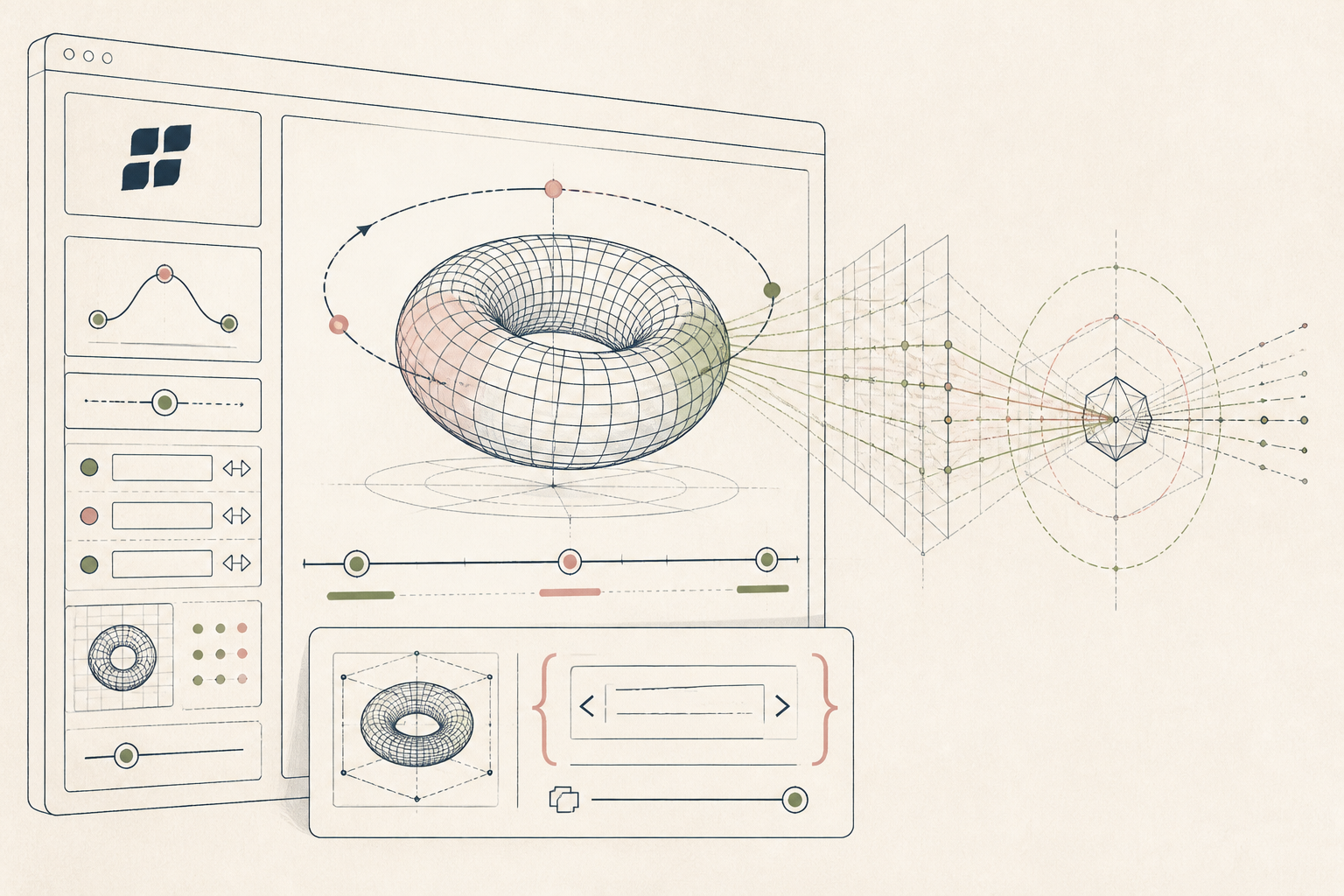
Standard breathing apps restrict you to their predefined rhythms and visual styles. This setup directs Brik to generate a custom, embeddable 3D graphic matched to your exact timing protocol, giving you a visual pacer you can drop directly into your daily tracker or a client portal.
Before you start
- A Brik account.
- Your specific breathing timing (inhale, hold, exhale seconds).
- A digital workspace that accepts HTML embeds (Notion, personal site).
The steps
- 01
Define your protocol timings
Write down the exact seconds for your inhale, top hold, exhale, and bottom hold. In the 3-Layer Method, this sits in your Protocol layer. You need these numbers clearly defined before you write the generation prompt.
- 02
Prompt the base 3D object
Open a new Brik project and instruct the tool to generate a simple geometric shape. Specify a smooth sphere or expanding ring to avoid sharp edges that distract from the relaxation response.
- 03
Apply the timing parameters
Direct the text prompt to animate the object scale according to your protocol. State explicitly: 'Expand the sphere over 4 seconds, pause for 7 seconds, shrink over 8 seconds, and loop this sequence continuously.'
- 04
Mute the visual styling
Edit the background and lighting settings to reduce screen glare. Ask Brik for a dark background with a soft, monochromatic light source so the visual does not disrupt your ambient lighting or evening routine.
- 05
Embed the interactive graphic
Copy the generated HTML iframe code. Paste this into your personal daily tracker or your client-facing page, creating an immediate, single-purpose visual guide without requiring an external app download.
Honest note
Brik is a rapid generation tool, not a precision timing instrument. Animation playback speeds can drift depending on your device's browser performance, meaning a four-second visual expansion might not equal exactly four seconds of real time.
Want the whole stack, not just one tool?
The free 10-Day Challenge wires these together. Or join the free 45-min live workshop and watch me build it end-to-end.