Workspace · Setup in 5 min· Setup Pass
Set up Apple Notes for Symptom Journaling in 5 minutes
Use Apple Intelligence to summarize your daily health observations and find patterns in your symptoms.
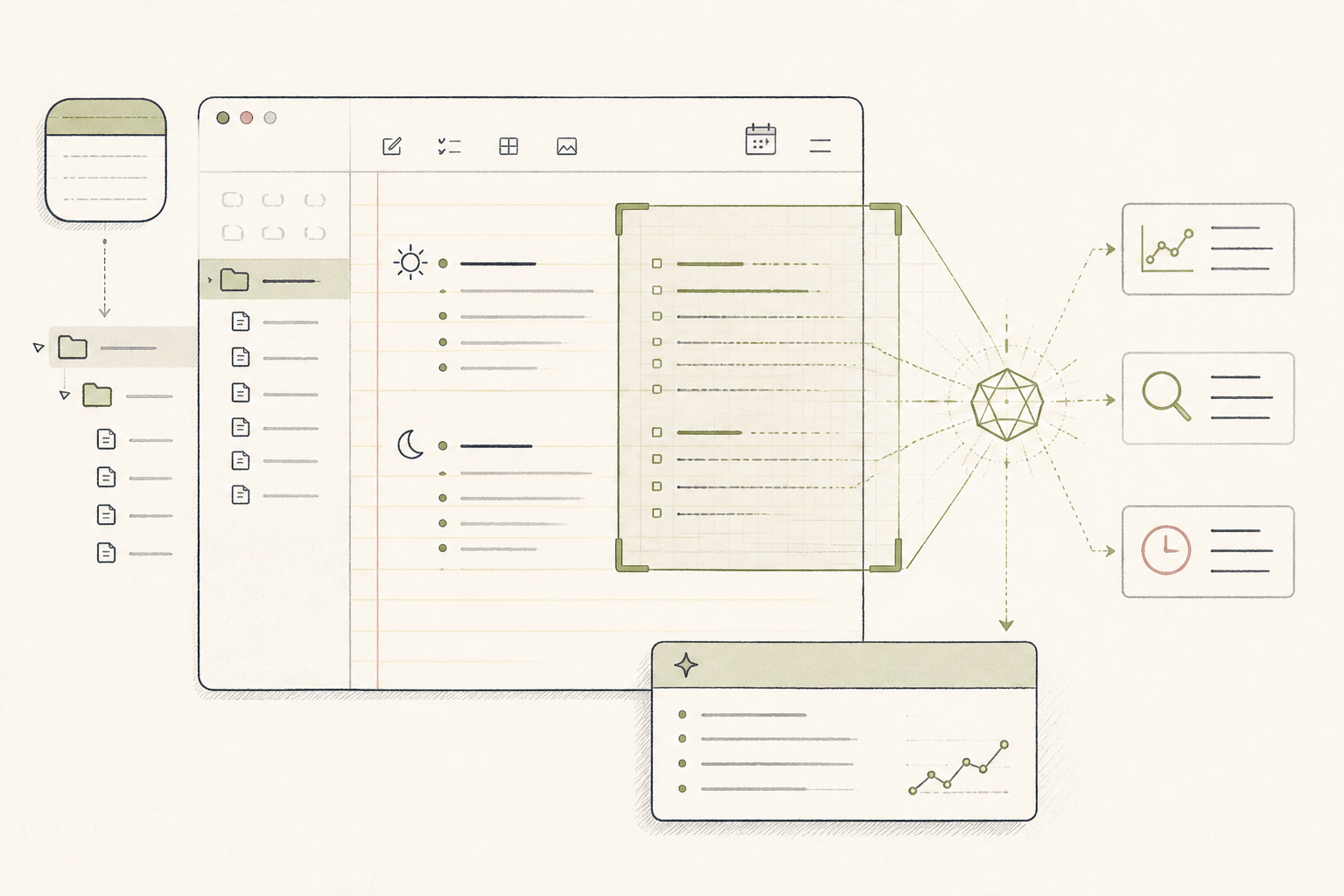
The best symptom journal is the one you use consistently. Apple Notes is already on your devices, making it a low-friction place to log daily observations. This setup uses a dedicated folder and Apple's on-device intelligence to help you spot patterns without adopting a new app.
Before you start
- An iPhone, iPad, or Mac with Apple Intelligence
- The Apple Notes app
- 5 quiet minutes
The steps
- 01
Create a "Ledger" Folder.
Open Notes and create a new folder named "Health Ledger". This will house all your raw qualitative data, separating it from other notes. This is the "Ledger" layer of the 3-Layer Method, acting as your single source of truth for daily observations.
- 02
Create a Daily Entry Template.
In your new folder, create a note named "Template". List a few key items: "Sleep Quality (1-10)", "Energy (1-10)", "Symptoms", and "Training". Pin this note to keep it at the top of the folder for easy duplication.
- 03
Log Your First Observation.
Each day, create a new note titled with the date (e.g., YYYY-MM-DD). Use your template to fill in the details. The goal is fast, consistent capture, not a detailed diary.
- 04
Use Smart Search to Find Connections.
After logging for a week, use the search bar to query your own data. Try natural language searches like "days I had low energy" or "notes that mention headache". Apple Intelligence will look inside the notes, not just at titles.
- 05
Generate a Weekly Summary.
For a practitioner review or personal reflection, copy the text from the last seven days of notes into a new, temporary note. Select all the text, tap the AI icon, and choose "Summarize". This creates a concise digest of your week.
Honest note
Apple Intelligence summaries are a good starting point but can miss nuance or create plausible but incorrect correlations. The system is pattern-finding, not diagnosing cause-and-effect. It is not a substitute for clinical advice, and its utility is entirely dependent on the consistency and quality of your logged data.
Want the whole stack, not just one tool?
The free 10-Day Challenge wires these together. Or join the free 45-min live workshop and watch me build it end-to-end.