Wearables · Setup in 5 min· Setup Pass
Set Up Apple Health for Data Export in 5 Minutes
Configure your iPhone to export all raw health data, from HRV to sleep cycles, for analysis in any AI chat tool.
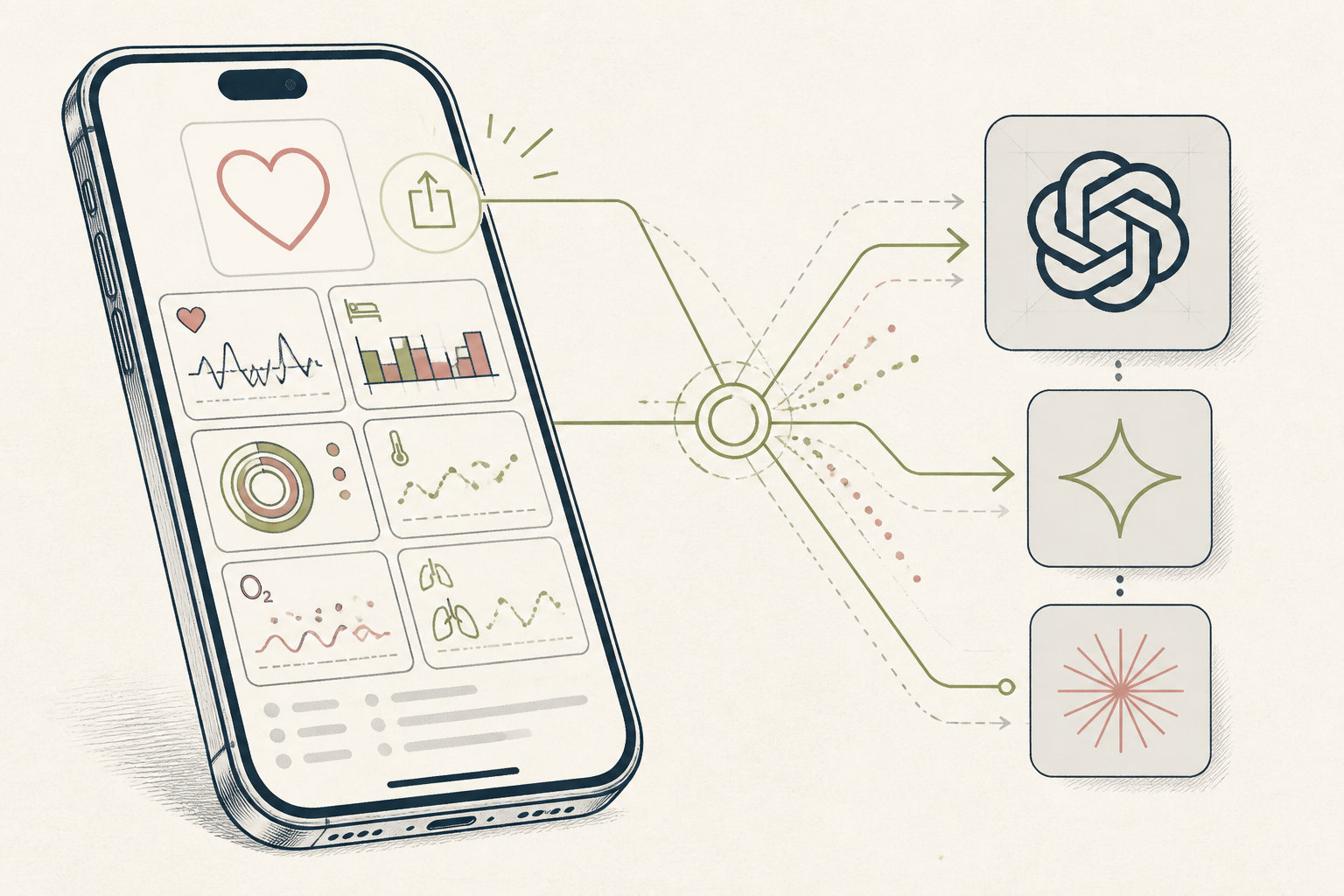
Your health data is collected automatically, but it remains siloed inside Apple's Health app, visible only in simple dashboards. To run any kind of sophisticated analysis, you first need to get the raw data out. This guide configures that one-time export.
Before you start
- An iPhone with the Health app
- 5 quiet minutes
- A laptop or desktop computer
The steps
- 01
Locate the Export Function
Open the Health app on your iPhone. Tap your profile picture or initials in the top-right corner, then scroll to the bottom and tap "Export All Health Data."
- 02
Initiate the Data Export
Confirm by tapping "Export." Your iPhone will begin preparing a ZIP archive of your data. This may take several minutes if you have a long history saved.
- 03
Transfer the Archive
When the export finishes, the iOS Share Sheet will appear. AirDrop the file to your Mac, use another service to send it to your PC, or save it to your Files app.
- 04
Isolate the Core Data File
Unzip the archive, which is named `export.zip`. Inside, you will find several files; the largest and most important one is `export.xml`, which contains the full history of your health data.
- 05
Analyze Your Health Ledger
You can now upload this `export.xml` file to any modern AI chat tool. This file acts as your personal health Ledger, ready to be interrogated with specific prompts like, "Find the 10 days with my lowest HRV from the last year and list the recorded sleep duration for each."
Honest note
The raw XML export is extremely verbose and can overwhelm the context window of some language models. You are also uploading a comprehensive log of your personal health data to a third-party AI service, so proceed with a clear understanding of the privacy implications.
Want the whole stack, not just one tool?
The free 10-Day Challenge wires these together. Or join the free 45-min live workshop and watch me build it end-to-end.