Workspace · Setup in 8 min· Setup Pass
Set up Adobe Firefly for client communication in 8 minutes
Generate clear, consistent visuals for supplement protocols and client educational materials.
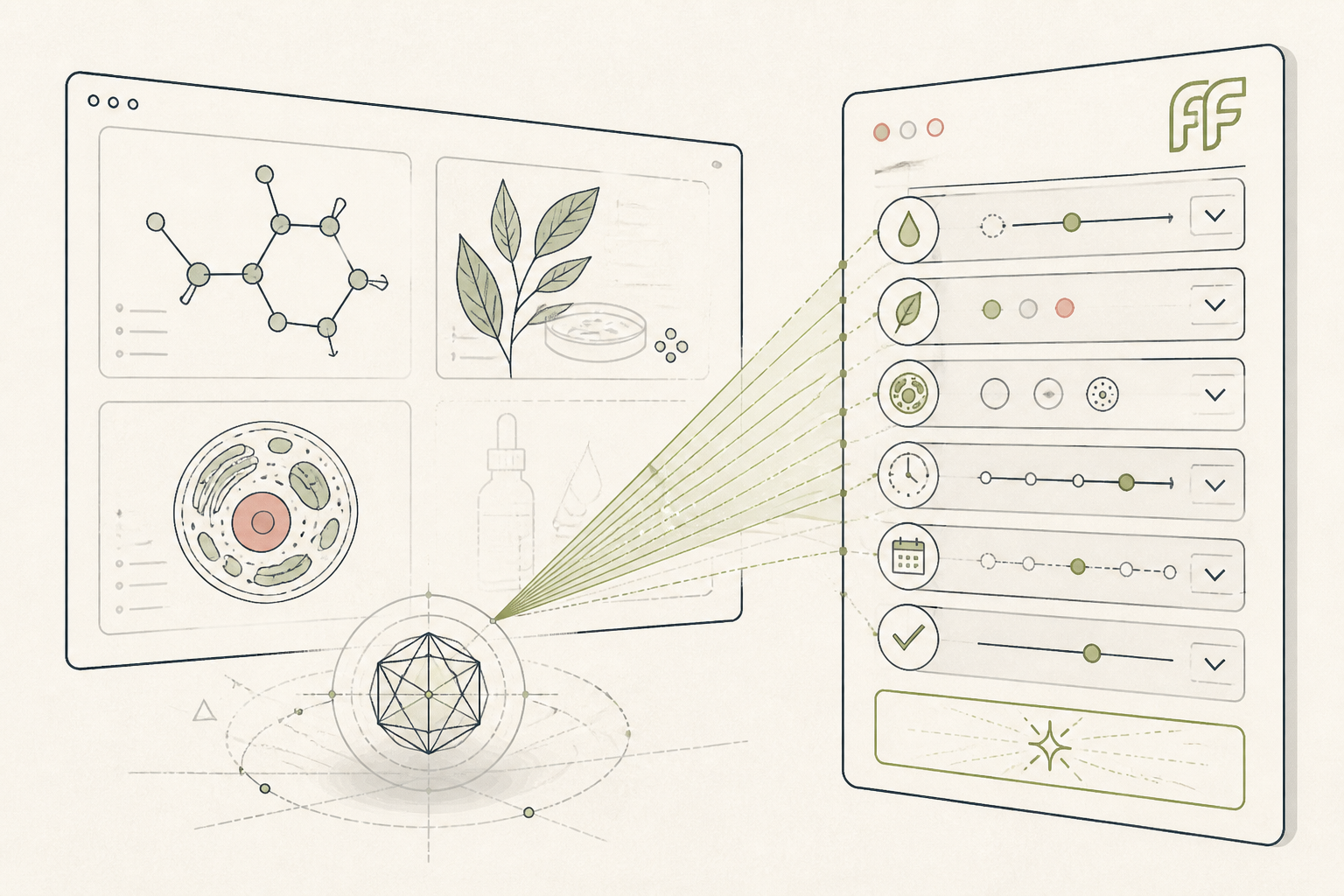
Clear visual aids improve client adherence and understanding. Stock imagery is often generic or misaligned with a specific protocol. This setup configures Firefly to produce consistent, high-quality images for your practice materials.
Before you start
- An Adobe Creative Cloud subscription
- A specific client protocol or concept to visualize
- 8 minutes for setup and first generation
The steps
- 01
Start a new Firefly project
Navigate to the Firefly web interface within your Adobe account. Select the 'Text to Image' module. This is your canvas for generating all visual assets for your client materials.
- 02
Define your visual style
In the right-hand panel, set 'Content Type' to 'Photo' and 'Aspect Ratio' to 'Square (1:1)' for consistency. Under 'Styles', use the 'Reference' option and upload an existing image that matches your desired aesthetic—clean, minimalist, and clinical is a good starting point. This reference image will guide Firefly to maintain a cohesive look across all generated visuals.
- 03
Generate a protocol-specific image
For the prompt, be specific and descriptive. Instead of 'vitamins', write 'close-up photo of three supplements in a small ceramic bowl: one round white magnesium tablet, one yellow vitamin D softgel, one green powdered chlorella capsule, on a light wood background, clean morning light'. This level of detail is crucial for creating accurate visuals that match a client's specific protocol.
- 04
Refine and save the image
Use the 'Generative Match' feature to select the model that best fits your needs; Firefly 2 generally produces more photorealistic results. Once you have a suitable image, download it. Save the specific prompt you used in your client's file or your notes; this makes it a reusable asset in your 'Ledger' of client-facing content.
- 05
Create a simple educational visual
Apply the same style settings to generate a conceptual image. For example, prompt 'diagram showing mitochondria inside a cell, clean lines, minimalist, no text labels'. This creates a clear, professional visual for explaining cellular energy concepts to a client, ready to be dropped into a handout.
Honest note
Firefly is trained on Adobe Stock and public domain content, making it safer for commercial use in your practice than many other image generators. However, it can be literal and lacks the deeper anatomical or biochemical knowledge to accurately depict complex medical concepts without very precise prompting; it is for illustrative, not diagnostic, purposes.
Want the whole stack, not just one tool?
The free 10-Day Challenge wires these together. Or join the free 45-min live workshop and watch me build it end-to-end.