Productivity & memory · Setup in 10 min· Setup Pass
Set up Gemini Study Notebooks in 10 minutes.
Turn one document you have been meaning to actually read into an adaptive AI tutor that quizzes you on it, drills the weak spots, and tracks whether it stuck.
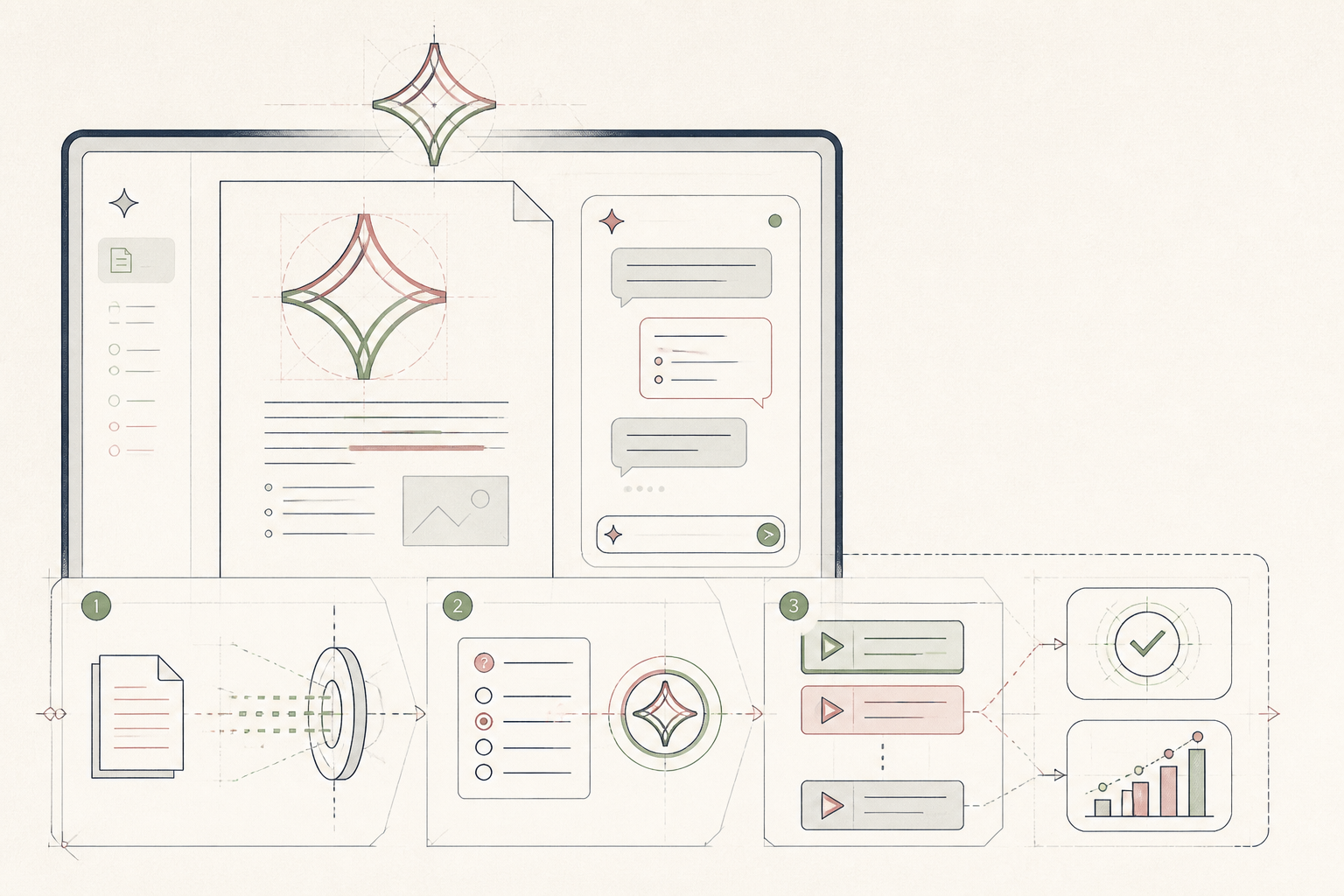
Gemini study notebooks are Google's adaptive AI tutor, free inside the Gemini app. You seed it with a source (a PDF, notes, slides, or just a topic), it runs a diagnostic quiz, then serves short lessons on what you got wrong and re-tests until it holds. This guide gets you to a working notebook and your first honest diagnostic in ten minutes.
Before you start
- A Google account signed into the Gemini app (web or mobile).
- One document or topic you actually want to learn — not five.
- 10 quiet minutes. The diagnostic is the point; do not multitask through it.
The steps
- 01
Pick one source, not a pile
Choose ONE PDF, one set of notes, or one clearly-scoped topic. A stack of ten PDFs makes a worse tutor than a single well-written one. If you do not have a document, write a one-paragraph goal — the tutor will scaffold from that.
- 02
Open Gemini and start a Study Notebook
Open the Gemini app. In the sidebar, choose Studio → Study notebook (or the study-notebook tile on the home surface if you are on mobile). Give it a plain name that matches the source, not the vibe — future-you needs to find it.
- 03
Seed it
Upload your PDF, paste notes, or type the one-paragraph goal. Add a single line under it: what you want to be able to explain out loud when you are done. That sentence tells the tutor what ‘learned’ means.
- 04
Take the diagnostic honestly
Ask for a 10-question diagnostic. Answer without looking anything up. This is the only step where being wrong is the correct outcome — every wrong answer becomes a targeted lesson. Getting a smug 10/10 by cheating gives you a tutor that teaches you nothing.
- 05
Do the first two lessons it suggests
After the diagnostic, it will surface short lessons on the weak spots. Do two. Ask follow-up questions in-thread; ask it to slow down, use a different analogy, or give a worked example. This is where the ‘adaptive’ starts feeling real.
- 06
Set a weekly return
Add a 20-minute calendar block once a week. That is when the re-test happens and the dashboard becomes meaningful. Daily is worse — you will re-test material you have not slept on.
- 07
Read the dashboard monthly, out loud
Once a month, open the dashboard and try to explain each ‘mastered’ topic out loud without opening the notebook. If you cannot, downgrade it yourself and re-test. The dashboard is a hypothesis; your mouth is the test.
Honest note
This is a consumer feature inside a general-purpose chatbot. It is not a medical education tool, it is not a substitute for a clinician, and it is only as good as the source you seed it with. Do not upload identifiable client material. Treat "mastered" as "retained", not "correct" — the tutor cannot fact-check a bad source. If it starts flattering every answer, retire the session; a good tutor lets you be wrong.
Want the whole stack, not just one tool?
The free 10-Day Challenge wires these together. Or join the free 45-min live workshop and watch me build it end-to-end.